Two very different kinds of AI editing
AI photo tools fall into two camps, and confusing them causes most of the distrust in this space. Generative tools invent pixels: they add furniture to empty rooms, swap skies, remove walls, fill lawns that were patchy. Corrective tools invent nothing: they rebalance the light the camera captured, straighten the lines the lens tilted, and restore the colour the sensor misread.
The first camp changes the property. The second changes only the photograph. When people say they are wary of AI listing photos, they are almost always describing the first camp - often without realising the second exists.
Where the honest line actually sits
The practical test is simple: could a good camera, used correctly, have captured this image on the day? Correcting exposure, recovering a blown window, straightening verticals and neutralising colour all pass that test - a professional with the right settings would have produced exactly that frame.
Adding a dining set to an empty room fails it. So does erasing a crack in the wall, greening a dead lawn, or replacing a grey sky with a sunset. Those edits create a property that does not exist, and that is where buyers feel deceived, guests leave bad reviews, and platforms intervene.
- Honest: exposure and shadow recovery, white balance, window detail, perspective correction, contrast, sharpening, consistency between photos.
- Dishonest: adding or removing furniture, fixing physical damage, altering views, changing room dimensions, replacing skies or seasons.
The uncomfortable truth: your camera already misrepresents the room
Here is the part that reframes the whole debate. An uncorrected photo is not the honest version of your property. Phone cameras routinely make rooms darker than they are, smaller than they are, and more orange or blue than they are. A window that your eye sees perfectly becomes a white hole in the frame because a sensor cannot hold both ranges of light at once.
Buyers and guests do not experience the property through a sensor. They walk in with human vision, which adapts to mixed light and sees detail in shadows and highlights simultaneously. Corrective enhancement does not make the photo better than reality - it closes the gap between a limited capture and the room a visitor will actually stand in.
How ProLister stays on the right side of the line
ProLister was built as a corrective tool, deliberately. Every enhancement starts from your real photo and adjusts only what a better capture would have produced: light, colour, verticals, clarity and consistency. The room, the furniture, the finishes and the view are never generated, moved, removed or replaced.
That constraint is not a limitation - it is the product. Listings enhanced this way survive the moment of truth: the viewing or check-in, when the guest or buyer compares the photos to the room in front of them and finds them matching. That match is what drives five-star reviews, smooth sales and zero platform complaints.
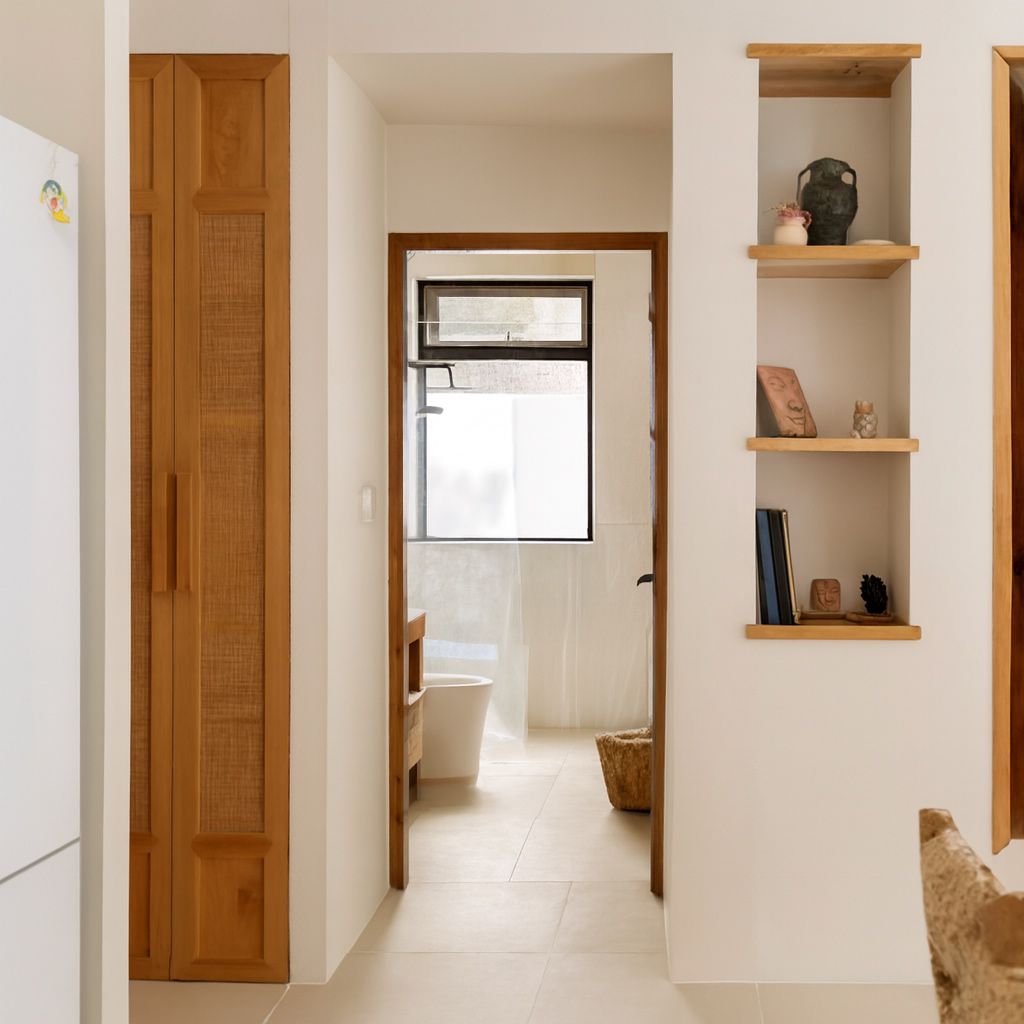
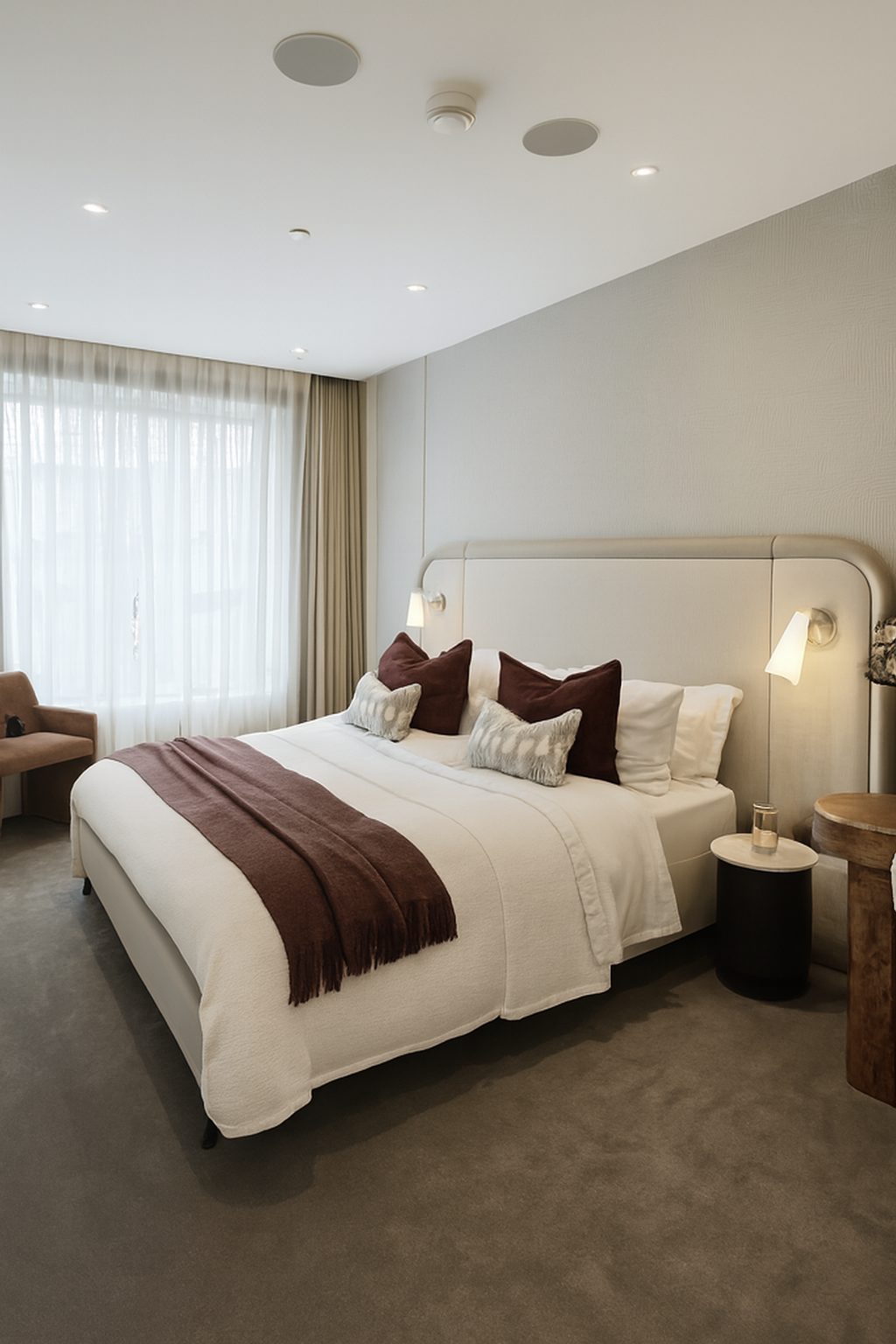
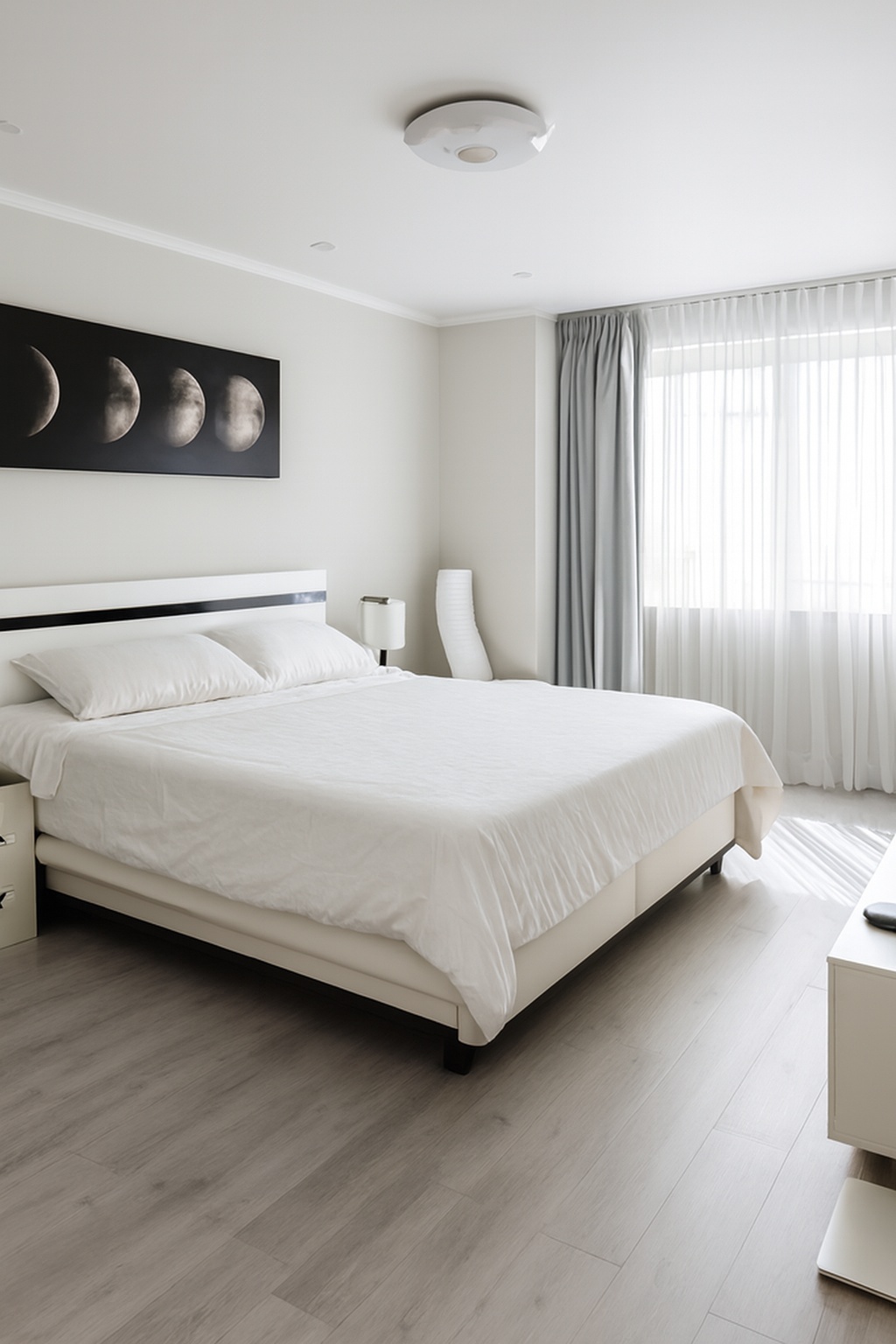
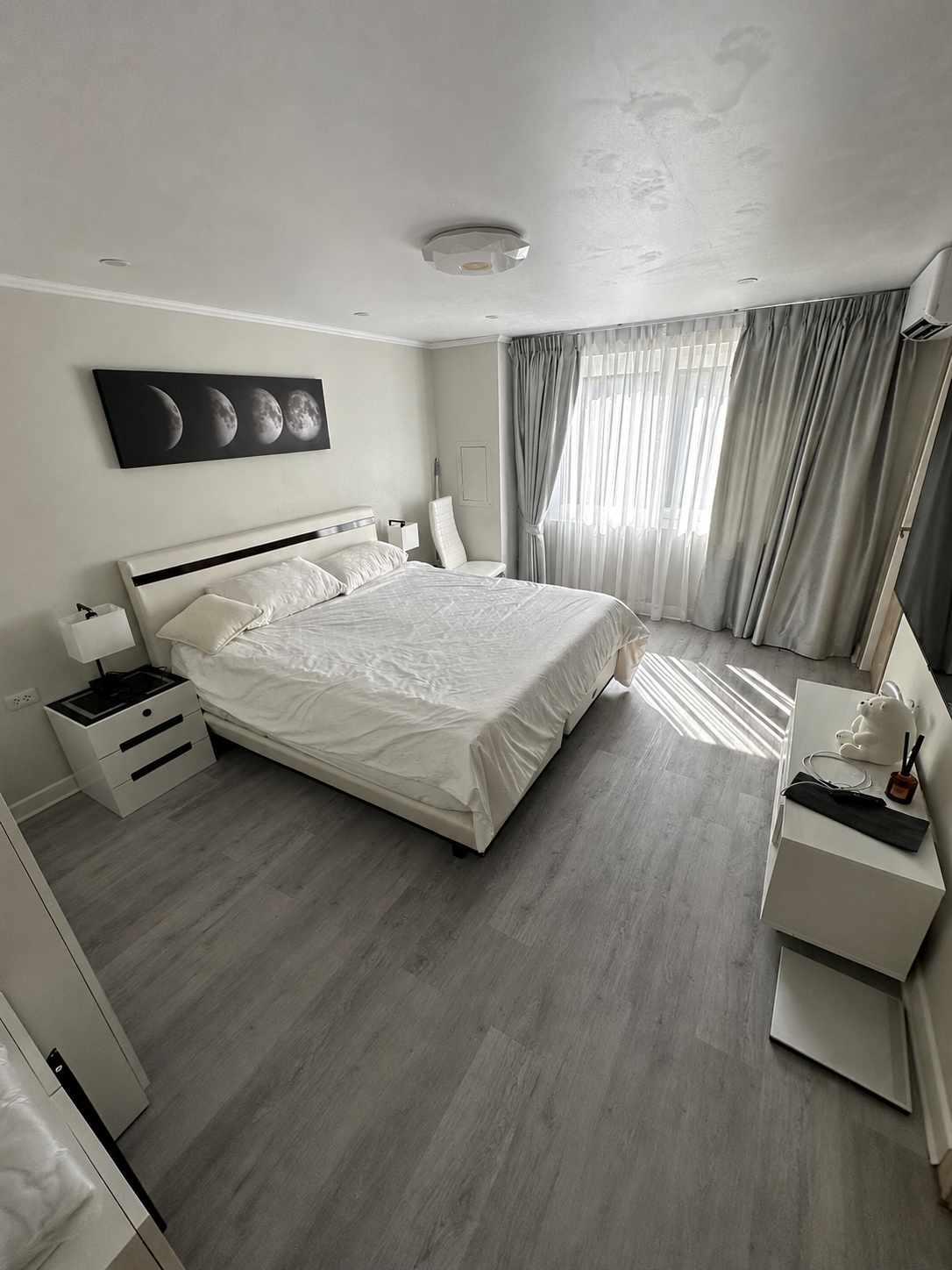
If you want to verify it, the test costs nothing: upload one of your own photos and compare the result side by side. The before and after show the same room - one as your phone captured it, one as it actually looks.
What the platforms allow
Airbnb, Vrbo, Booking.com and the MLS systems all publish variations of the same rule: photos must accurately represent the property. Corrective enhancement satisfies this comfortably because it represents the property more accurately than the raw capture did.
Where platforms and buyer-protection rules bite is material alteration - editing that would make a visitor feel the listing promised something the property does not have. Stay in the corrective camp and you are not just safe; you are closer to the spirit of the rule than most unedited listings are.
Frequently asked questions
Does AI enhancement change what my property looks like?
With a corrective tool like ProLister, no. It adjusts exposure, colour, perspective and clarity - the things a better camera capture would have gotten right on the day. The room, furniture, finishes and view stay exactly as they are.
What is the difference between enhancing and altering a photo?
Enhancing corrects how the camera rendered the scene. Altering changes the scene itself - adding furniture, removing damage, swapping skies. The test: could a skilled photographer have captured this exact image with the right settings? If yes, it is enhancement.
Are AI-enhanced photos allowed on Airbnb and the MLS?
Yes, provided the photos accurately represent the property - which corrective enhancement does. Platform rules target material misrepresentation, not exposure or colour correction, which professional photographers have applied to listing photos for decades.
Won't guests or buyers feel the photos oversold the property?
The opposite usually happens. Raw phone photos undersell rooms - darker, smaller, colder than reality. Corrected photos match what visitors see when they walk in, which is why enhanced listings tend to get better post-visit feedback, not worse.