Correction versus invention
Every photo is already an interpretation. A camera makes decisions about exposure, white balance and contrast the moment you press the shutter, and it usually gets at least one of them wrong indoors. Correcting those decisions is not deception - it is bringing the file closer to what a person standing in the room actually saw.
Misrepresentation is something else entirely. It means changing facts: removing a pillar, widening a room, replacing a view, deleting damage, or adding furniture to an empty space without disclosure. Those edits change what a buyer or guest is agreeing to, and no amount of technical polish makes them acceptable.
The useful test is simple. If a visitor walked into the property and felt surprised in a negative way by something the photo showed, the edit went too far.
Two very different kinds of AI editing
AI photo tools fall into two camps, and confusing them causes most of the distrust in this space. Generative tools invent pixels: they add furniture to empty rooms, swap skies, remove walls, fill lawns that were patchy. Corrective tools invent nothing: they rebalance the light the camera captured, straighten the lines the lens tilted, and restore the colour the sensor misread.
The first camp changes the property. The second changes only the photograph. When people say they are wary of AI listing photos, they are almost always describing the first camp - often without realising the second exists.
What responsible enhancement actually touches
Good enhancement works on how the scene was recorded, not on what was in it.
- Exposure: recovering blown-out windows and lifting shadow detail so both interior and exterior read naturally.
- White balance: removing the orange cast of tungsten bulbs or the blue cast of overcast daylight.
- Vertical alignment: straightening walls and door frames that lean because of lens perspective.
- Contrast and clarity: restoring the depth a phone sensor flattens in mixed light.
- Noise reduction: cleaning grain in darker rooms without smearing texture.
- Consistency: matching brightness and colour temperature across a full set so the gallery feels coherent.
What it must never do
The following edits change the property rather than the photograph, and they are the reason the question in this article's title gets asked at all.
- Adding, removing or resizing rooms, windows, doors or structural features.
- Replacing a window view with a different landscape or sky that was never there.
- Erasing damage, damp, cracks, wear or clutter that a visitor would still find on arrival.
- Inserting furniture, appliances or decor into an empty space without labelling it as virtual staging.
- Removing neighbouring buildings, power lines, roads or anything that defines the setting.
- Stretching a wide-angle frame further to make a small room appear larger.
The uncomfortable truth: your camera already misrepresents the room
An uncorrected photo is not the honest version of your property. Phone cameras routinely make rooms darker than they are, smaller than they are, and more orange or blue than they are. A window that your eye sees perfectly becomes a white hole in the frame because a sensor cannot hold both ranges of light at once.
Buyers and guests do not experience the property through a sensor. They walk in with human vision, which adapts to mixed light and sees detail in shadows and highlights simultaneously. Corrective enhancement does not make the photo better than reality - it closes the gap between a limited capture and the room a visitor will actually stand in.
How listing platforms treat edited photos
The common thread across platform and industry guidance is accuracy. Airbnb tells hosts that guests expect a place to look just like its photos. In the US, the NAR Code of Ethics (Article 12) requires REALTORS® to present a true picture in their advertising. Ordinary colour correction, exposure fixes and straightening are standard post-processing in real estate photography; what matters is that the result still shows the property as it is.
The risk is factual inaccuracy. A room that looks different in person, undisclosed virtual staging, or a view that does not exist can lead to complaints, refund disputes or action under platform policies. Rules and enforcement vary by platform, MLS and country, so check the current terms for each one you use.
If you use virtual staging, our recommendation is to disclose it clearly in the caption or description, and to check your MLS and local rules, which may require it. It is a legitimate marketing tool when labelled and a liability when hidden.
Why realistic photos also perform better
Beyond compliance, over-edited photos are commercially worse. Buyers and guests compare the images to the reality within minutes of arriving, and any gap becomes distrust. In rentals, that gap turns into a review that costs far more than the booking was worth.
Overly processed images also read as edited even to people who cannot explain why. Halos around windows, unnatural blue skies, glowing walls and plastic-looking surfaces all signal that something is being hidden - which makes viewers scrutinise the listing instead of enjoying it.
Restraint is the professional look. The strongest listing photo is one that makes a visitor say the place looked exactly like this, only the light was better in the picture.
How ProLister handles the boundary
ProLister is built as a correction tool, not a generator. It works on the photo you upload: light, colour, verticals, contrast and clarity. It does not add rooms, invent views, remove structural elements or fabricate furniture.
Because the output is derived from your own frame, the geometry and contents of the space stay intact. What changes is the quality of the recording - the part a camera got wrong.
If a room needs decluttering or staging, the honest fix is to do it before you shoot. That takes ten minutes and removes the question entirely.
The boundaries ProLister works within
ProLister is deliberately built as a correction tool, not a generation tool. It balances light, neutralises colour, straightens verticals and removes lens distortion, and it is instructed to preserve every piece of furniture, fixture, material and architectural detail exactly as photographed.
It does not add furniture to empty rooms, delete permanent features, change worktops or flooring, replace views through windows, or reconstruct parts of a space the camera never captured. Where a correction would require inventing unseen content, the original is preserved instead.
That is the standard you should hold any enhancement tool to before putting its output on a public listing - and it is the reason the results stay defensible if a buyer or guest compares the photo to the room.
Frequently asked questions
Is AI enhancement of listing photos legal?
Yes. Correcting exposure, colour and perspective is standard practice and permitted everywhere. What is not permitted is misrepresenting the property - changing its structure, condition or surroundings, or presenting undisclosed virtual staging as real.
Will Airbnb or Zillow remove enhanced photos?
We are not aware of platform rules against ordinary light, colour and perspective correction. The risk comes from images that misrepresent the property. Platform policies change, so review the current Airbnb and Zillow terms for your listing.
Does ProLister add furniture or change rooms?
No. It corrects lighting, colour, verticals and clarity on the photo you upload. It does not add objects, remove structural features or alter the layout of a space.
Should I disclose that photos were enhanced?
Standard corrections do not require disclosure any more than a professional photographer's editing does. Virtual staging should always be disclosed clearly.
What is the difference between enhancing and altering a photo?
Enhancing corrects how the camera rendered the scene. Altering changes the scene itself - adding furniture, removing damage, swapping skies. The test: could a skilled photographer have captured this exact image with the right settings? If yes, it is enhancement.
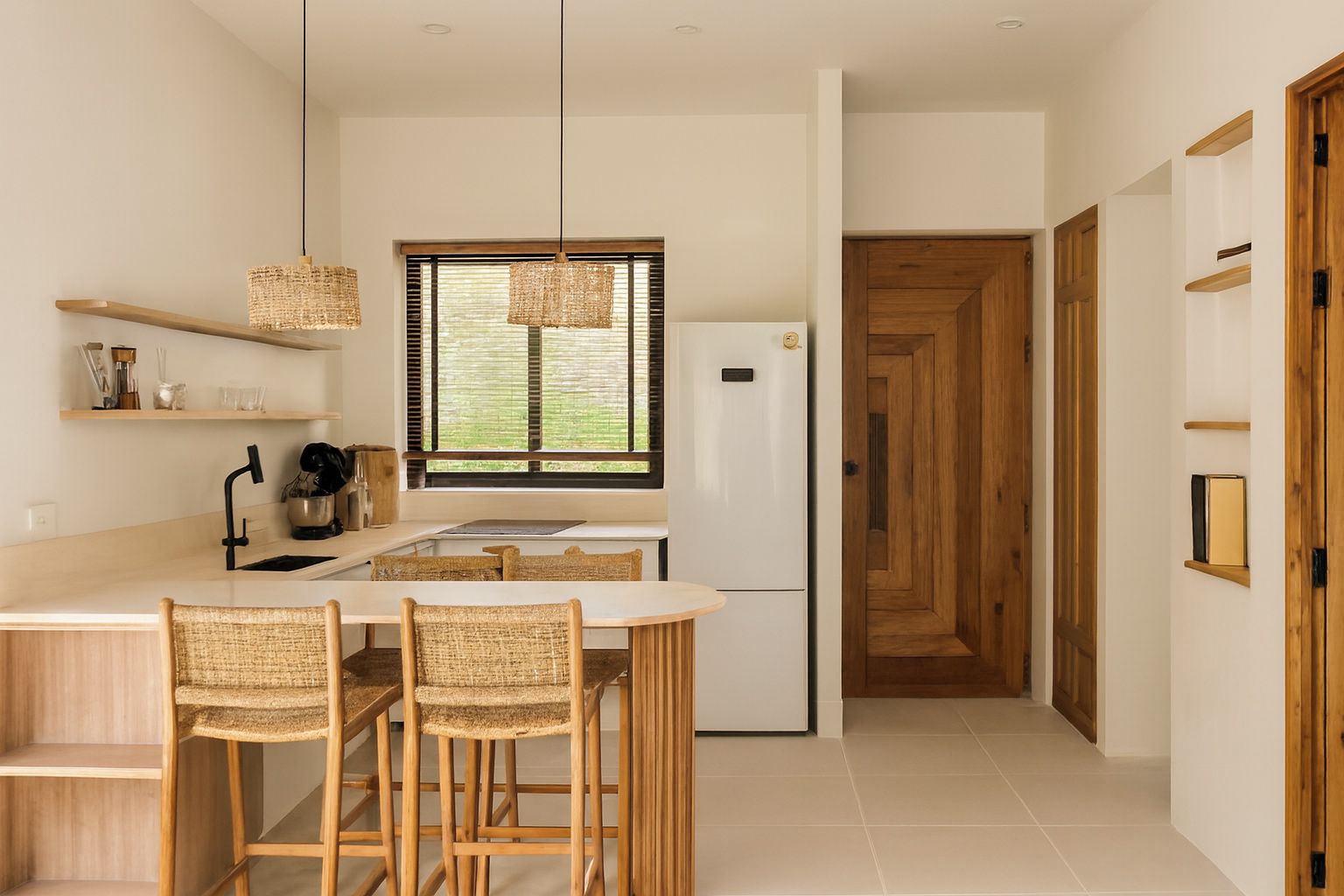
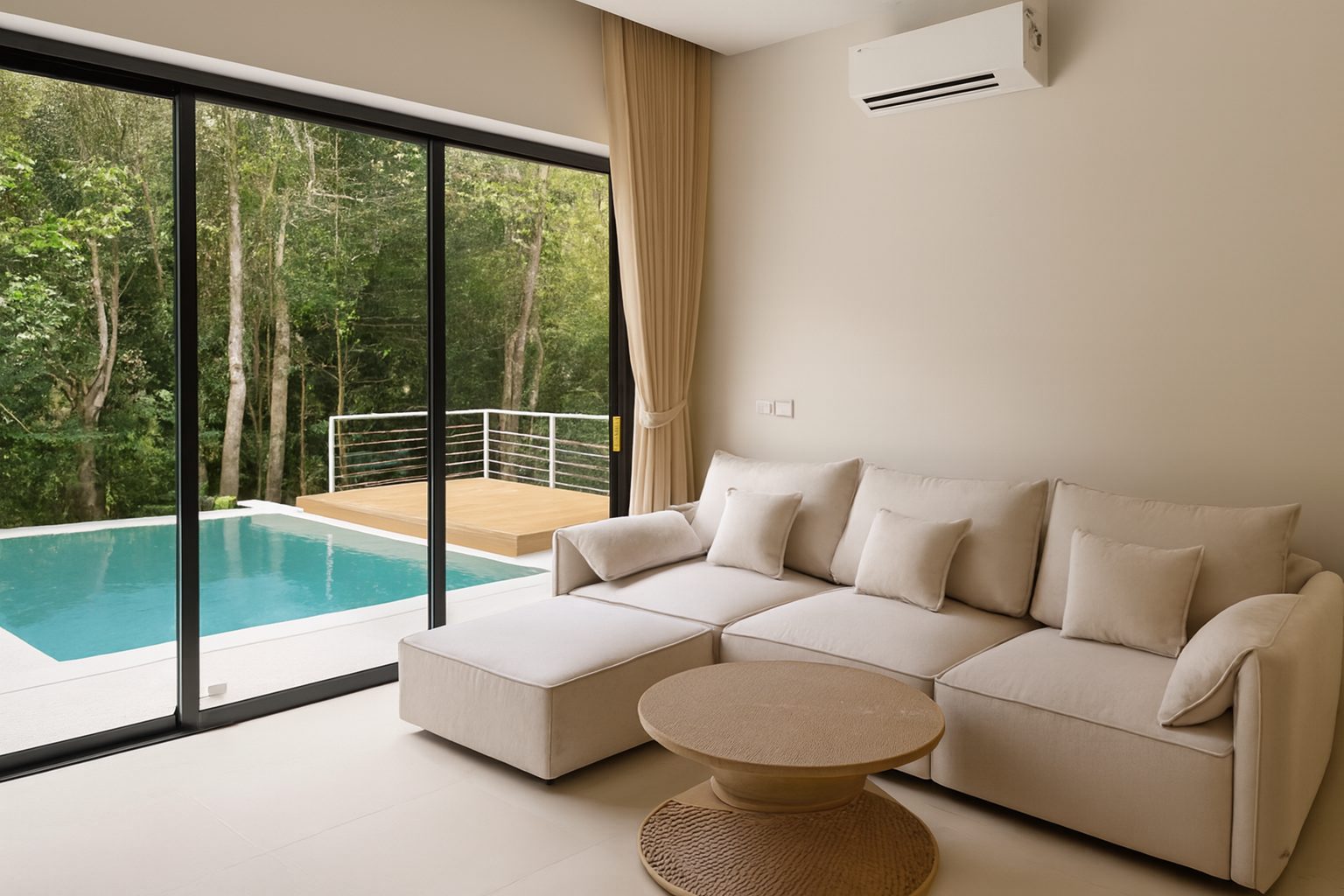
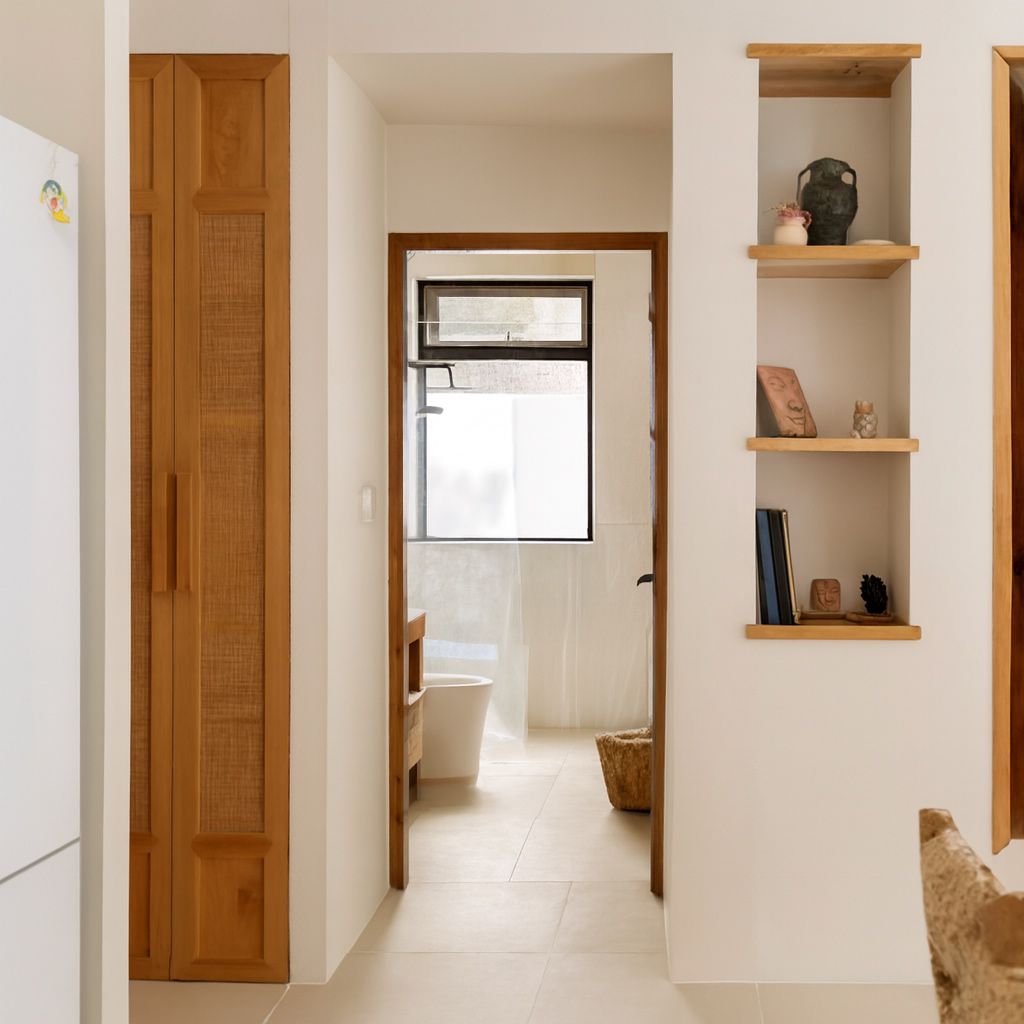
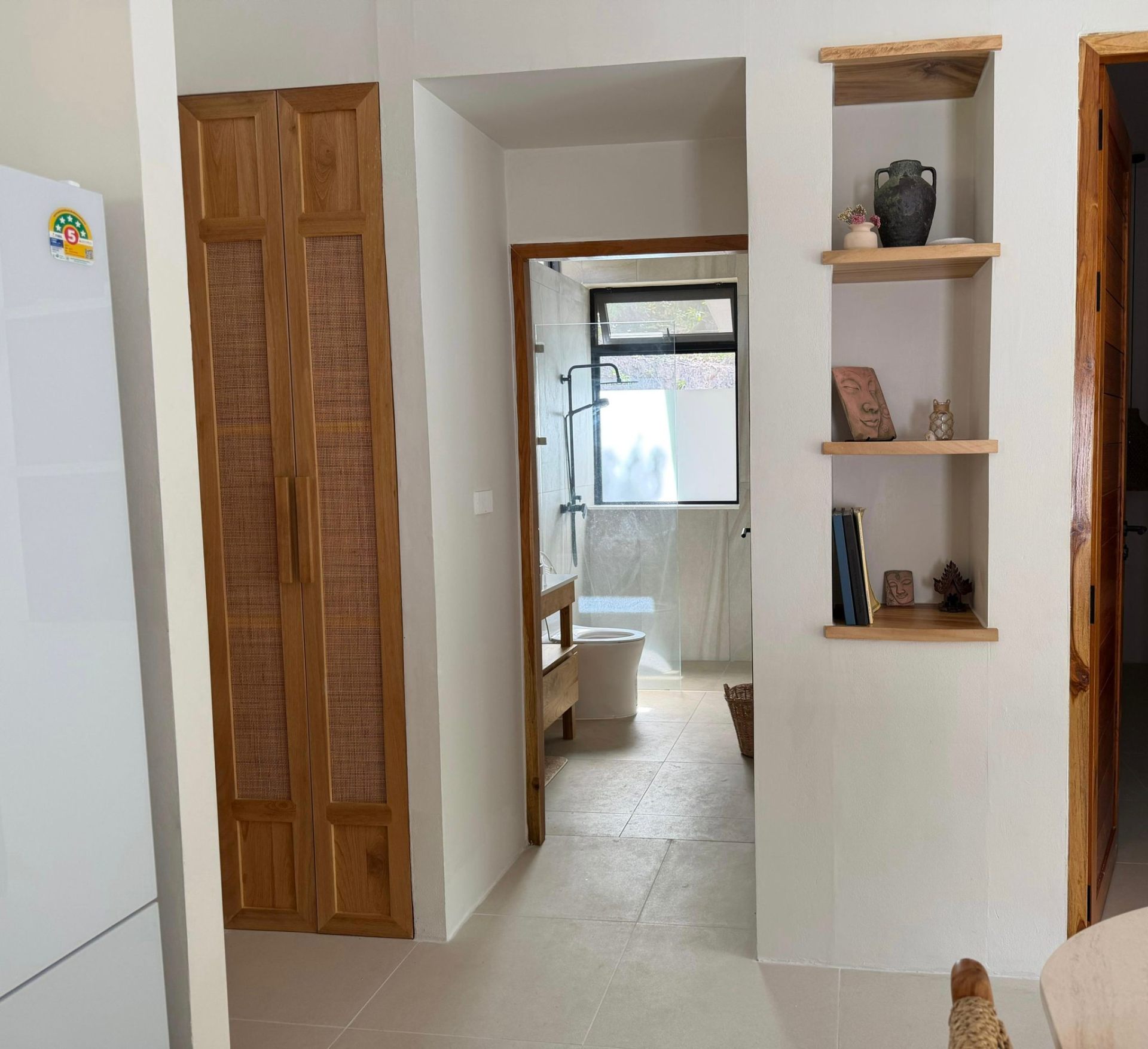
What changed, and what did not
This panel describes how ProLister's own enhancement behaves, based on our product testing on real listing photos. It is not independent industry research.
What changed in the photo
- Brightness and shadow detail in dark areas
- Colour temperature (orange or blue casts neutralised)
- Contrast and clarity
- Window exposure, so the view outside is visible
- Vertical alignment of walls and door frames
- Digital noise in darker rooms
What did not change
- The room's layout, dimensions and architecture
- Furniture, appliances and decor
- Wall, floor and worktop finishes and materials
- The view through the windows
- The property's condition, including wear and damage
- Anything the camera did not capture in the original frame
What AI can and cannot safely do to a listing photo
| Edit | Safe to publish? |
|---|---|
| Correct exposure, colour, contrast and verticals | Yes - standard photographic finishing |
| Recover blown-out windows and shadow detail | Yes - shows what a visitor's eye would see |
| Unify brightness and colour across a photo set | Yes - presentation only |
| Add or remove furniture, or restyle a room | Only as clearly labelled virtual staging |
| Erase damage, damp, cracks or wear | No - misrepresents the property's condition |
| Replace views, skies or seasons | No - changes what the property offers |
| Stretch or widen a room's apparent size | No - misrepresents the space |
The "safe" column reflects platform accuracy rules (see the sources below) and our editorial recommendation. Always check the current policy of each platform, MLS and local regulation you list on.