
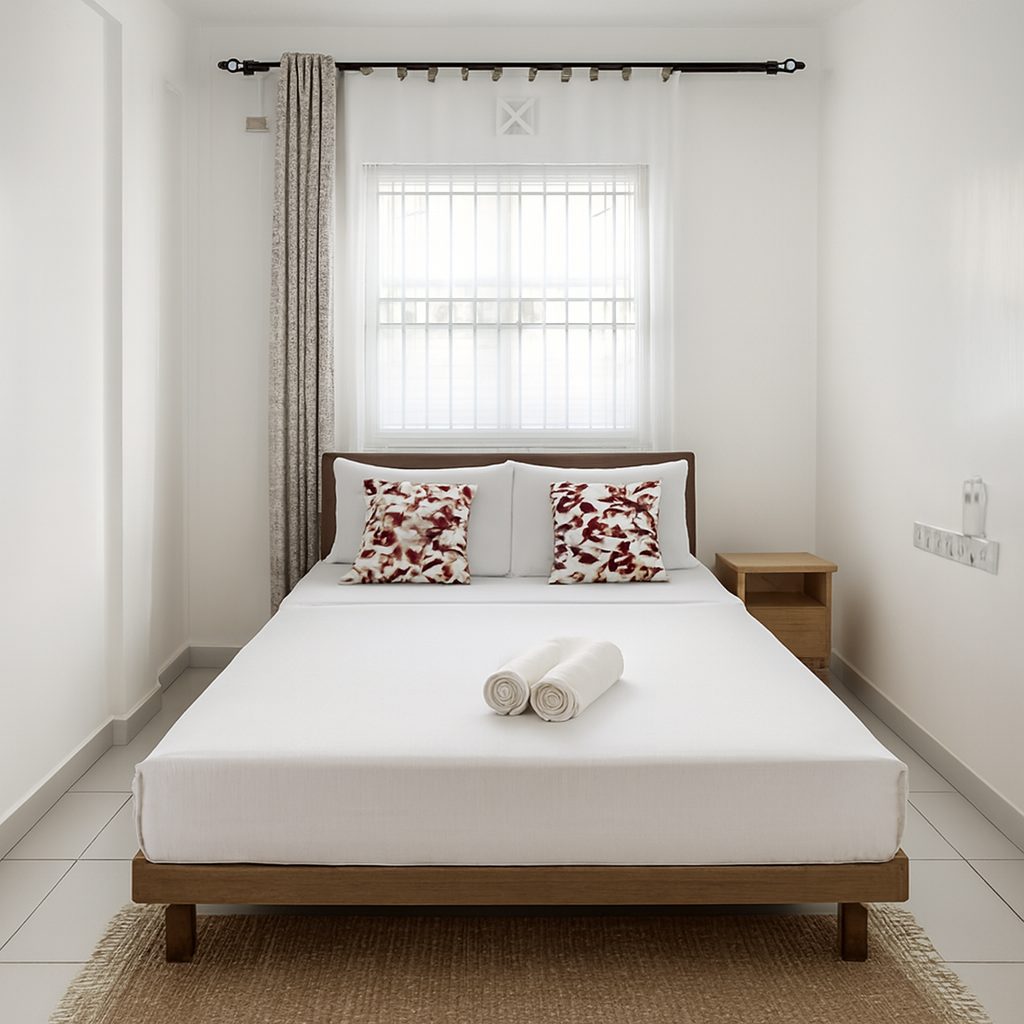
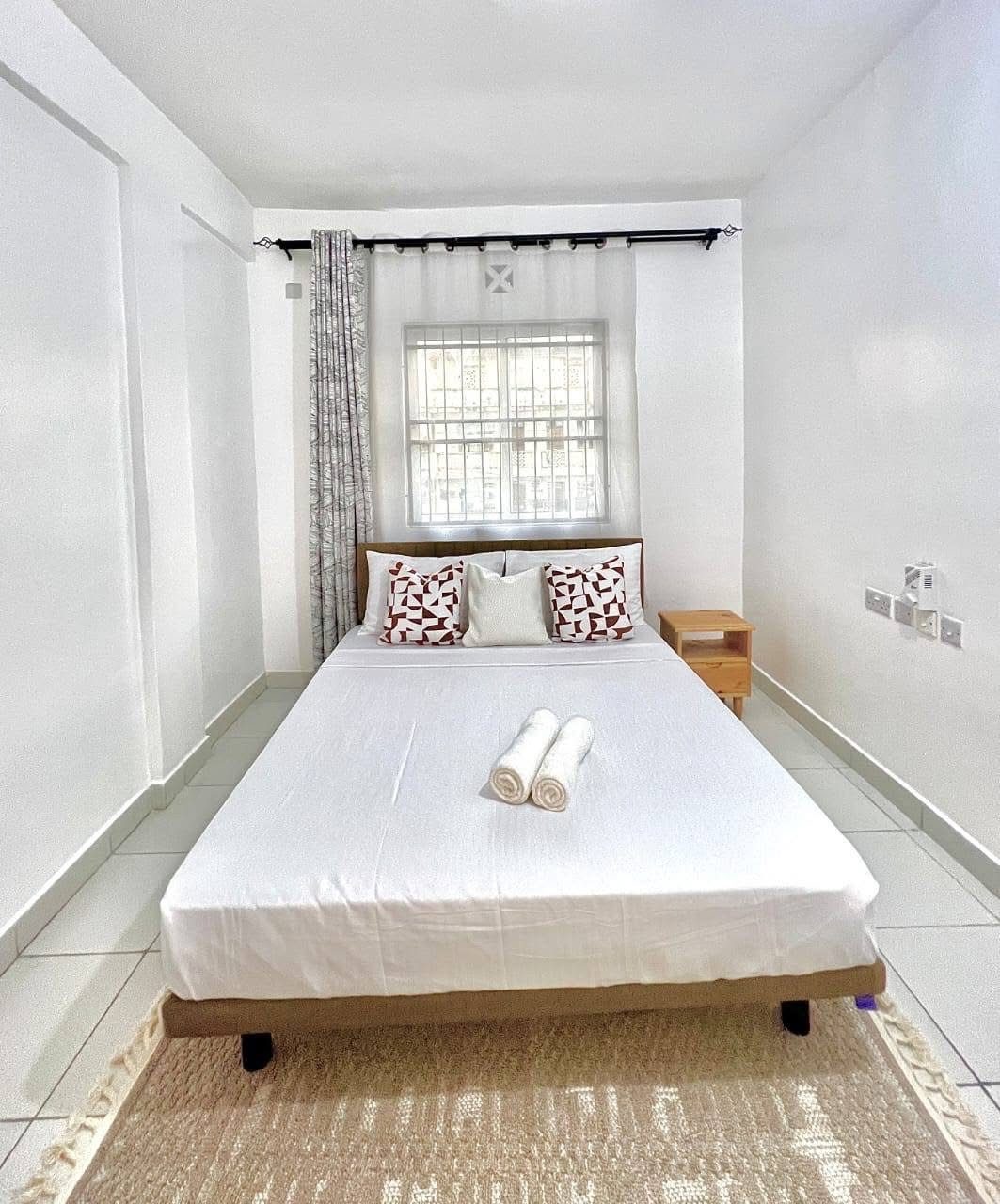
Renters shortlist by the first photo
On rental sites, people scroll a grid of thumbnails and open the few that look bright, clean and well kept. Dark, tilted phone photos make a good unit look neglected.
Better photos don't change the rent you ask for. They change how many people open your listing and get in touch.
What ProLister fixes
- Dim rooms brightened and evened out
- Yellow and blue colour casts removed
- Leaning walls and tilted horizons straightened
- Sharper detail that still reads at thumbnail size
- HD files ready for Zillow Rentals, Apartments.com, Furnished Finder, Facebook Marketplace and your own site
Accurate, so viewings go well
ProLister never adds furniture, hides wear, changes the view or virtually stages a room. It only corrects how the photo was captured.
Renters who visit see the unit they expected. That saves you wasted viewings and keeps your listing in line with platform rules on accurate photos.
How it works
- Shoot each room in daylight with every light on, from a corner at chest height, in landscape.
- Upload a JPG or PNG.
- Download the listing-ready version a few seconds later.
- Not quite right? Refine it for half a credit.
What it costs
Your first 2 photos are free. After that, credit packs are one-time purchases with no subscription: 10 photos for $9.99, 25 for $19.99 and 50 for $34.99. Credits do not expire.
Helpful guides
ProLister for other listings
Frequently asked questions
Can I use enhanced photos on Zillow and Apartments.com?
Yes. ProLister only corrects light, colour, perspective and clarity, so the photo still shows the unit as it is. You download standard high-resolution JPG files that upload to any rental site.
Is this virtual staging?
No. Nothing is added to or removed from the room. An empty unit stays empty in the photos.
Do I need a proper camera?
No. A recent smartphone is enough. Light and framing matter more than the camera.
Do credits expire?
No. Credits do not expire, and packs are one-time purchases.