Two different jobs
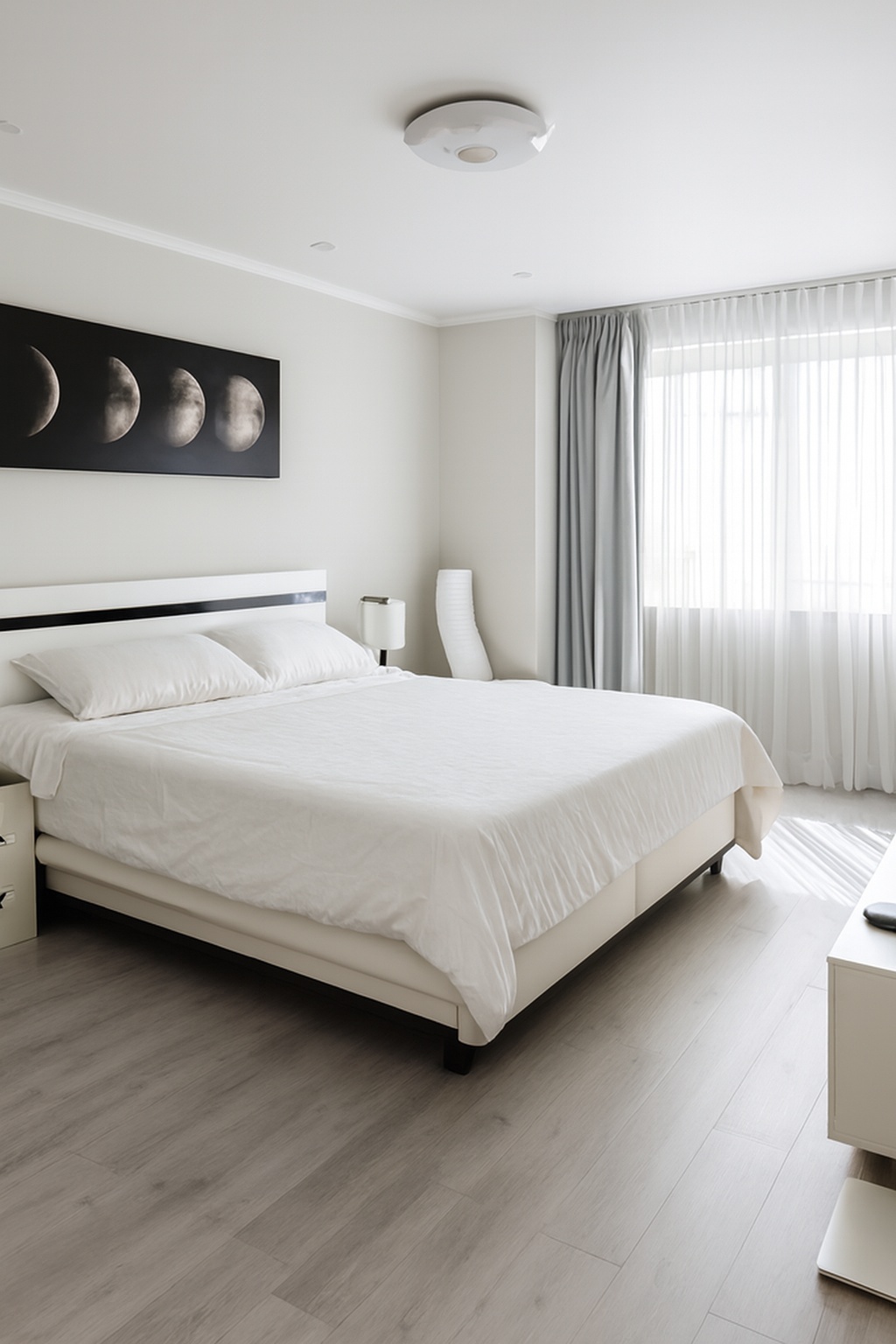
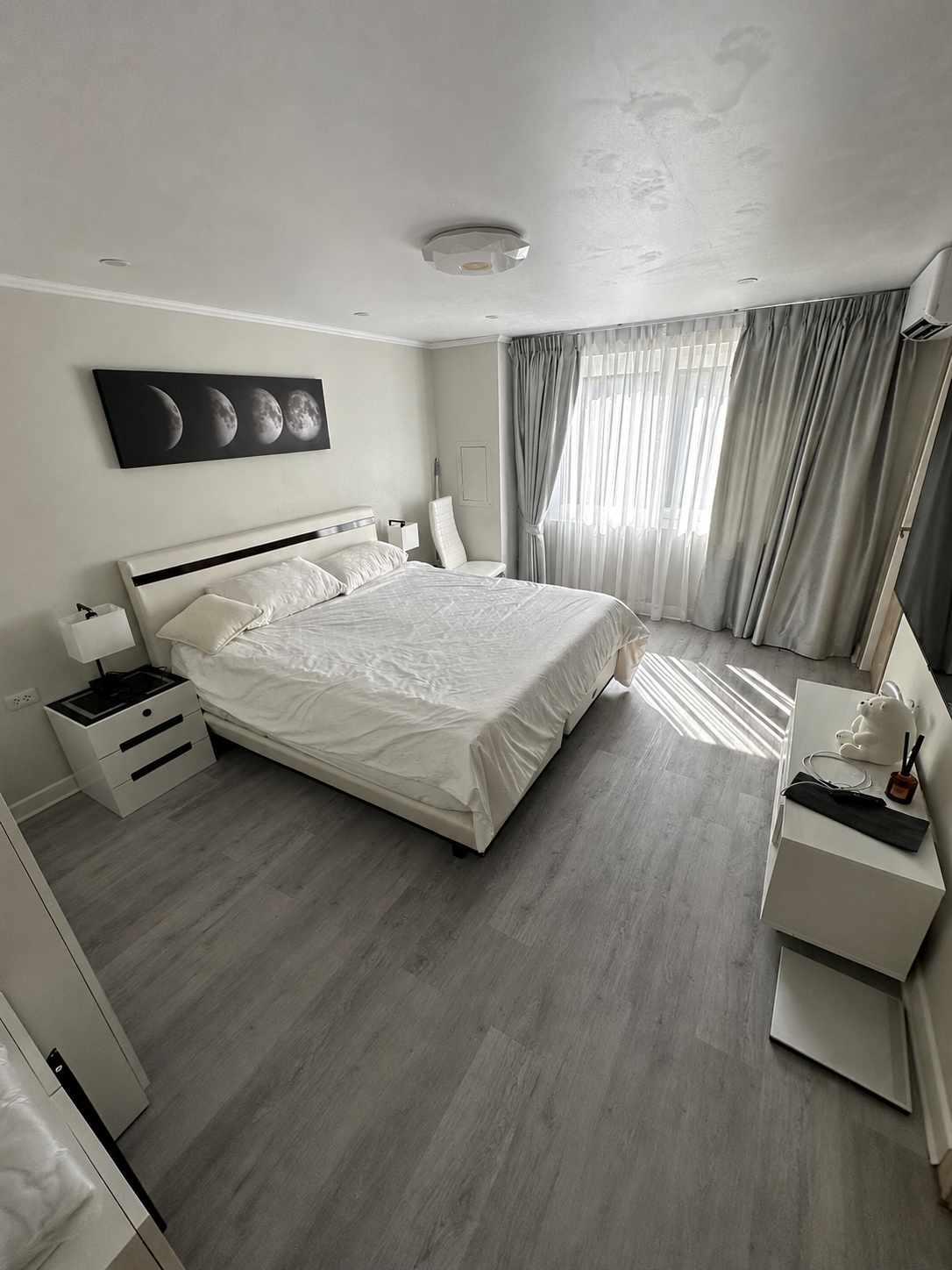
AI photo enhancement works on the image. It corrects the things a camera got wrong: uneven exposure, a colour cast from mixed lighting, blown-out windows, soft detail, noise in shadows and walls that lean because the phone was tilted. The room in the finished photo is exactly the room that was photographed.
Virtual staging works on the content. It inserts furniture, rugs, artwork or decor into an empty or sparsely furnished room, or replaces existing items with digital ones. The finished photo shows something that does not physically exist at the property.
Side by side
- Enhancement changes how the space was captured; staging changes what the space contains.
- Enhancement is applied to every photo in a set; staging is applied to specific empty rooms.
- Enhancement generally needs no disclosure; staging must be labelled on most platforms.
- Enhancement takes seconds per image; staging is a slower, per-room design decision.
- Enhancement is inexpensive per photo; staging typically costs several times more per room.
When enhancement is what you need
If the property is furnished and lived in - almost every short-term rental, and most resale homes - enhancement is the entire job. The rooms already tell the story; they were simply captured under difficult light by a phone camera that made reasonable but unflattering decisions.
This is also the right choice when your existing gallery is inconsistent: some photos warm, some cold, some dim. Running the whole set through the same correction makes it look like one professional shoot rather than a collection of snapshots.
When virtual staging genuinely helps
Virtual staging earns its place with empty properties. Vacant rooms photograph poorly because buyers struggle to judge scale and use without reference objects, and an unfurnished set often reads as cold or unfinished.
It is also useful for new builds sold off plan, or for showing a plausible layout in an awkwardly shaped room. What it is not is a fix for a furnished property that simply photographed badly - that is an enhancement problem, and staging over it creates a mismatch guests and buyers notice immediately.
Disclosure and platform rules
Because staged images show items that are not present, most major platforms require them to be clearly marked as virtually staged, and many local real estate regulations treat undisclosed staging as misleading advertising. Several portals also expect the unstaged version of the room to be available alongside the staged one. The safe rule is to label every staged image explicitly and keep an unstaged version of the same room in the set.
Enhancement carries no such requirement, because it does not claim anything new about the property. Adjusting exposure, white balance and perspective is the same finishing work professional photographers have always done - it simply happens automatically now.
Short-term rentals
Airbnb, Vrbo and Booking.com all expect photos to represent the actual space a guest will occupy. Staging a rental that guests will physically stay in is a review risk with almost no upside; enhancement is the accepted standard.
Sales listings
Staging an empty home is common and accepted where it is disclosed. Once the property is furnished, enhancement alone is usually the better and cheaper choice.
Cost and turnaround compared
Virtual staging is typically priced per image and per room design, and turnaround is measured in hours or days because a human designer selects and places the furniture. Revisions cost extra.
Enhancement is priced per image at a fraction of that and returns in seconds, because it is a correction rather than a creative decision.
Choosing for your listing
The test is simple. If everything a buyer or guest needs to see is already in the room and the photos just do not do it justice, you need enhancement. If the room is empty and viewers cannot picture living in it, staging is worth considering - with a clear label.
ProLister does the first job: it corrects light, colour, contrast, clarity and verticals on the photos you already have, in seconds per image, without adding, removing or altering anything in the room. What you photographed is what your listing shows.
- Furnished property, weak photos: enhancement. The room already tells the story, the photo just does not do it justice.
- Short-term rental: enhancement only. Guests compare the photos to the apartment on arrival, and any gap between them ends up in the review.
- Empty property for sale: staging can help buyers judge scale and layout, provided every staged image is clearly labelled.
- Property mid-renovation: neither is a substitute for honest photographs. Show the current state and describe the plans in the text.
- Dated but occupied home: enhancement. Digitally replacing worn finishes crosses from presentation into misrepresentation.
Frequently asked questions
Is AI photo enhancement the same as virtual staging?
No. Enhancement corrects how the photo was captured - light, colour, contrast and perspective. Virtual staging digitally adds furniture and decor that are not physically in the room.
Do I have to disclose enhanced photos?
Usually not, because enhancement does not change what the property contains - but rules vary, so check your MLS and local requirements. In the US, NAR's Code of Ethics (Article 12) requires a true picture in advertising. Virtually staged photos, by contrast, should always be clearly labelled.
Can I use virtual staging for an Airbnb listing?
It is a poor fit. Guests physically stay in the space and compare it to your photos, so showing furniture that is not there tends to produce disappointed reviews.
Which is cheaper?
Enhancement, by a wide margin. It is priced per photo and takes seconds, while staging is priced per room and involves design choices for each one.
Can I use both on the same listing?
Yes. A common approach for empty properties is to enhance every photo for technical quality, then virtually stage a small number of key rooms and label them clearly.