Why old listing photos look old
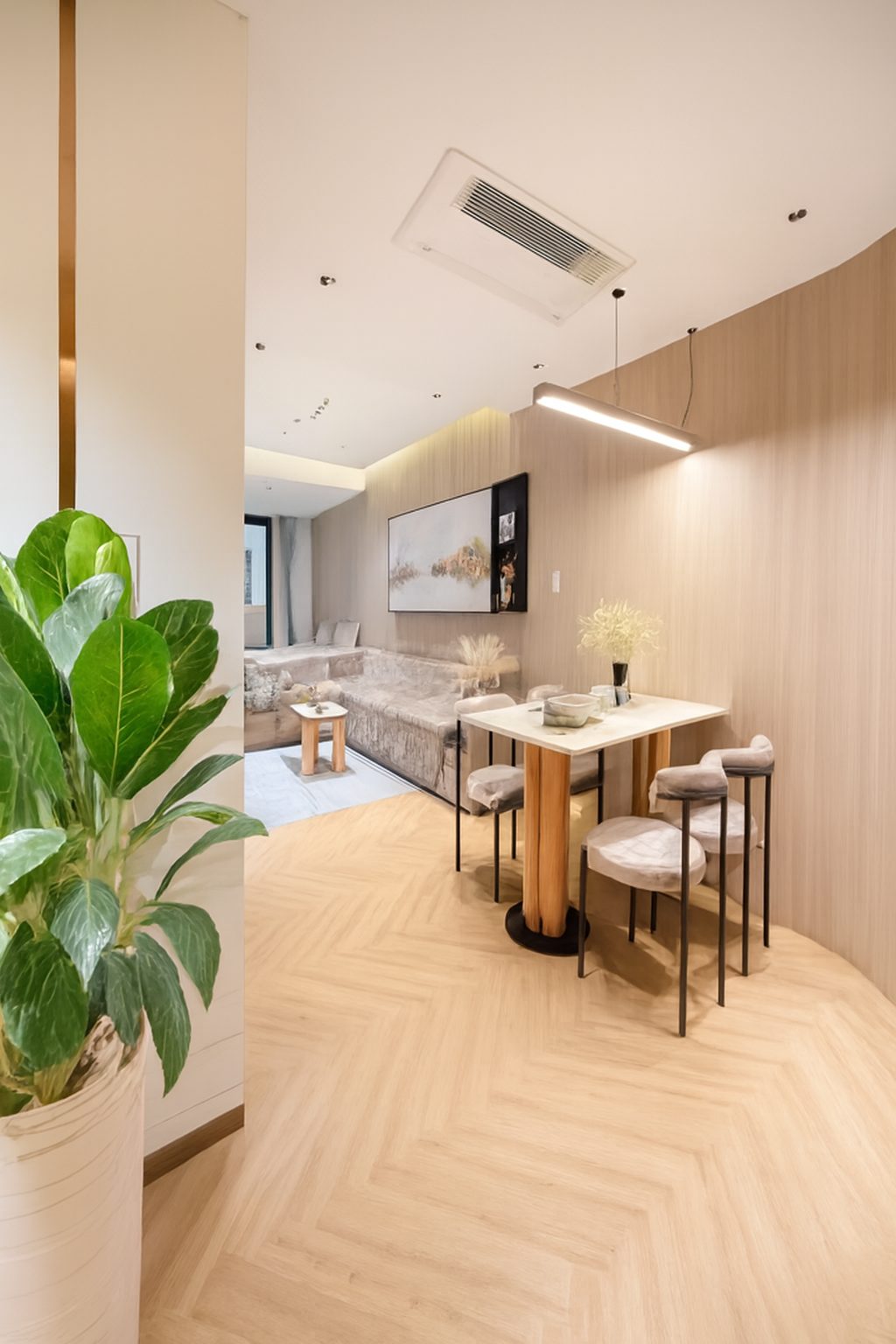
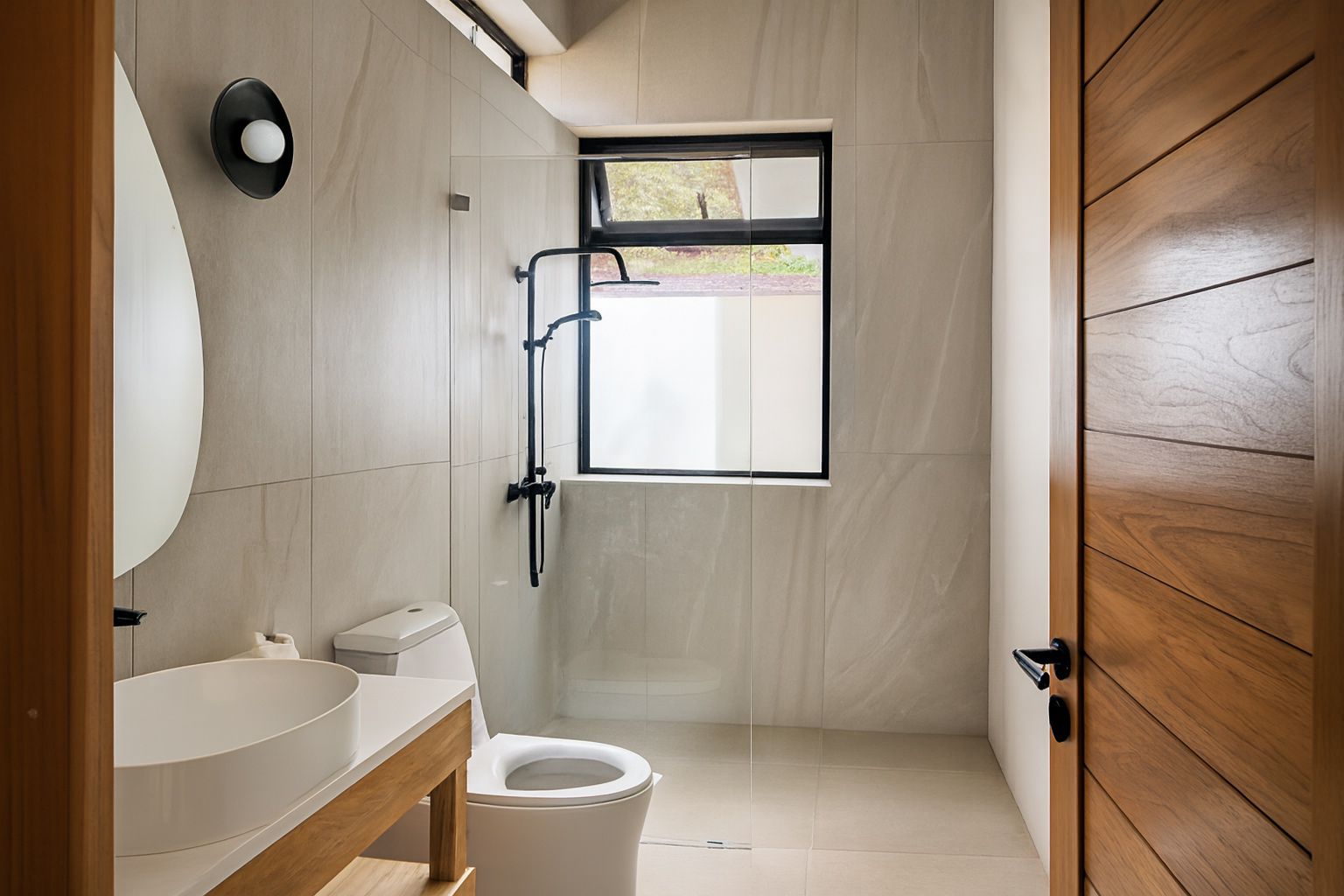
Photos rarely age because the property changed. They age because the finish is dated: heavy yellow indoor light, crushed shadows in corners, blown-out windows, walls that lean inward, and a set where every room was clearly shot on a different day in different weather.
Buyers and guests read those cues instantly, even if they cannot name them. A set that looks inconsistent reads as neglected, and a listing that reads as neglected gets fewer clicks than the identical property presented cleanly.
Step one: audit the set before you fix anything
Open every photo you have of the property, including the ones that never made the listing. Sort them into three piles. This ten-minute triage decides whether you need a camera at all.
- Keep and correct: the framing and angle are right, but the image is dark, flat, yellow or slightly tilted.
- Replace: badly framed, blurry, cluttered, or showing furniture and decor that no longer exists.
- Missing: rooms or features with no usable photo at all - often the outdoor space, the bathroom or the main bedroom.
Step two: fix everything that is fixable
The 'keep and correct' pile is usually the biggest, and almost every fault in it is a finishing problem rather than a capture problem.
Exposure and shadow detail
Rooms shot against a window come out with a bright window and a dark interior. Recovering the shadows and taming the highlights turns a murky frame into a bright, open room without changing anything about the space itself.
Colour casts
Older indoor photos are frequently orange from tungsten bulbs or green from fluorescents. Neutralising white balance makes white walls look white again, which is the single biggest 'this photo is recent' signal.
Leaning verticals
Handheld shots tilt walls and doorframes inward. Straightening them is the correction that most reliably makes an amateur photo read as professional.
Set consistency
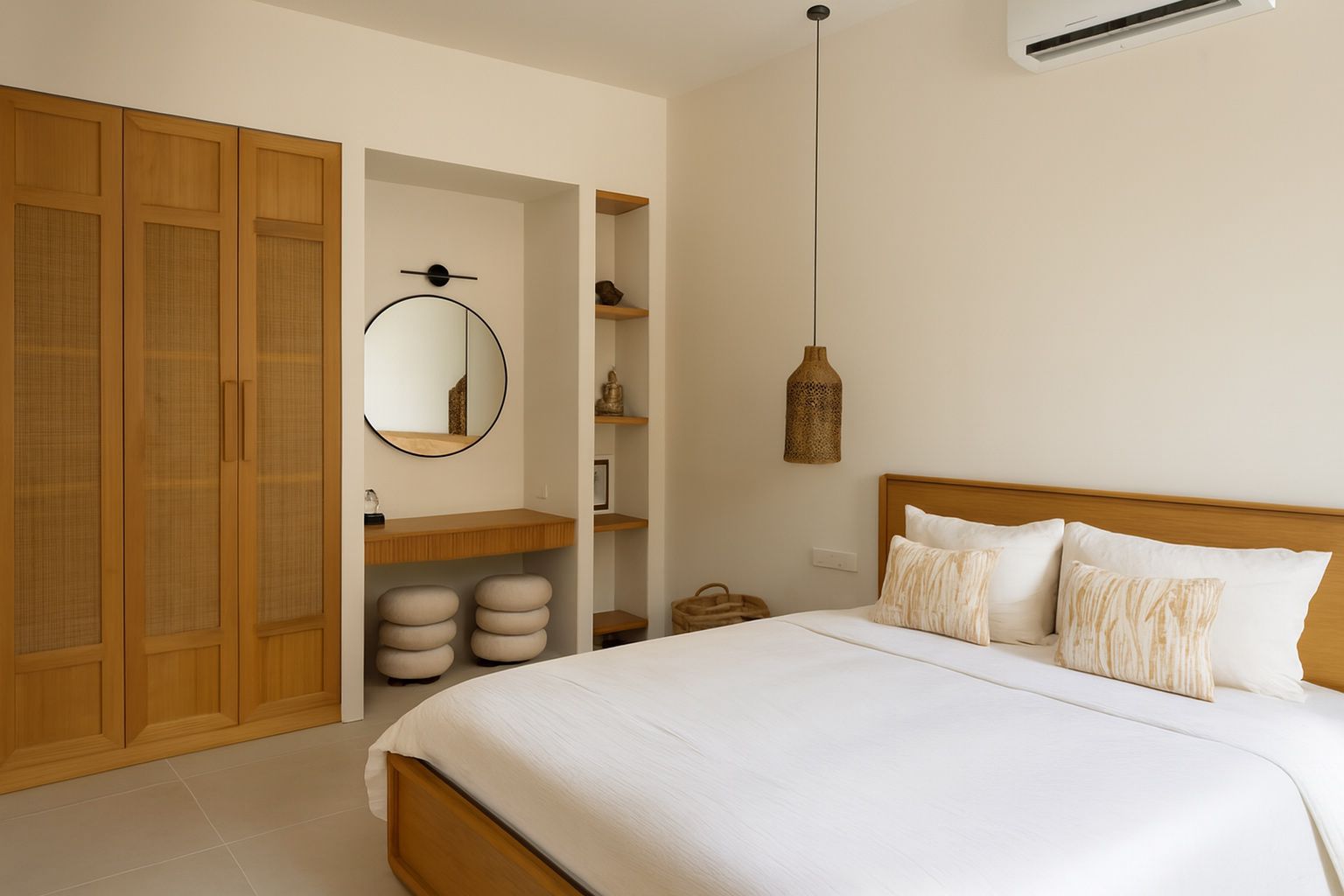
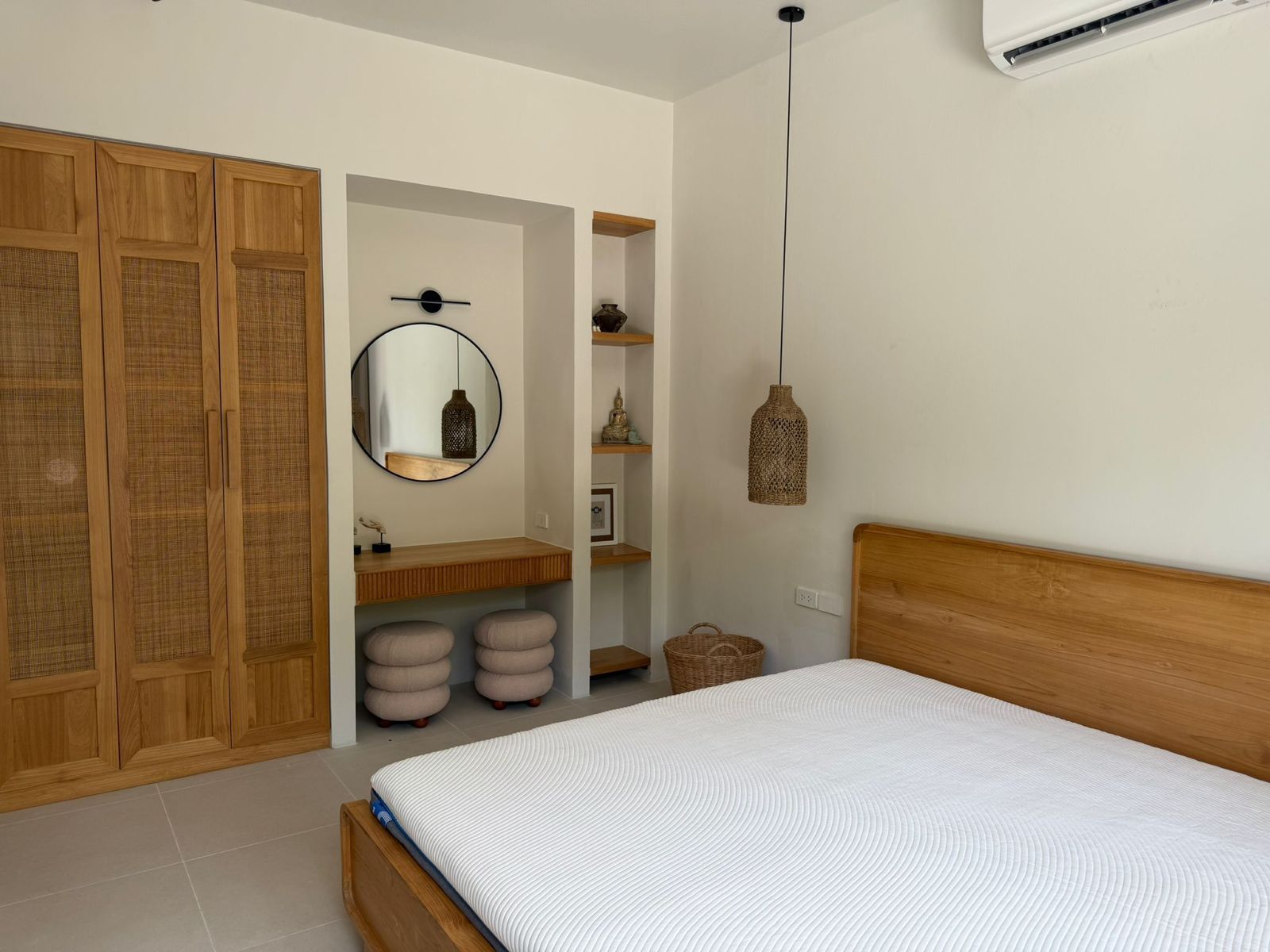
Once each frame is corrected to the same neutral standard, photos shot months apart start to look like one coherent shoot - which is exactly what buyers expect.
Step three: reshoot only the few frames that need it
Now handle the 'replace' and 'missing' piles - usually two to four photos, not thirty. Shoot them on your phone on a bright, overcast day, from chest height, standing in a corner so you capture two walls and the depth of the room.
Turn every interior light off and let daylight do the work. Mixed lighting is the hardest thing to correct later, and it is free to avoid at capture time.
Where ProLister fits in this workflow
The correcting step is the part that used to require an editor and a paid hour. Upload your existing set to ProLister and each photo comes back with exposure balanced, colour neutralised, verticals straightened and highlights recovered - typically in under a minute per image.
The corrections are faithful to the property: nothing is added, removed or restyled, so the refreshed set still shows the home a guest or buyer will actually walk into. Because the same standard is applied across the batch, old and newly shot frames end up matching each other.
Step four: reorder, then relaunch
A refreshed set deserves a fresh running order. Lead with the strongest room, follow with the flow a visitor would actually walk, and finish with outdoor space and detail shots.
Republish the listing with the updated set rather than swapping one image at a time. Platforms surface recently updated listings more often, and a full-set refresh reads as an active, well-managed property.
Frequently asked questions
How old is too old for listing photos?
Age matters less than accuracy and finish. If the photos still show the current furniture, paint and layout, correcting them is usually enough. If the property has visibly changed, those specific frames need reshooting.
Can low-resolution old photos be improved?
Exposure, colour and perspective can be corrected on almost any file, but resolution and focus cannot be invented. If a photo is genuinely blurry or tiny, reshoot that one frame.
Will corrected photos misrepresent the property?
Not if the corrections are limited to light, colour and geometry. That is the same work a professional editor does on a photographer's raw files - it shows the space accurately rather than restyling it.
How many photos should a refreshed listing have?
Most platforms perform best with 15 to 25 images covering every room, the outdoor space and one or two detail shots. Quality and consistency beat quantity.