What Airbnb photos actually need
Before picking an editor, it helps to know what 'edited' means for a listing photo. The corrections that matter are surprisingly few: balanced exposure so the room and the window both show detail, neutral colour so walls look their real colour, straight vertical lines, and a consistent look across the whole set.
Notice what is not on that list: filters, effects, saturation boosts or dramatic retouching. Listing photography is a correction discipline, not a creative one - which is exactly why it can be automated and, in part, done for free.
Option 1: Your phone's built-in editor
Every modern phone ships with a capable editor: exposure, contrast, highlights, shadows, white balance and a straightening tool. For a single bright photo shot in good light, this can be enough.
- Cost: free, already installed.
- Strengths: quick fixes to exposure and colour on individual photos.
- Limits: no automatic window recovery, perspective correction is basic, and matching twenty photos to the same look is slow, manual work.
Option 2: Free editing apps
Apps like Snapseed, Lightroom Mobile (free tier) and Canva add real power: selective adjustments, healing brushes and presets. A patient host can produce genuinely good results with them.
- Cost: free tiers, with paid upgrades for advanced tools.
- Strengths: fine control, selective edits, reusable presets for consistency.
- Limits: a real learning curve, ten to twenty minutes per photo when done properly, and results depend entirely on your eye - the skill a professional editor charges for.
Option 3: Free AI enhancement
AI enhancement sits in a different category from manual editors. Instead of giving you tools and asking you to make decisions, it applies the complete correction pass - exposure balance, white balance, straightened verticals, recovered window detail and set-wide consistency - automatically, per photo, in seconds.
ProLister lets you try this at no cost: your first enhancements are free, so you can run your actual lead photo through it and judge the result on your own listing before spending anything. There is no software to learn and no editing decisions to make - you upload the photo you already have and get back the version a professional editor would have delivered.
For most hosts this is the practical answer to 'free Airbnb photo editor': not a tool you operate for free, but a result you get for free.
Which free option should you use?
It depends on how much time you have and how many photos you need to finish.
One or two photos, shot in good light
Your phone's editor is enough. Lift the shadows slightly, pull the highlights down, correct the white balance, straighten. Five minutes, done.
A full gallery you enjoy working on
A free app with presets rewards the effort. Build one preset per lighting condition and apply it across the set for consistency.
A full gallery you want finished today
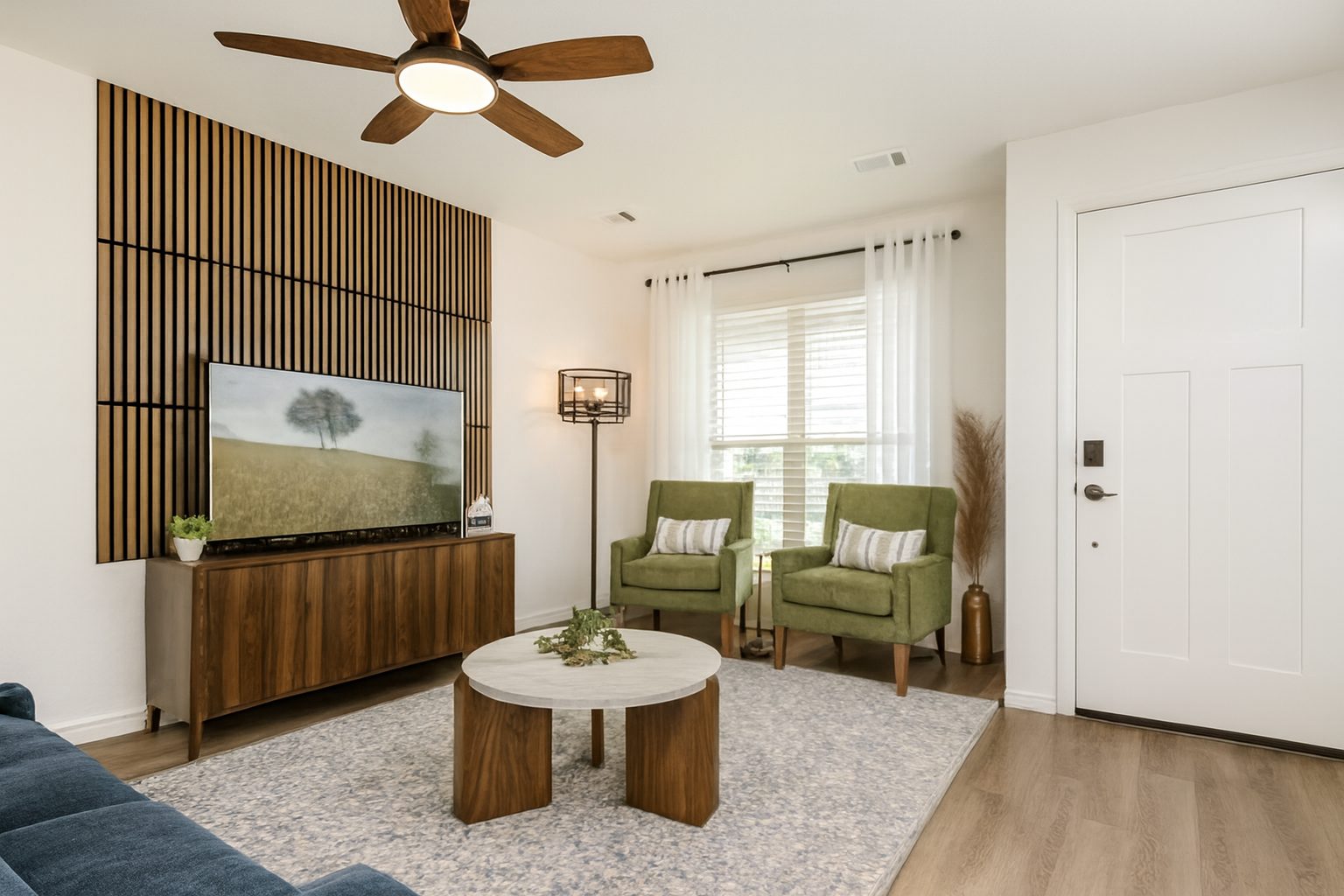
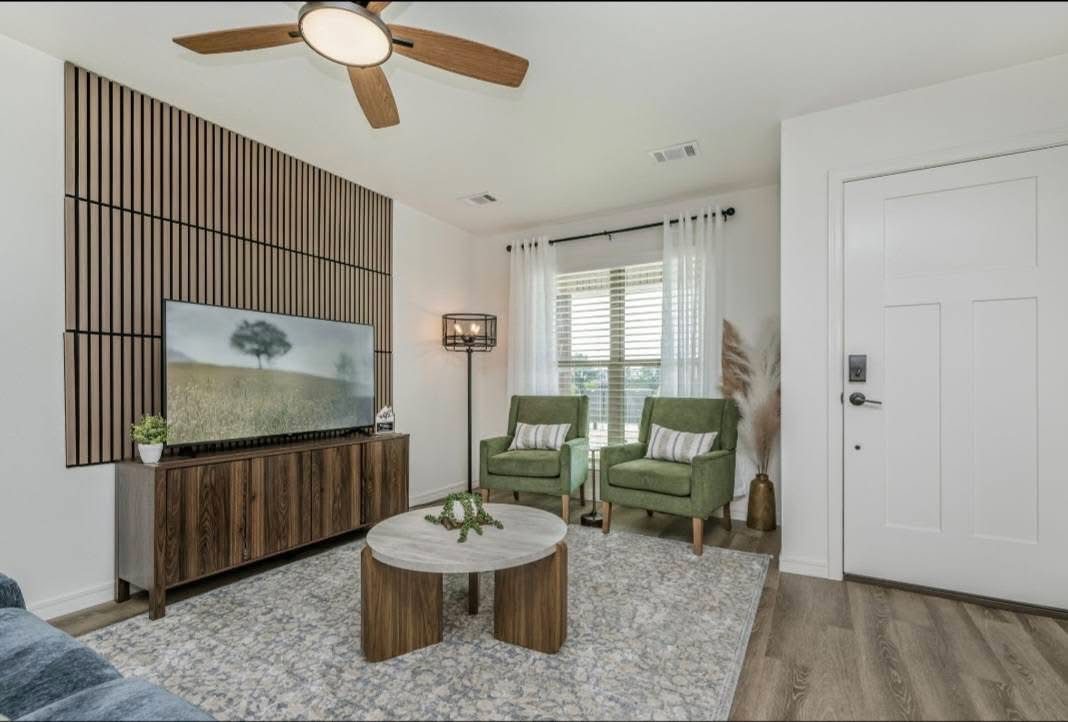
AI enhancement is the only free option that handles window recovery, perspective and set-wide consistency automatically. Upload the set, review each before/after, publish. The whole job takes minutes rather than an evening.
What no free editor can fix
Editing corrects a photo; it cannot rescue a bad one. Blurred images, extreme darkness, cluttered rooms and badly framed shots need a re-shoot, not an editor. Ten minutes of tidying and a re-take in daylight beats any software ever written.
And one caution applies to every tool, free or paid: never let editing alter the property itself. Removing damage, adding furniture or changing a view violates platform policies and destroys guest trust. Correct the photo - keep the space honest.
The free options side by side
| Option | What it fixes | Effort | Consistency across a set |
|---|---|---|---|
| Built-in phone editor | Brightness, crop, basic straightening | Low per photo, adds up across a set | Hard to keep identical by hand |
| Free editing apps | More control over colour and perspective | Medium to high; there is a learning curve | Possible with saved presets |
| Free AI tier | Exposure, colour and straightening in one pass | Low | Usually consistent when the whole set is processed together |
Frequently asked questions
Is there a genuinely free Airbnb photo editor?
Yes. Your phone's built-in editor and free apps like Snapseed handle basic corrections at no cost. ProLister additionally lets you enhance your first photos free, which covers the corrections manual editors struggle with: window recovery, perspective and consistency.
Are free editors good enough for Airbnb listing photos?
For photos shot in good light, yes. The gap appears with dark interiors, bright windows and keeping twenty photos visually consistent - the corrections that normally take a professional editor's skill or an AI tool's automation.
Do I need editing skills to improve my Airbnb photos?
No. Manual editors reward skill, but AI enhancement requires none: upload the photo and the full professional correction pass is applied automatically.
How much does professional-looking Airbnb photography cost overall?
A professional shoot typically costs a few hundred dollars per property. Shooting on a phone and finishing with free or low-cost enhancement brings the total close to zero for most listings, with results that satisfy platform quality standards.