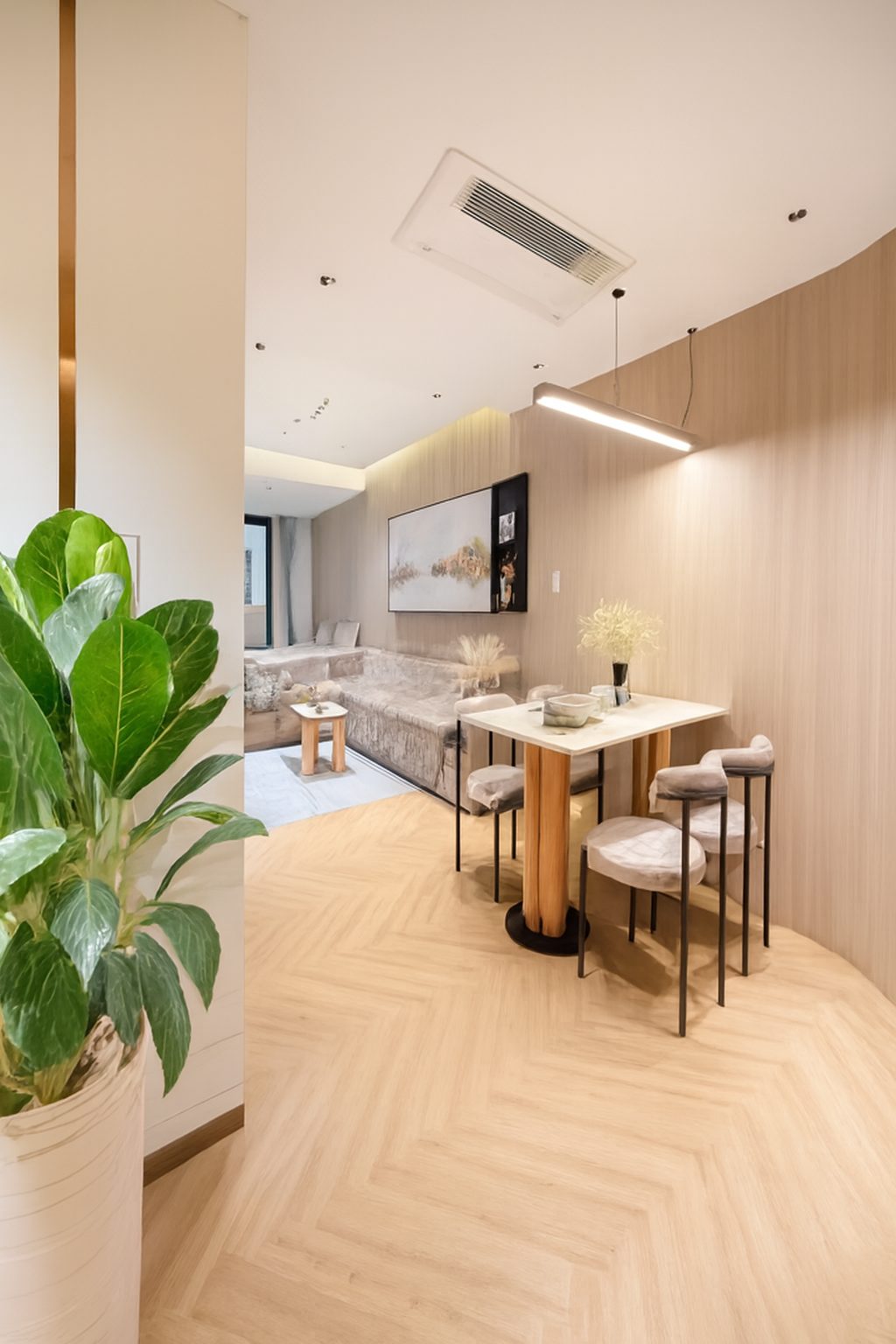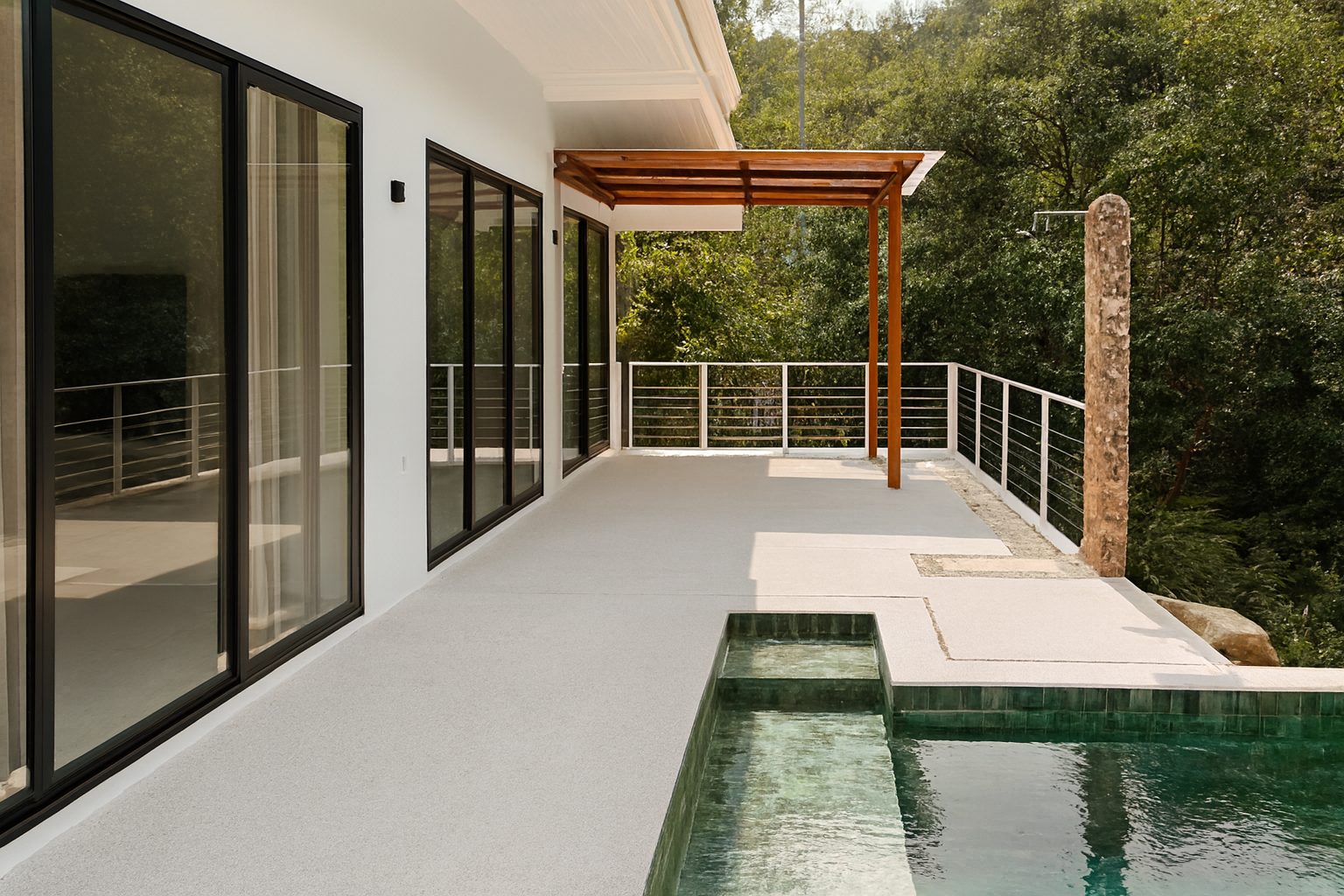
The problem agents actually have
Most agents are not choosing between good photos and no photos. They are managing a portfolio where quality varies wildly: one property was shot professionally, one was photographed on a phone during a rushed appraisal, and one is running on images the previous agent supplied two years ago.
That inconsistency is visible on a search results page, where your listings sit side by side with every competitor. A portfolio that looks uniformly well presented is a positioning signal to sellers and landlords as much as to buyers.
Where enhancement fits in the existing workflow
The point is to add a processing step, not a new task. Enhancement slots in between collecting images and uploading them to the portal, and takes seconds per photo.
- Appraisal visit: take your own phone photos as a fallback set, then enhance them so they are portal-ready if the shoot is delayed.
- Pre-launch: run the full set through enhancement so every image matches before the listing goes live.
- Portal upload: enhance the cover photo first and confirm it is the strongest image in the set.
- Price reduction or relaunch: refresh the gallery rather than repeating the same tired images.
- Inherited listings: bring older or supplier-provided photos up to the same standard as the rest of your portfolio.
Speed to market without waiting for a shoot
The gap between winning an instruction and going live is where agents lose momentum. Booking a photographer, waiting for a slot and then waiting for delivery can cost the first week of exposure, which is usually the week with the most buyer attention.
A practical pattern is to launch with enhanced phone photos taken at the appraisal, then replace them with the professional set when it arrives. The listing is live and presentable immediately, and nothing is lost when the better images land.
Making a whole portfolio look consistent
Consistency is worth more to an agent than perfection on any single image. When every listing in your window display and on your profile page shares the same lighting standard, neutral colour and straight verticals, the whole portfolio reads as professionally managed.
Processing sets in bulk keeps that standard automatic. ProLister handles multiple images in one run and lets you organise them into folders per property, so each listing stays as a unit rather than a pile of downloads.
Refreshing stale listings
A listing that has been live for weeks benefits from a visible change. Re-enhancing the gallery and reordering it so a different strong image leads gives the listing a genuinely new appearance without misrepresenting anything or paying for a re-shoot.
Seasonal and post-change updates
Repainted rooms, replaced furniture, a garden in summer rather than winter: photograph the change, enhance it to the same standard as the rest of the set, and swap the image in. The gallery stays current and coherent.
Staying accurate and compliant
Agents carry the responsibility for how a property is represented, so the boundary matters. Enhancement corrects capture quality - exposure, white balance, contrast, clarity and perspective. It does not add furniture, remove objects, change room proportions, alter views or hide defects.
That is a meaningful distinction from virtual staging, which shows items that are not in the property and should always be disclosed. Keeping to enhancement means the photos still show exactly what a buyer or tenant will see at the viewing, which protects both the transaction and your reputation.
- Never enhance in a way that conceals a known defect - damp, damage or an unattractive view.
- Keep the photographed layout intact; do not crop so aggressively that a room reads as a different size.
- Label virtually staged images clearly and keep an unstaged version of the same room in the set.
- Make sure the cover photo is representative of the property, not an unusual detail shot.
Measuring whether it is working
Track the metrics your portals already give you: listing views, saves and enquiry rate in the first fourteen days. Because enhancement is fast enough to apply mid-campaign, you can refresh one listing's gallery and compare the following two weeks against the previous two.
Better presented photos mainly buy attention at the top of the funnel - more clicks from the search grid and more saves. That is exactly what a stalled listing needs before any conversation about price.
A workflow for one listing
This is how a single listing can move through ProLister, from receiving the photos to publishing. It describes our process, not a requirement.
- Collect every photo for the listing in one place, from your phone, the owner or a photographer.
- Upload them to ProLister and put them in a folder named after the property.
- Review each enhanced photo next to its original.
- Use Request changes on any photo that needs another pass.
- Run the check below, then download the approved set and publish it in walking order.
Check every image before publishing
If an image shows something that is not really there - virtual furniture, a replaced sky or view - label it. In the US, NAR's Code of Ethics (Article 12) requires a true picture in advertising and marketing.
- Nothing has been added to or removed from the room.
- Window views look plausible and match what is really outside.
- Colours of walls, floors and fittings are true to the room.
- Verticals are straight without stretching the room.
- The set looks consistent from the first photo to the last.
Frequently asked questions
Does AI enhancement replace my photographer?
No. It handles the finishing stage and covers the listings a photographer never shoots - appraisal photos, inherited images and mid-campaign updates.
Can I process a whole property's gallery at once?
Yes. Multiple images can be enhanced in one run and organised into folders per property so each listing stays together.
Is enhancement allowed on portal listings?
Standard photographic correction is normal practice and widely accepted. What must be disclosed is anything that changes what the property contains, such as virtual staging.
What about photos supplied by a previous agent?
They can be brought up to your portfolio standard as long as you have the right to use them. Enhancement only corrects the capture, so the original framing is preserved.
How long does it take per listing?
Seconds per image, so a typical 25-photo gallery is processed in the time it takes to prepare the listing description.