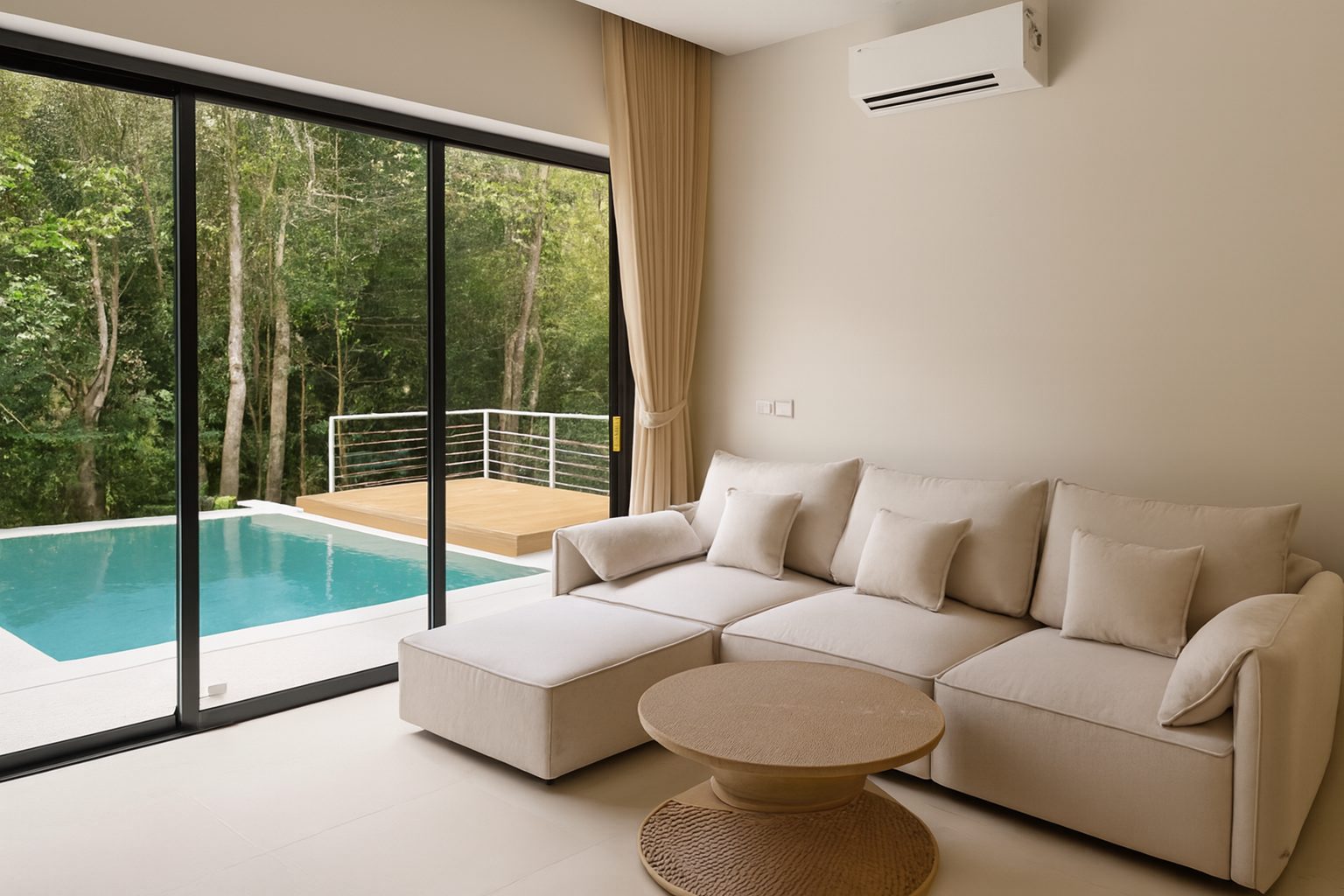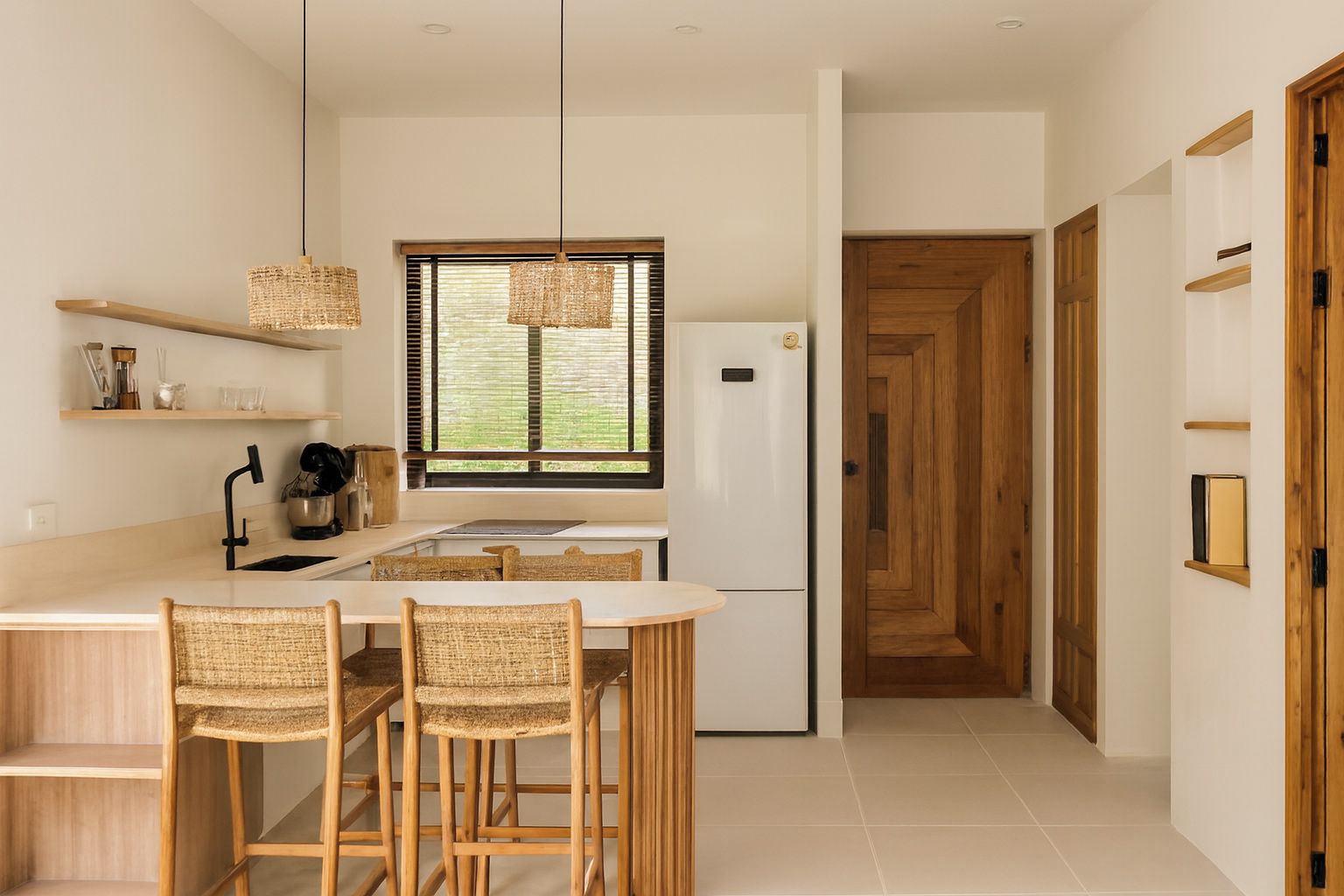
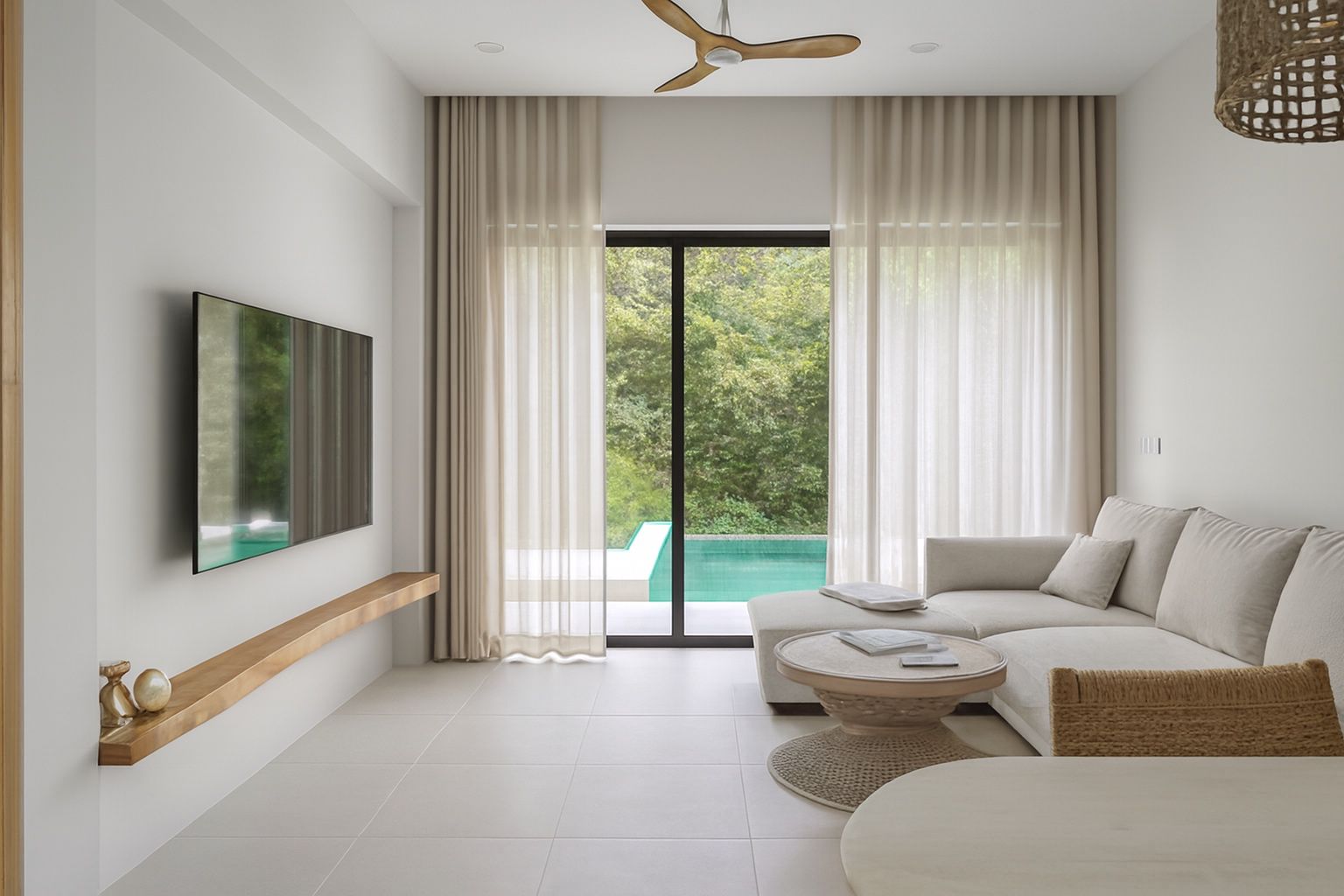
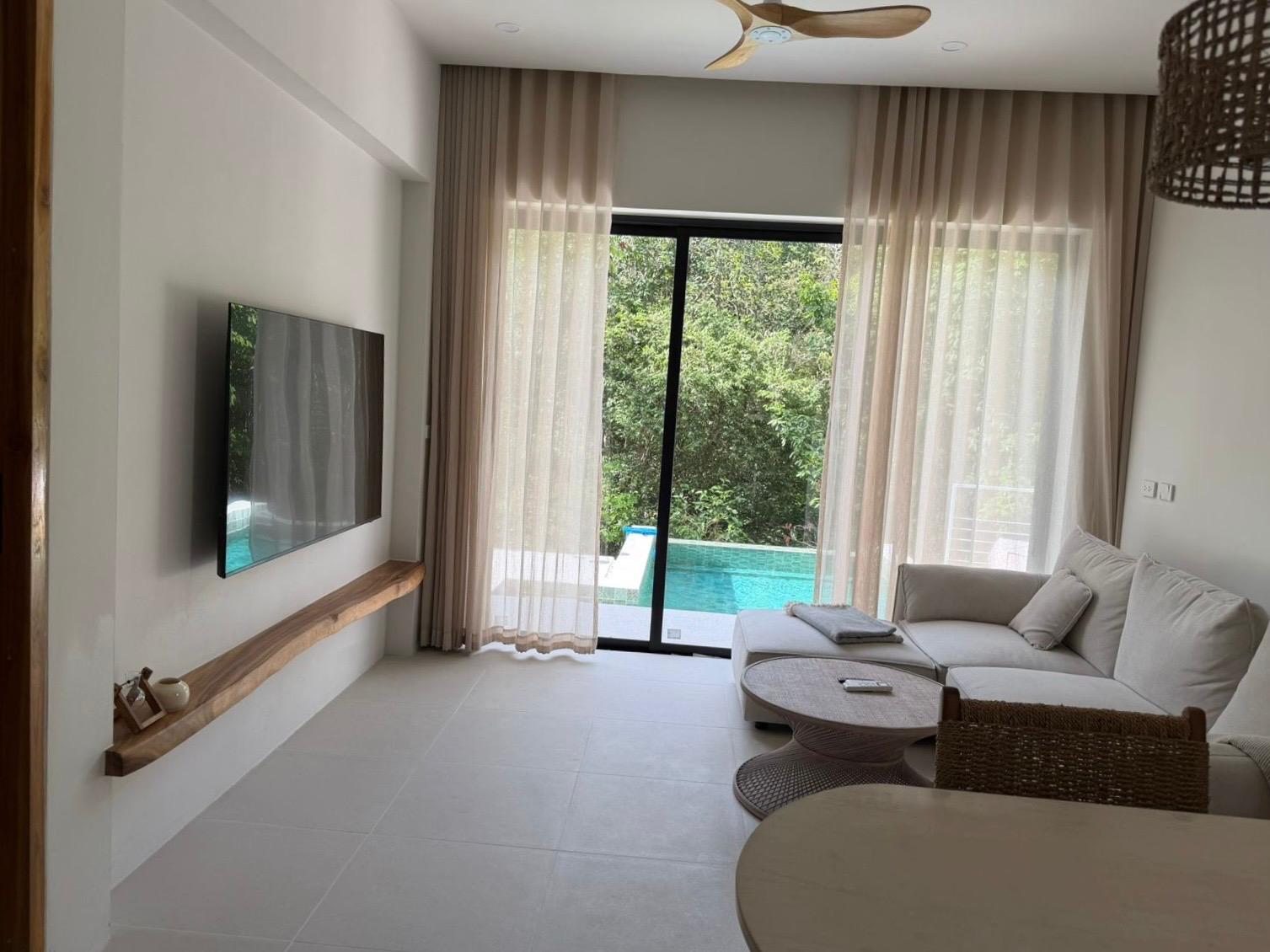
The short answer: yes, with conditions
A current-generation smartphone captures more than enough resolution for every major listing platform. Airbnb, Vrbo, Zillow, Booking.com and Realtor.com all display images far below the native resolution of a modern phone sensor, so megapixels are almost never the limiting factor.
What actually separates an amateur listing photo from a professional one is not the camera. It is light control, vertical alignment, colour accuracy and consistency between shots. Those four things are learnable, and the last three can be corrected after the fact.
Where phone photos usually fail
When a listing photo looks cheap, it is almost always for the same handful of reasons. Recognising them is most of the fix.
- Mixed light: warm indoor bulbs fighting cool daylight from a window, producing an orange-and-blue split across the room.
- Blown-out windows: the phone exposes for the interior and the view outside disappears into pure white.
- Tilted verticals: shooting slightly downward makes walls lean inward, which reads instantly as unprofessional.
- Dark corners: rooms look smaller and less inviting when shadows swallow the edges of the frame.
- Inconsistency: ten photos with ten different colour temperatures make a listing feel disorganised.
A shooting checklist that takes ten minutes
Before you photograph anything, do one lap of the property with the camera closed. Remove bins, cables, laundry, personal photographs and countertop clutter. Decluttering improves a photo more than any editing step.
Light the room the same way twice
Pick one light source and commit. Either open every curtain and switch all lamps off, or close the sheers and switch every lamp on. Mixing the two is what creates the orange-blue colour cast that no amount of editing fully hides.
Shoot mid-morning or late afternoon when daylight is soft. Direct midday sun through a window creates hard shapes on the floor that flatten the room.
Shoot from chest height, straight on
Hold the phone at roughly chest height with the back of the phone perfectly vertical. Most phones have a built-in level in the camera settings - turn it on and use it.
Stand in a corner and shoot toward the opposite corner. This shows two walls and gives the eye a sense of depth and true room size.
Tap to expose, then pull back
Tap on a mid-tone wall, not on the window and not on a dark sofa. Then drag the exposure slider down slightly. A marginally dark photo can be recovered; a blown-out one cannot.
The finishing step everyone skips
Professional real estate photographers spend as much time editing as shooting. They balance exposure between the window and the interior, neutralise colour casts, straighten verticals and match every photo in the set to the same look.
That editing pass is exactly what separates a set of decent phone photos from a listing that looks like it was shot commercially. It is also the part that used to require expensive software and hours of work - and the part AI enhancement now handles in seconds.
Stay honest - it protects your listing
Every major platform expects photos to represent the property accurately. Enhancing light, colour and clarity is standard practice and entirely acceptable. Adding rooms, removing permanent fixtures, erasing damage or virtually replacing a view is not.
Guests and buyers who arrive to a space that does not match the photos leave poor reviews or walk away. Enhancement should make the property look like its best real day - never like a different property.
Where ProLister fits into a phone workflow
Everything above is achievable on a phone, but the finishing step - exposure balance, colour accuracy, straight verticals and a consistent look across the whole set - is where most self-shot listings still fall short. That is the specific gap ProLister was built for.
You upload the photo you already took on your phone, and it comes back corrected the way a professional editor would return it: windows recovered, colour neutral, lines straight, tone consistent with the rest of your set. The room itself is untouched - nothing is added, removed or invented.
It costs nothing to test the difference on a single room before you commit to re-shooting anything.
Frequently asked questions
Do listing platforms accept smartphone photos?
Yes. No major platform requires a specific camera. They publish photo guidelines (Zillow's photo uploading tips are one example), and a recent phone is generally capable of meeting them when used carefully.
Should I use my phone's wide-angle lens?
Use it sparingly. The ultra-wide lens exaggerates room size and distorts edges, which can feel misleading. The main lens, shot from a corner, usually reads more honest and more premium.
How many photos should a listing have?
Between 15 and 25 for a full property. Lead with the strongest room, then follow a logical walkthrough order so viewers can build a mental map of the space.
Is enhanced photography allowed on Airbnb and Vrbo?
Yes, as long as the photos represent the real space. Adjusting lighting, colour and sharpness is standard. Altering the property itself is not.