1. Lead with the experience, not just the room
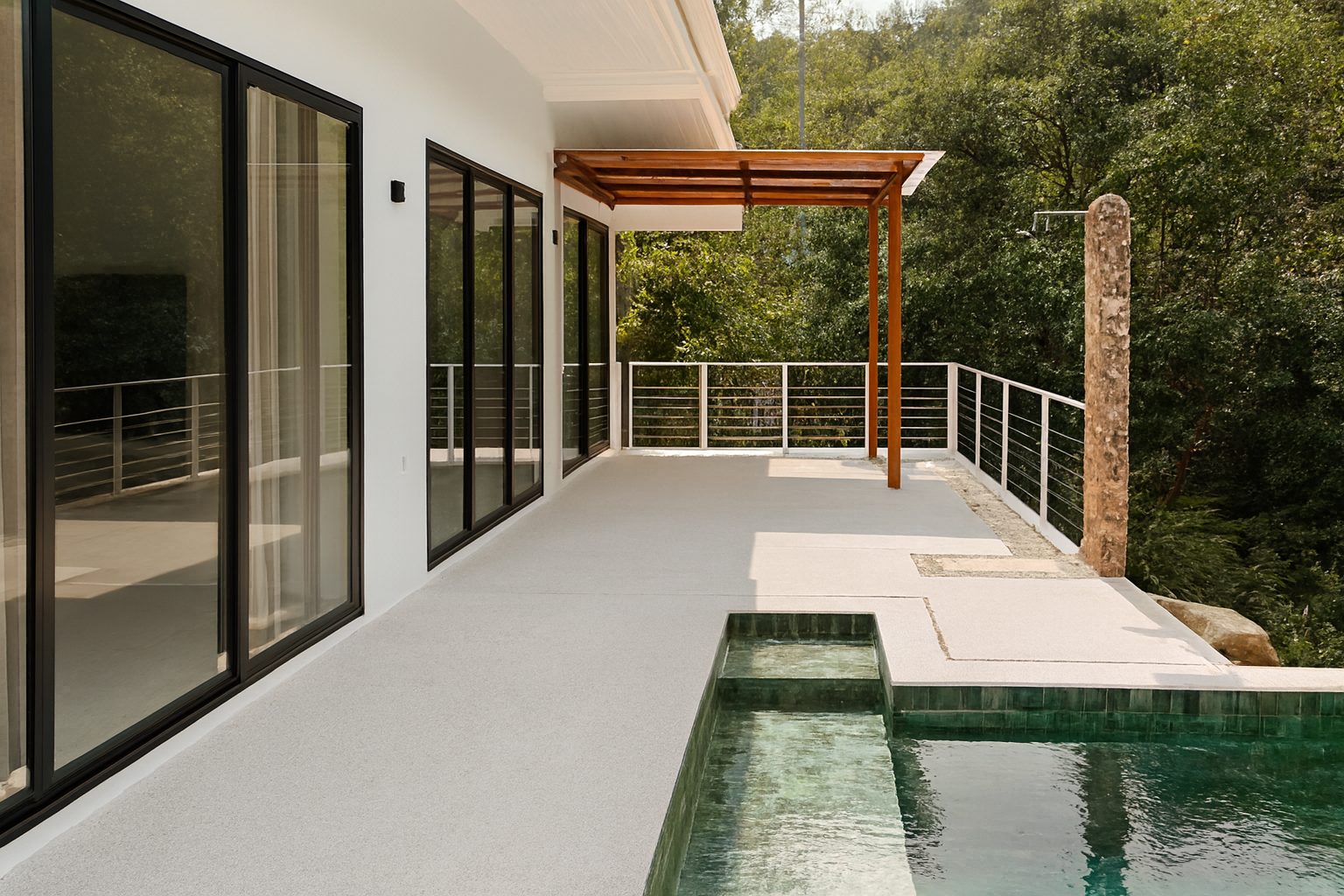
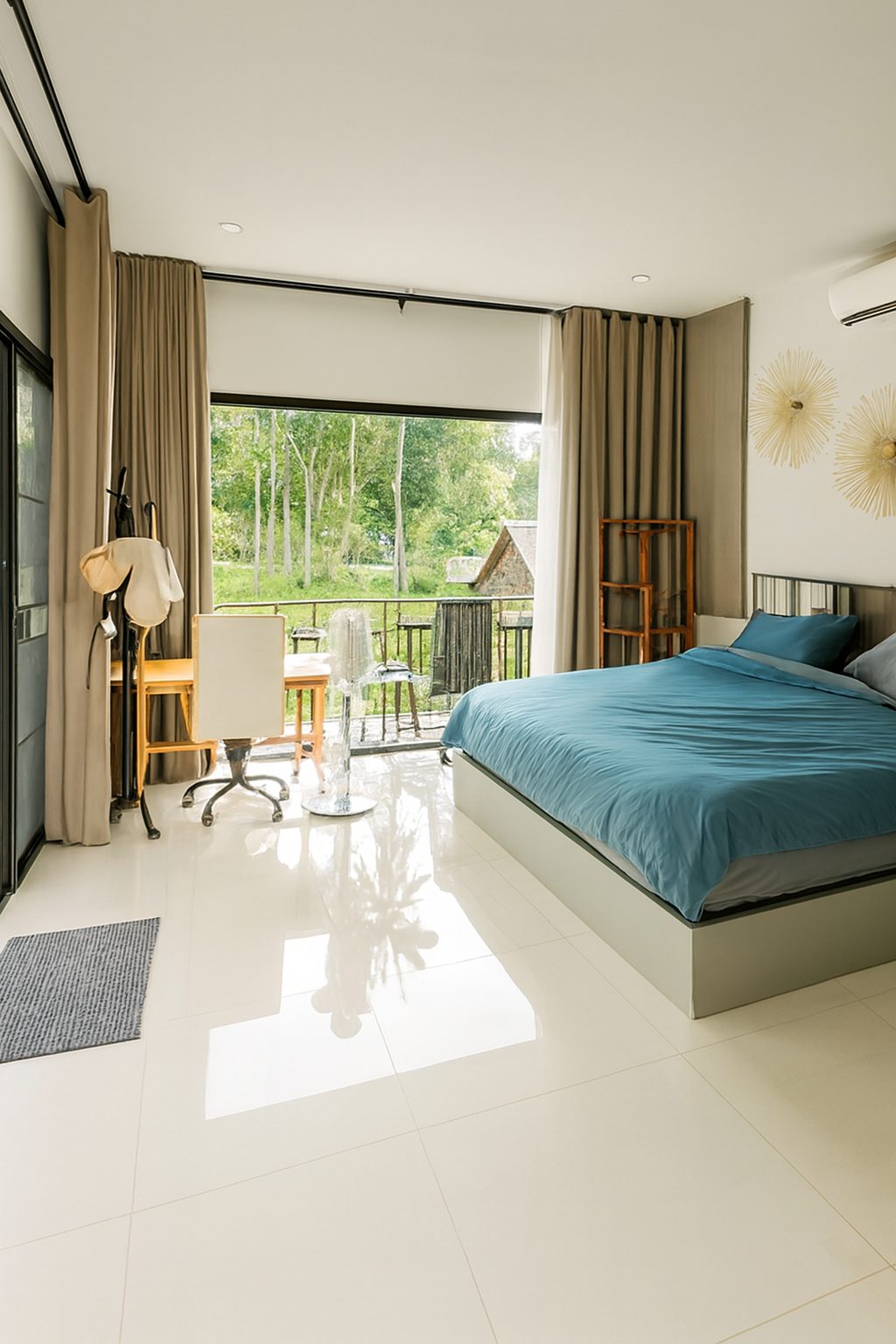
The first photo should answer the question: what will it feel like to stay here? A wide, bright living shot with a view, a welcoming bedroom or a sunny terrace usually outperforms a tight detail shot. Guests need to imagine the moment before they care about the square metres.
2. Shoot when the property is at its brightest
Open every curtain and blind. Turn on every lamp. Shoot during the day when daylight is soft and even. A bright listing reads as clean and spacious; a dark one reads as small and dated, regardless of the actual decor.
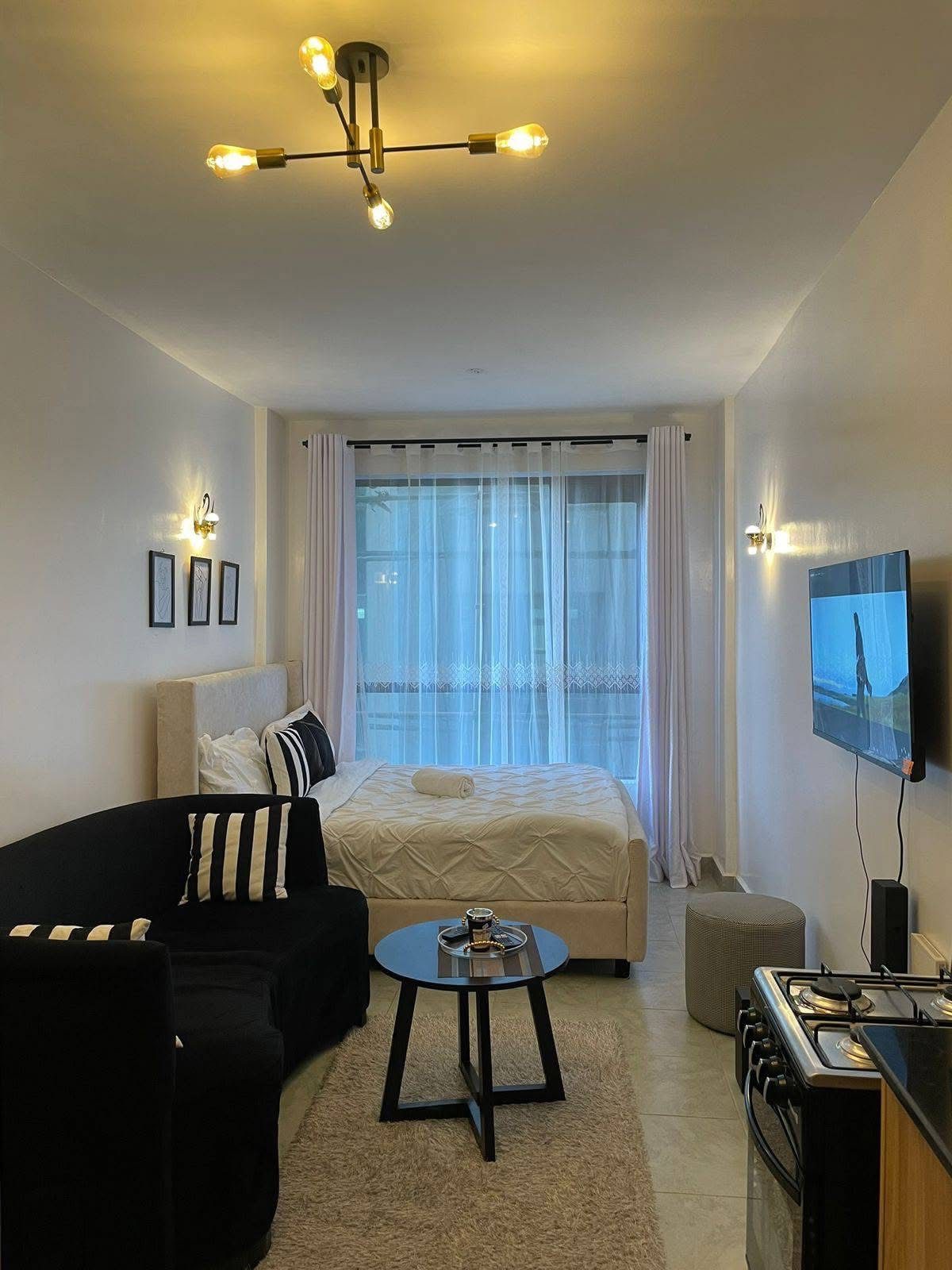
If a room has mixed light sources - warm bulbs against cool daylight - the camera will struggle with colour. Pick one dominant source when possible, or plan to correct the cast in post.
3. Keep verticals straight
Tilted walls and sloping horizons are the fastest way to make a rental look amateur. Use your phone's level guide, shoot with the camera back vertical, and correct perspective afterwards if needed. Straight lines signal a professionally managed property.
4. Photograph every bed and every bathroom
Guests booking for a group need to see where everyone will sleep. Missing a bedroom or bathroom photo is one of the most common reasons a listing is skipped. Even small bathrooms deserve a clean, straight shot with the lid down and towels tidy.
5. Show the flow, not just the features
A good gallery walks a guest through the property in the order they would experience it. Living area, kitchen, bedrooms, bathrooms, outdoor spaces. This helps them build a mental map and feel confident about the layout.
6. Stage for the platform's audience
A family-friendly Airbnb listing should look lived-in but tidy: a bowl of fruit, a folded throw, a book on the bedside table. A business-travel Booking.com listing should look crisp and uncluttered. Match the styling to the guest you want to attract.
Remove personal items, family photos, toiletries, bins, cables and anything that distracts from the space itself.
7. Refresh seasonally and after any change
A summer terrace shot under winter light confuses guests. Update outdoor photos to match the season, and re-shoot after any furniture change, renovation or new amenity. Fresh photos signal an active, well-maintained listing.
8. Edit for consistency across the set
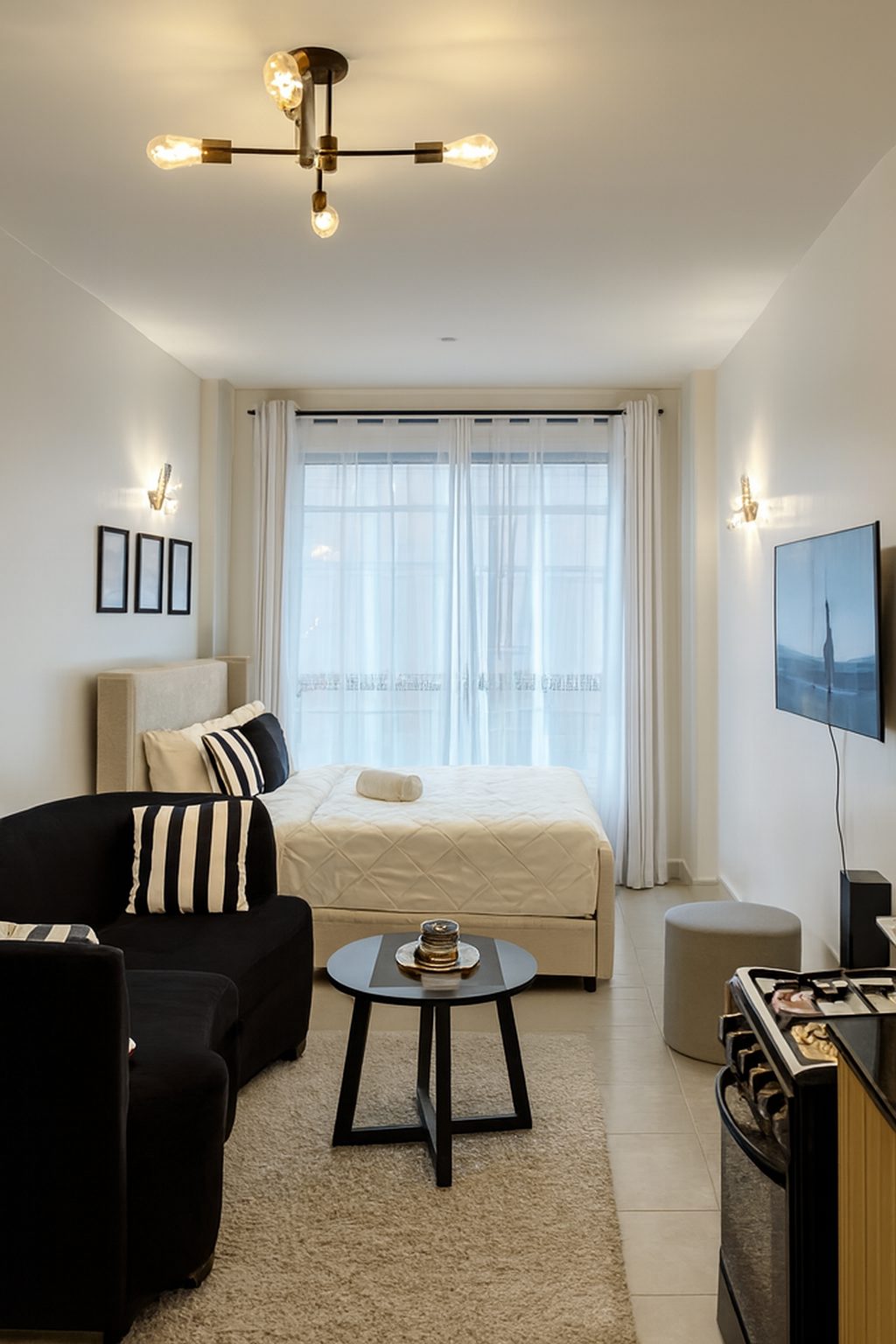
The gallery is judged as a whole. If one photo is dark and warm while the next is bright and cool, the listing feels disjointed. Apply the same brightness, contrast and colour treatment to every image so the set feels curated.
This is the step most hosts skip, and it is where AI enhancement can make a dramatic difference in minutes rather than hours.
9. Stay honest to protect reviews
Enhancement should make the property look like its best real day, not like a different property. Do not remove permanent fixtures, hide damage or add furniture that is not there. Guests who arrive to a space that matches the photos leave better reviews.
10. Test your lead photo like an ad
Open your listing on a phone and look at it in search results next to nearby competitors. If your thumbnail does not stop the scroll, nothing else in the listing will. The lead photo is your ad creative - treat it accordingly.
Where ProLister helps vacation rental hosts
ProLister handles the editing step that turns a set of decent vacation rental photos into a consistent, professional gallery. Upload your phone or camera shots and each image is returned with balanced exposure, neutral colour, recovered detail and straight verticals.
Because ProLister only corrects the photograph and never changes the contents of the room, the result is platform-safe and arrival-accurate. Your first two enhancements are free, so you can test the difference on your actual property before committing.
Frequently asked questions
How many photos should a vacation rental have?
Between 15 and 25 is the sweet spot for most properties. Include every room, key amenities and outdoor spaces, sequenced as a guest would walk through.
Should I hire a photographer for my rental?
A photographer helps, but it is not always necessary. Good light, tidy staging and consistent editing can produce strong results from a modern phone.
Can I use AI to enhance vacation rental photos?
Yes. AI enhancement corrects light, colour and geometry quickly, making a whole gallery look professionally edited without changing the property itself.
What is the most important vacation rental photo?
The lead photo. It determines whether a guest clicks through from search results and sets the emotional tone for the entire listing.
How often should I update my rental photos?
After any decor or amenity change, and at least seasonally for outdoor shots. Fresh photos signal an active, well-maintained property.