OpenRent photo rules
OpenRent's help page lists what photos can and cannot show. Photos that break these rules are removed from the advert:
- No logos, watermarks or brand information
- No personal contact details, such as phone numbers or email addresses
- No images that are mostly text
- Corrupt or low-quality photos may also be removed
Video and Rightmove on OpenRent
OpenRent adds video through a link: you upload the video to YouTube first, then add the link to your advert.
OpenRent also offers paid upgrades that place your advert on major portals such as Rightmove. The same photos then appear there, so it pays to get them right before you upgrade.
SpareRoom photo rules
SpareRoom lets every user add up to 9 photos to an ad free of charge, with an optional caption on each. It says every ad, photo and video is checked manually.
Its code of practice for agents says to upload only photos of the actual room or property, and that photos of a similar property count as misleading. That is a sensible rule for private landlords too.
SpareRoom's own photo tips
- Include as many photos as you can
- Clean up the room and shared spaces before taking pictures
- Avoid using flash
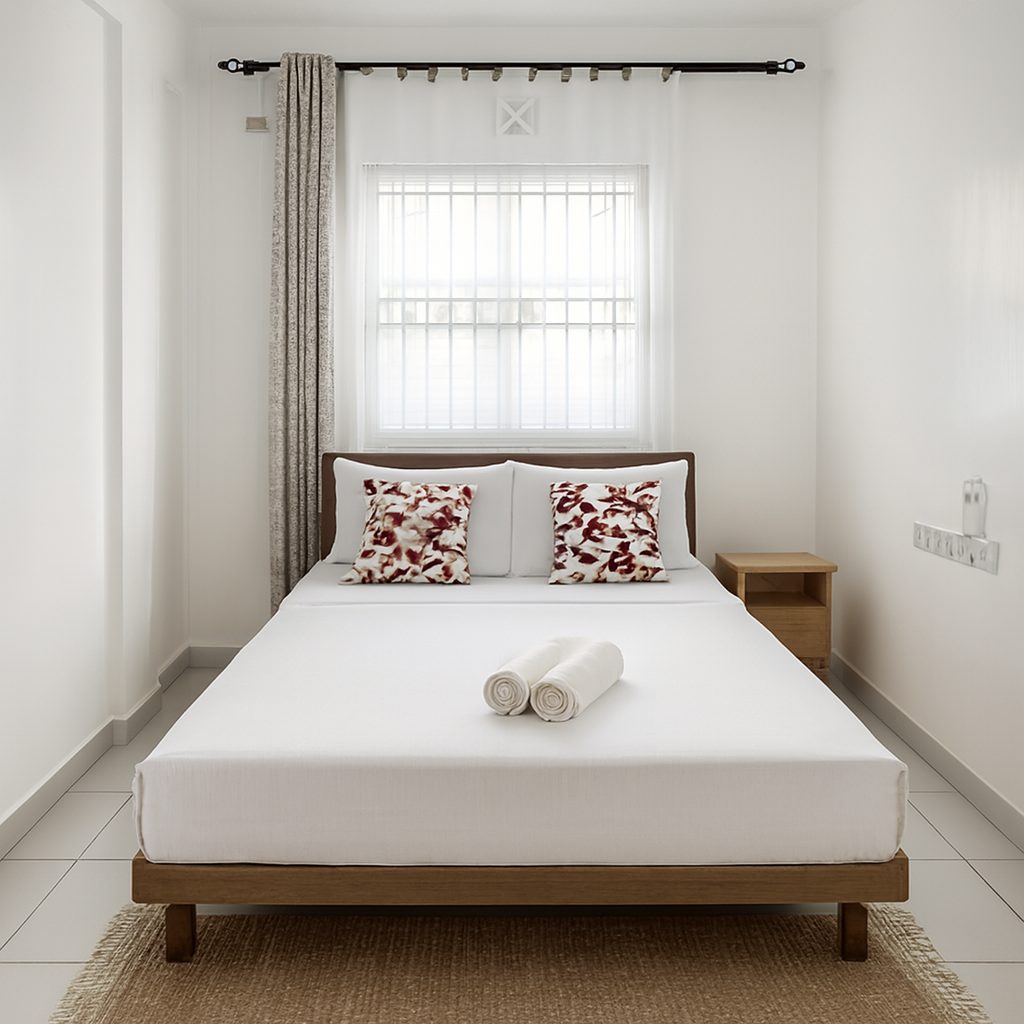
- Make the bed: an unmade bed makes a photo look messy
- Standing in the door frame can make a room look more spacious
- Save and upload photos at the highest quality you can
Making 9 photos count
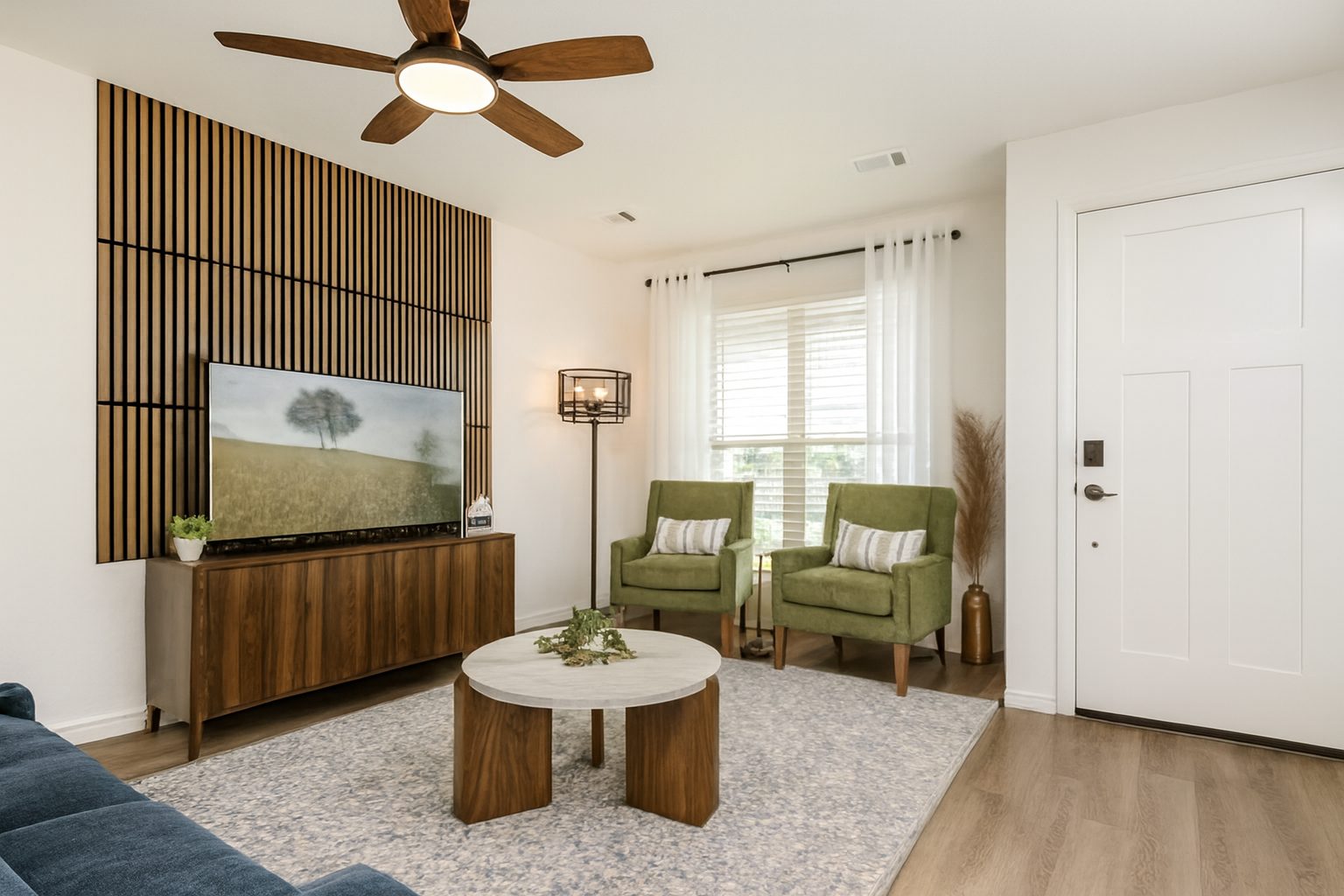
With 9 photos on SpareRoom, every slot matters. A practical split for a room in a shared house: two of the room itself from different corners, one of the bathroom, two of the kitchen and living space, one of any garden or outdoor space, one of the front of the building, and one of any feature renters ask about, such as storage or a desk.
Shoot in daylight with every light on, keep the phone level, and use the original files rather than copies sent through a messaging app.
Bright, but accurate
Both sites check photos by hand, and renters view in person before they sign. A photo that makes a room look bigger, newer or different from reality wastes viewings and trust.
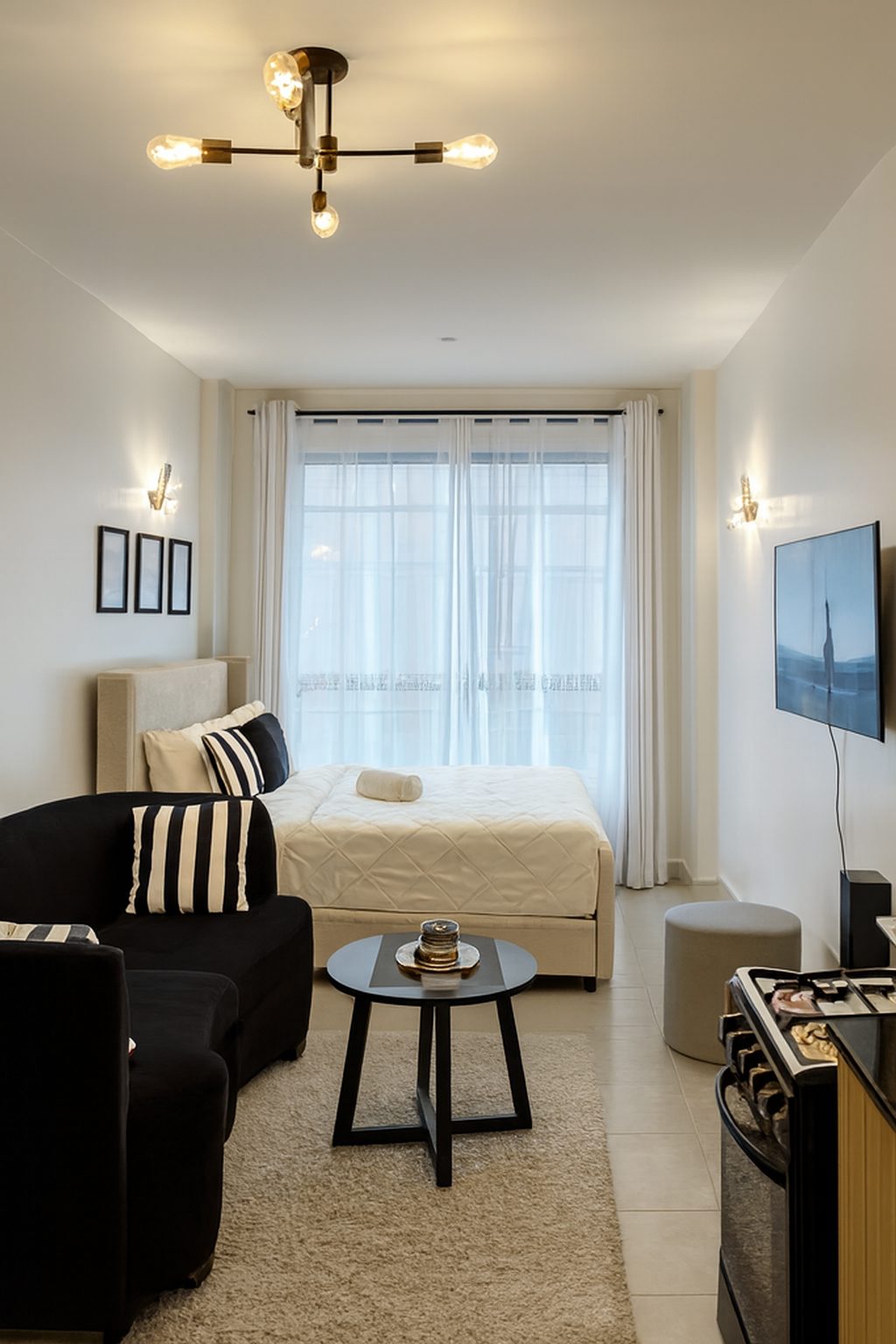
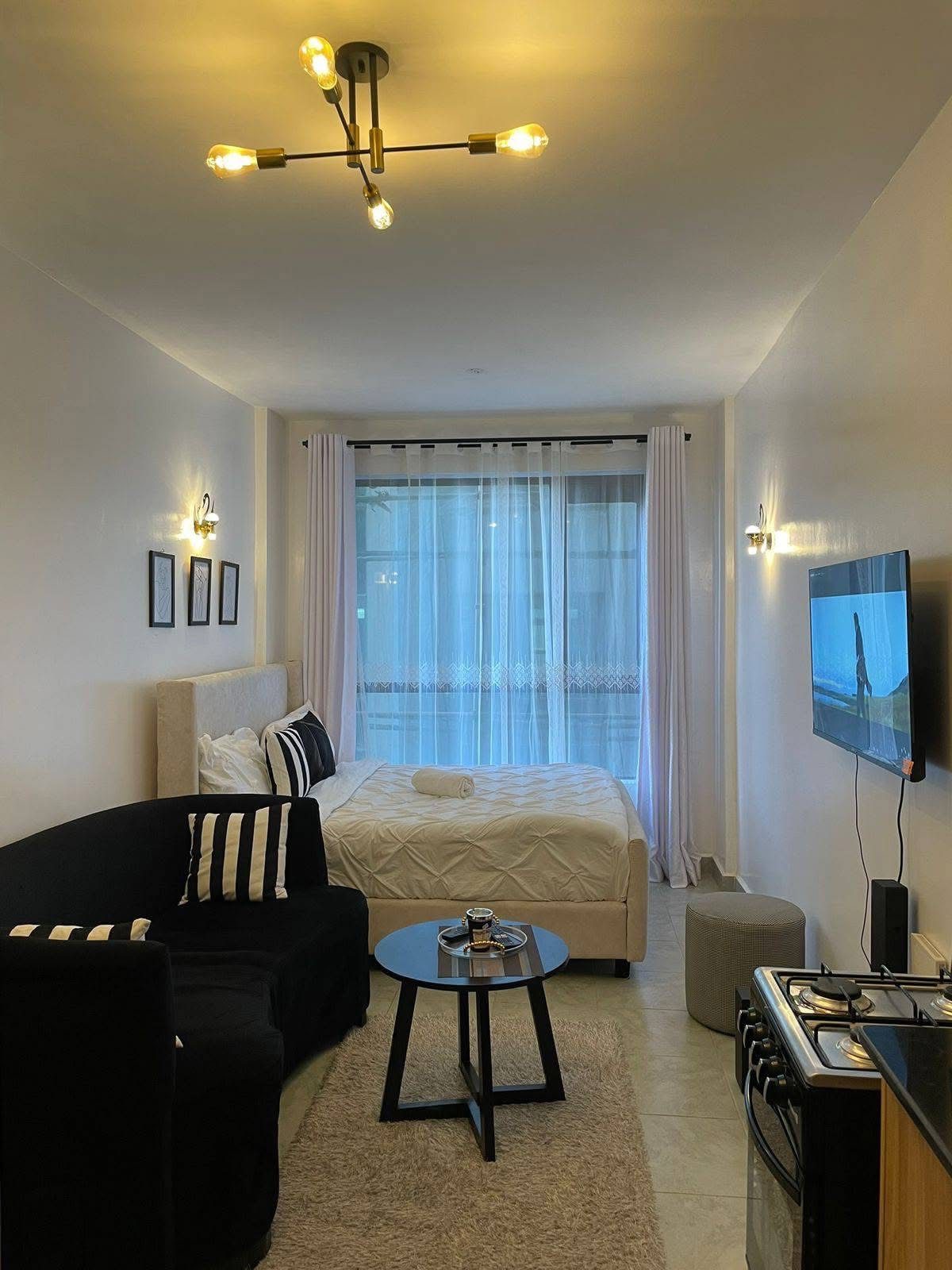
ProLister fixes light, colour and straight lines, and nothing in the room is added, removed or changed, so the room renters see at the viewing is the room in the photo.
Frequently asked questions
Can I put my phone number on OpenRent photos?
No. OpenRent's photo rules ban personal contact details such as phone numbers and email addresses, and photos that break the rules are removed.
Can I add a watermark or logo to OpenRent photos?
No. OpenRent does not allow logos, watermarks or brand information in advert photos.
How many photos can I add on SpareRoom?
SpareRoom says all users can add up to 9 photos to an ad free of charge.
Can I use photos of a similar room on SpareRoom?
SpareRoom's code of practice for agents says to upload only photos of the actual room or property, and that photos of a similar property are misleading.
Can I add a video to my OpenRent advert?
Yes. Upload the video to YouTube, then add the link to your advert.
What changed, and what did not
This panel describes how ProLister's own enhancement behaves, based on our product testing on real listing photos. It is not independent industry research.
What changed in the photo
- Brightness and shadow detail in dark areas
- Colour temperature (orange or blue casts neutralised)
- Contrast and clarity
- Window exposure, so the view outside is visible
- Vertical alignment of walls and door frames
- Digital noise in darker rooms
What did not change
- The room's layout, dimensions and architecture
- Furniture, appliances and decor
- Wall, floor and worktop finishes and materials
- The view through the windows
- The property's condition, including wear and damage
- Anything the camera did not capture in the original frame
What AI can and cannot safely do to a listing photo
| Edit | Safe to publish? |
|---|---|
| Correct exposure, colour, contrast and verticals | Yes - standard photographic finishing |
| Recover blown-out windows and shadow detail | Yes - shows what a visitor's eye would see |
| Unify brightness and colour across a photo set | Yes - presentation only |
| Add or remove furniture, or restyle a room | Only as clearly labelled virtual staging |
| Erase damage, damp, cracks or wear | No - misrepresents the property's condition |
| Replace views, skies or seasons | No - changes what the property offers |
| Stretch or widen a room's apparent size | No - misrepresents the space |
The "safe" column reflects platform accuracy rules (see the sources below) and our editorial recommendation. Always check the current policy of each platform, MLS and local regulation you list on.