
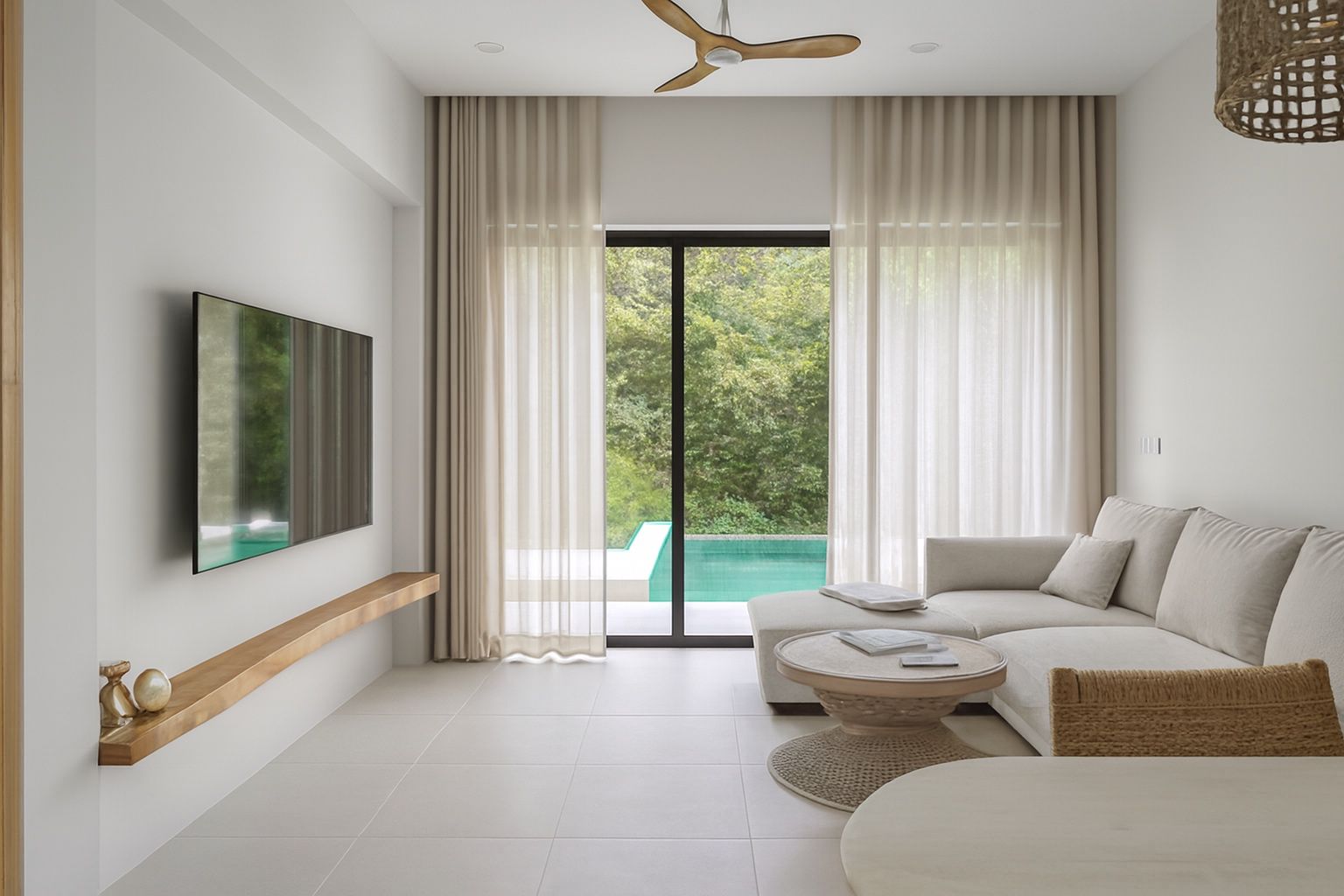
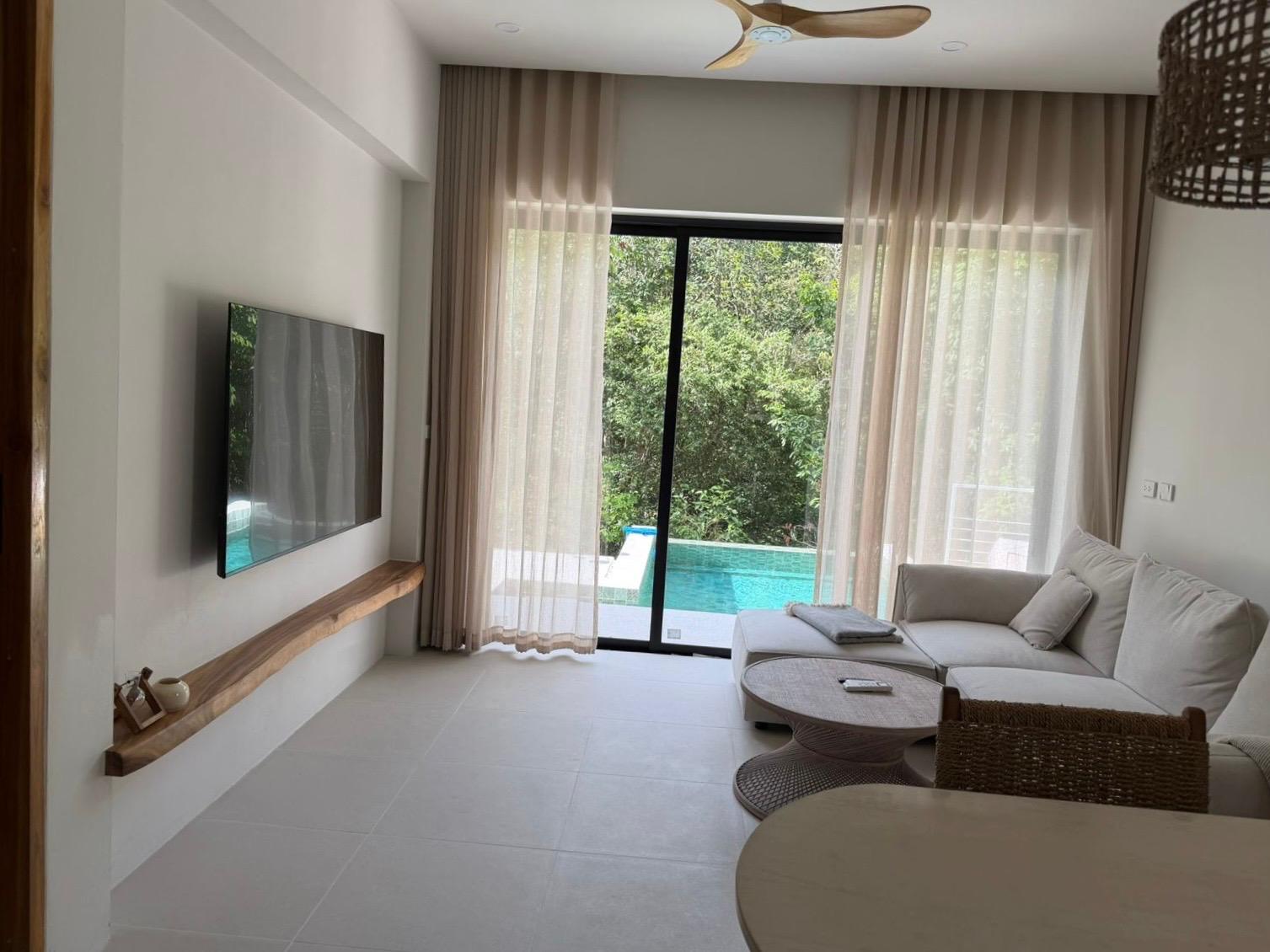
Photos are the quickest win for a new co-host
Owners often bring in a co-host because the listing isn't performing. Dark, tilted or out-of-date photos are one of the first things guests notice, and one of the easiest things to fix.
Reshooting with a phone and finishing the photos properly gives you a visible improvement to show the owner in your first week.
What ProLister fixes
- Dark rooms and dull light brightened and evened out
- Yellow or blue colour casts from mixed bulbs corrected to natural tones
- Leaning walls and tilted horizons straightened
- Sharper detail that still reads well at thumbnail size
- High-resolution JPG files ready for Airbnb, Vrbo, Booking.com and the owner's own website
Accurate photos keep reviews and owners happy
ProLister never adds furniture, removes stains or fixtures, changes the view or stages a room. It only corrects light, colour, perspective and clarity.
Guests who find the place they saw in the photos leave better reviews. That protects the owner's listing and your reputation as a co-host.
How it works
- Open the curtains, switch on the lights and photograph each room from a corner at chest height, with the phone held horizontally.
- Upload the JPG or PNG files from your phone or computer.
- Download the listing-ready versions a few seconds later and add them to the listing, or send them to the owner to upload.
- Need a tweak? Refine any image for half a credit.
Your own account, the owner's photos
Pro plans can be shared by your team under one login. Free and one-time accounts are for one person. Use your own account for the places you co-host, and if the owner or another co-host wants to enhance photos too, they can sign up with their own account.
Only upload photos you took yourself or have the owner's permission to edit and publish.
What it costs
Your first 2 photos are free. After that, credit packs are one-time purchases with no subscription: 10 photos for $9.99, 25 for $19.99 and 50 for $34.99. Credits never expire, so leftover credits are there for the next property you take on.
Co-hosting a lot of listings? Pro monthly plans for teams: 100 credits for $65/month up to 1,000 credits for $500/month. Cancel anytime.
Helpful guides
Free listing photo checker
Before you upload, run your photos through our free 12-point checklist for light, composition, prep and coverage. It runs in your browser and nothing is uploaded.
Open the Listing Photo Checker →ProLister for other listings
- Airbnb & Vrbo hosts
- Property managers
- UK letting agents
- Rental listings
- UK landlords
- HMO landlords
- UK holiday lets
- Serviced accommodation
- For sale by owner
- Student housing
- Vrbo hosts
- Booking.com hosts
- Mid-term rentals
- Real estate agents
- UK estate agents
- Australian rentals
- UAE rentals
- Canadian rentals
- Vacation rental managers
- Cabins and glamping
- Irish rentals
- New Zealand rentals
Frequently asked questions
Can a co-host use ProLister for an owner's listing?
Yes, as long as you took the photos or have the owner's permission to edit and publish them. You download standard JPG files that you or the owner can upload to the listing.
Can the owner and I share one ProLister account?
Pro plans can be shared by your team under one login. Free and one-time accounts are for one person. The owner and each co-host can also have their own account and their own credits.
Is this virtual staging?
No. Nothing is added to or removed from the room. The photos show the place exactly as guests will find it.
Do credits expire?
Credits from one-time packs never expire.