How the Airbnb photo tour works
Airbnb's help page says new photos are automatically sorted into rooms by its AI, and hosts can also add photos to rooms manually. The tour then shows guests the home room by room, so they can understand the layout.
Every room or space needs at least one photo so it can appear in the photo tour. Airbnb's host guide also recommends taking photos of every space guests can use.
How to change the order and the cover photo
- To reorder: open All photos, then drag the photos into the order you prefer
- To set the cover: select the photo you want and choose Make cover photo
- To describe a room: choose Add a description for this room or space
- Changes can take up to 30 minutes to appear on the listing
The first five photos matter most
Airbnb's help page says the first five photos are the most important, because they are displayed prominently on the listing. Airbnb does not publish a fixed room order, so the order below is our practical suggestion, not an Airbnb rule.
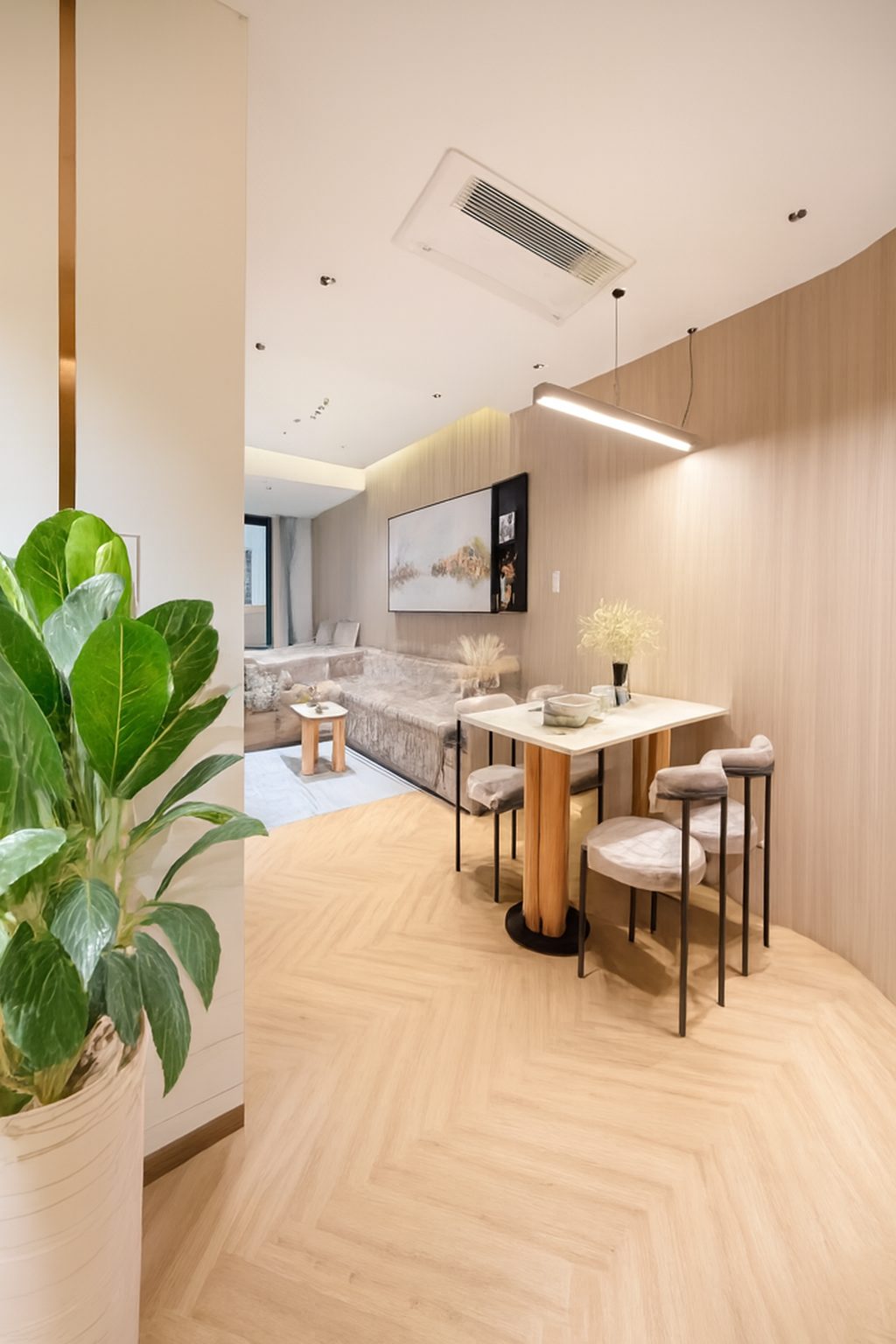
- 1. Cover: your brightest, most representative shot, usually the main living space or the best view
- 2. The main living area from a second angle
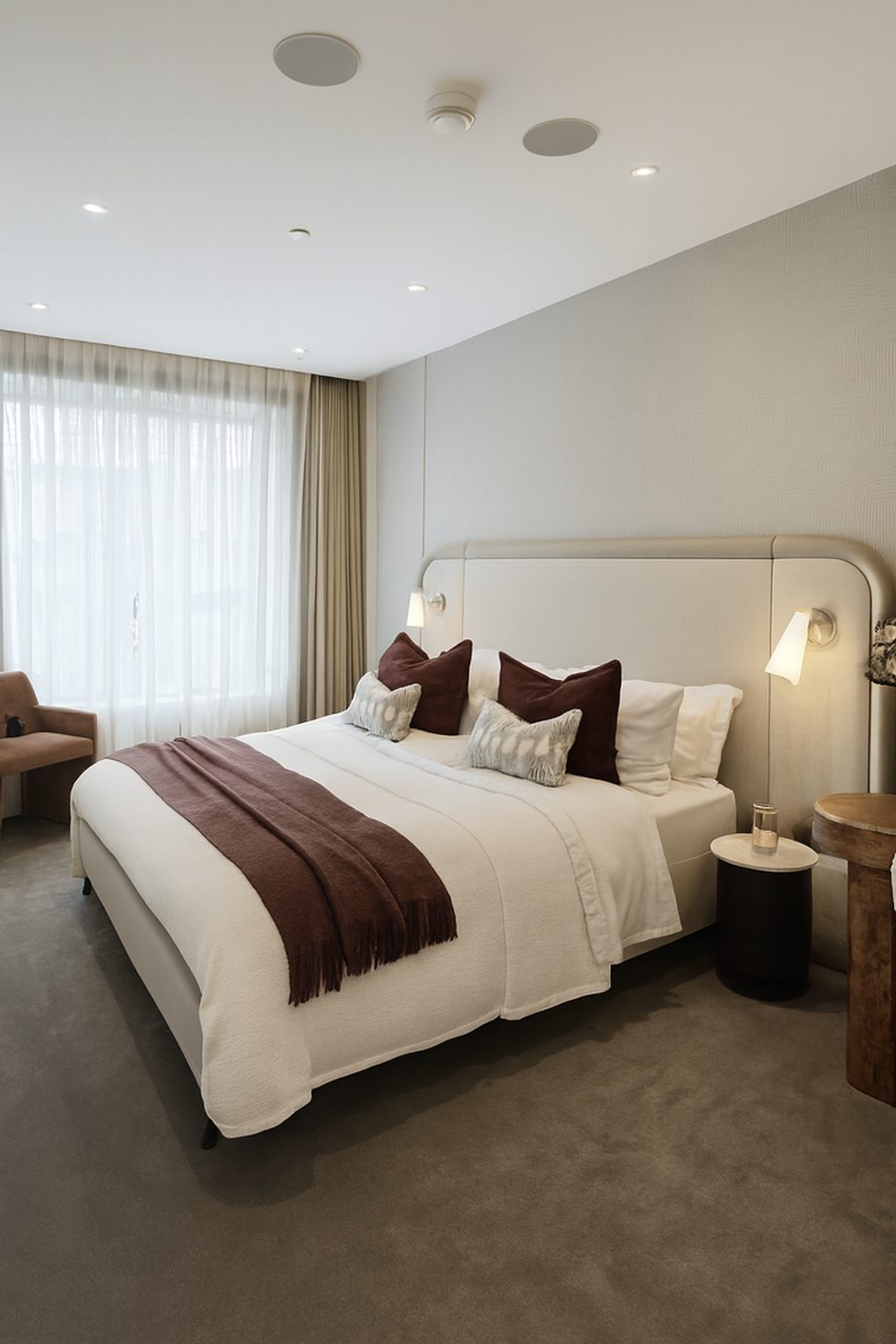
- 3. The main bedroom
- 4. The kitchen or dining area
- 5. The feature guests book for: a terrace, pool, view or workspace
After the first five
Order the rest the way a guest would walk through the home: entrance, living spaces, kitchen, each bedroom, each bathroom, then outdoor space and the building. Make sure no room is left without a photo, so the tour is complete.
Make the tour look consistent
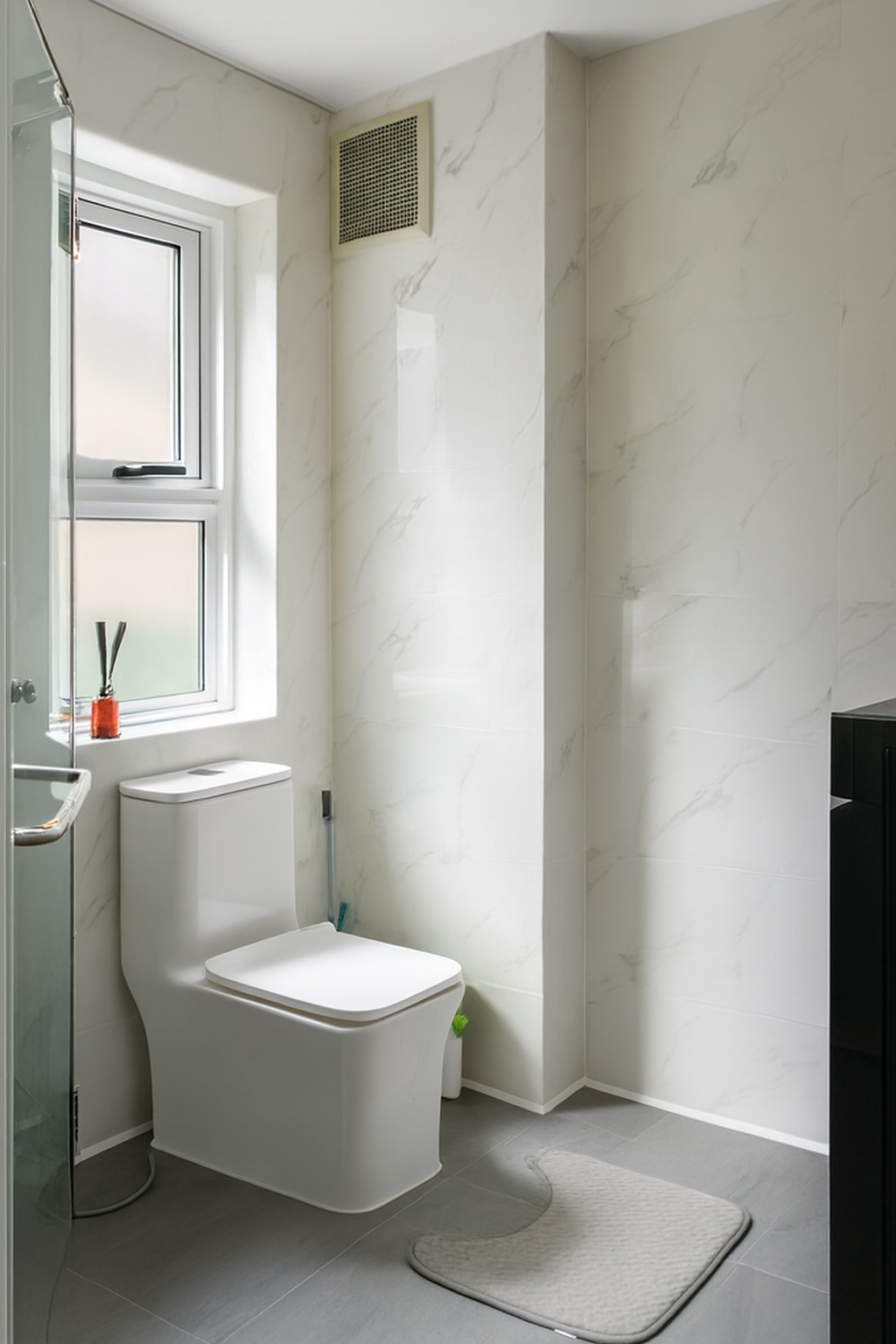
A photo tour shows several photos of each room side by side, so differences in brightness and colour stand out. One dark, yellow bedroom next to bright ones makes that room look worse than it is.
ProLister gives every photo the same finishing pass: balanced light, neutral colour and straight lines, with nothing in the room added, removed or changed.
Frequently asked questions
How does Airbnb sort photos into rooms?
Airbnb's help page says new photos are automatically sorted into rooms by its AI. You can also add photos to rooms manually.
How do I change the order of my Airbnb photos?
Open All photos and drag the photos into the order you prefer. Changes can take up to 30 minutes to appear.
How do I change my Airbnb cover photo?
Select the photo you want and choose Make cover photo.
Does every room need a photo?
Airbnb asks hosts to make sure every room or space has at least one photo, so it can appear in the photo tour.
What order should my Airbnb photos be in?
Airbnb says the first five photos are the most important but does not set a room order. A practical start: best overall shot, main living area, main bedroom, kitchen, then the feature guests book for.