
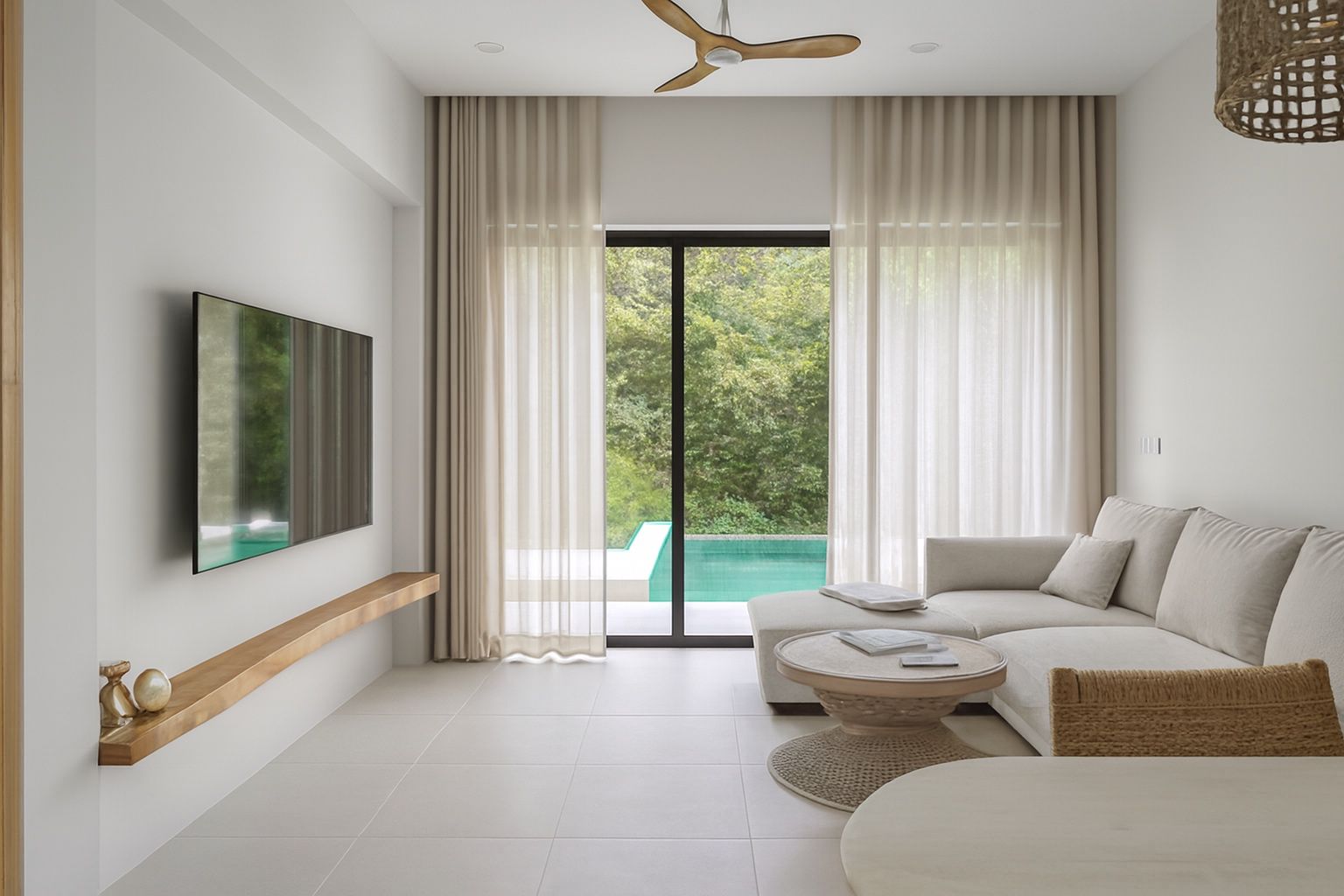
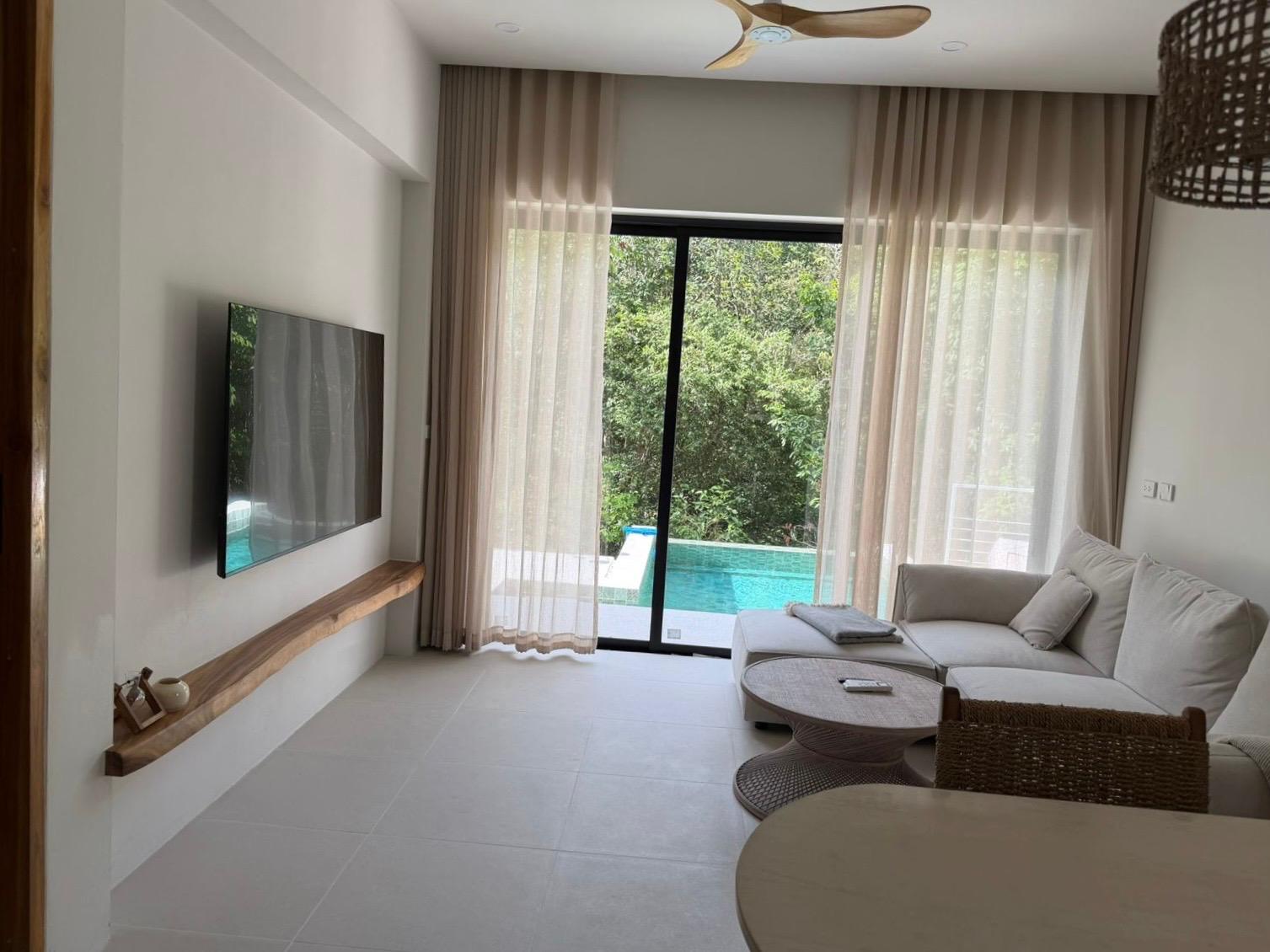
Room seekers compare rooms, not houses
On room-share sites, people scroll a list of small photos and open the rooms that look bright, clean and the size they need. A bedroom shot at night looks smaller and more tired than it really is.
In a shared house the shared spaces matter too. Tenants want to see the kitchen, bathroom and living space they will share before they book a viewing.
What ProLister fixes
- Small bedrooms brightened and evened out, so they read at their real size
- Yellow or blue colour casts from mixed bulbs removed
- Leaning walls and tilted horizons straightened
- Sharper detail that still reads at thumbnail size
- High-resolution files ready for SpareRoom, OpenRent, Rightmove, Zoopla and Facebook Marketplace
What to photograph for each room advert
- The room itself from the corner by the door, with the curtains open and the lights on
- A second angle that shows storage, the desk or the window
- The shared kitchen, bathroom and any living space
- The outside of the house, if you are happy to show it
- A fresh photo whenever the furniture or decor changes, so the advert stays accurate
Accurate, so viewings turn into tenancies
ProLister never adds furniture, removes damp or fixtures, changes the view or stages a room. It does not stretch or widen a room either. It only corrects how the photo was taken.
Tenants who arrive to find the room they saw in the photos are more likely to take it. Misleading photos waste your viewings and can breach UK consumer protection rules.
How it works
- Open the curtains, switch on the lights and photograph each room from a corner at chest height, with the phone held sideways.
- Upload the JPG or PNG files from your phone or computer.
- Download the listing-ready versions a few seconds later.
- Need a tweak? Refine any image for half a credit.
What it costs
Your first 2 photos are free. After that, credit packs are one-time purchases with no subscription, priced in US dollars: 10 photos for $9.99, 25 for $19.99 and 50 for $34.99. Credits never expire, so they are there the next time a room comes free.
Pro plans can be shared by your team under one login. Free and one-time accounts are for one person.
Helpful guides
Free listing photo checker
Before you upload, run your photos through our free 12-point checklist for light, composition, prep and coverage. It runs in your browser and nothing is uploaded.
Open the Listing Photo Checker →ProLister for other listings
- Airbnb & Vrbo hosts
- Property managers
- UK letting agents
- Rental listings
- UK landlords
- UK holiday lets
- Serviced accommodation
- For sale by owner
- Student housing
- Vrbo hosts
- Booking.com hosts
- Mid-term rentals
- Real estate agents
- UK estate agents
- Airbnb co-hosts
- Australian rentals
- UAE rentals
- Canadian rentals
- Vacation rental managers
- Cabins and glamping
- Irish rentals
- New Zealand rentals
Frequently asked questions
Can I use enhanced photos on SpareRoom and OpenRent?
Yes. ProLister only corrects light, colour, perspective and clarity, so the photo still shows the room as it is. You download standard JPG files that upload anywhere.
Will it make a small room look bigger than it is?
No. ProLister does not stretch, widen or reshape the room. It removes the gloom and tilt that make a room look smaller, so it looks the size it really is.
Is this virtual staging?
No. Nothing is added to or removed from the room. If the room is let unfurnished, the photos show it unfurnished.
Do credits expire?
Credits from one-time packs never expire.