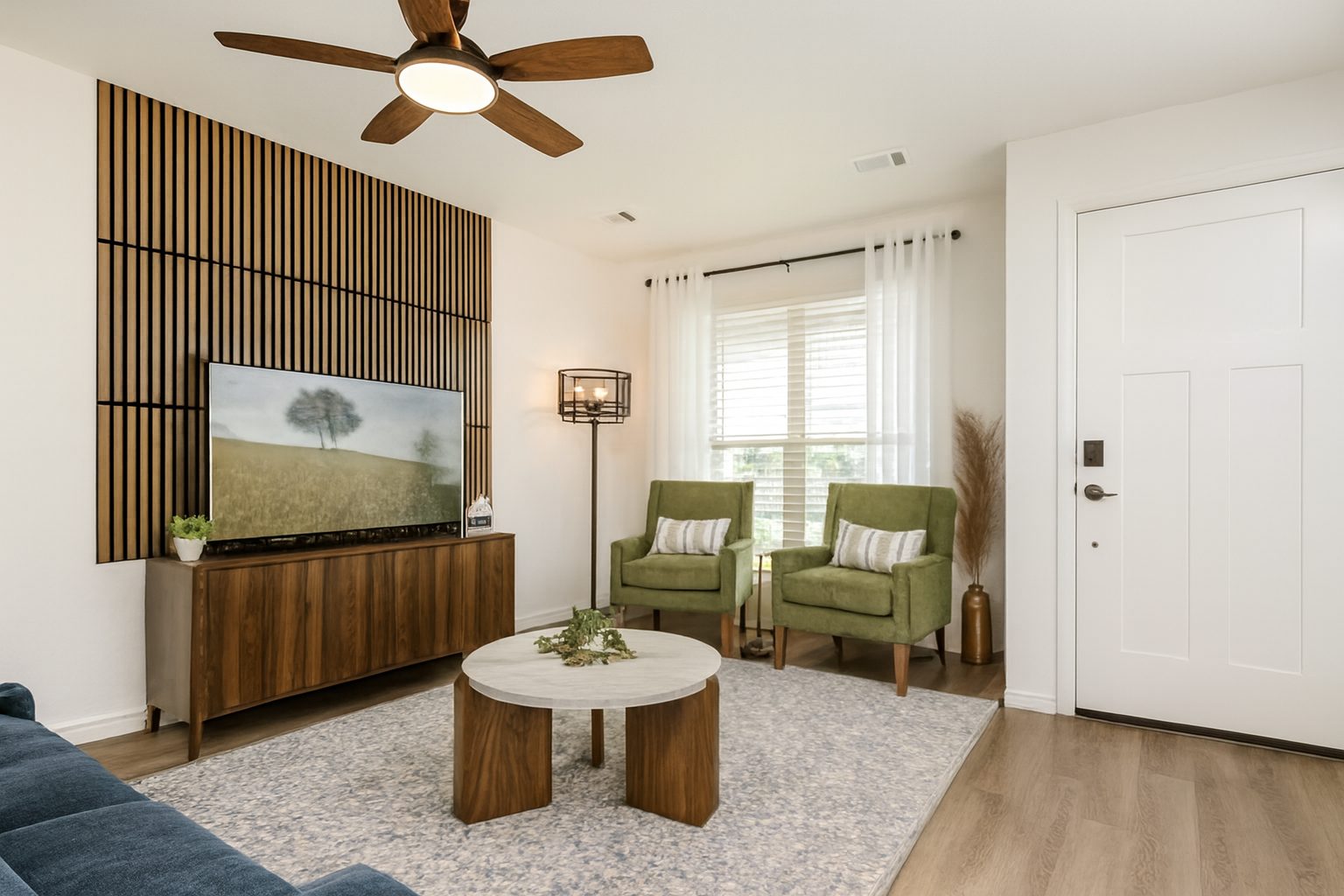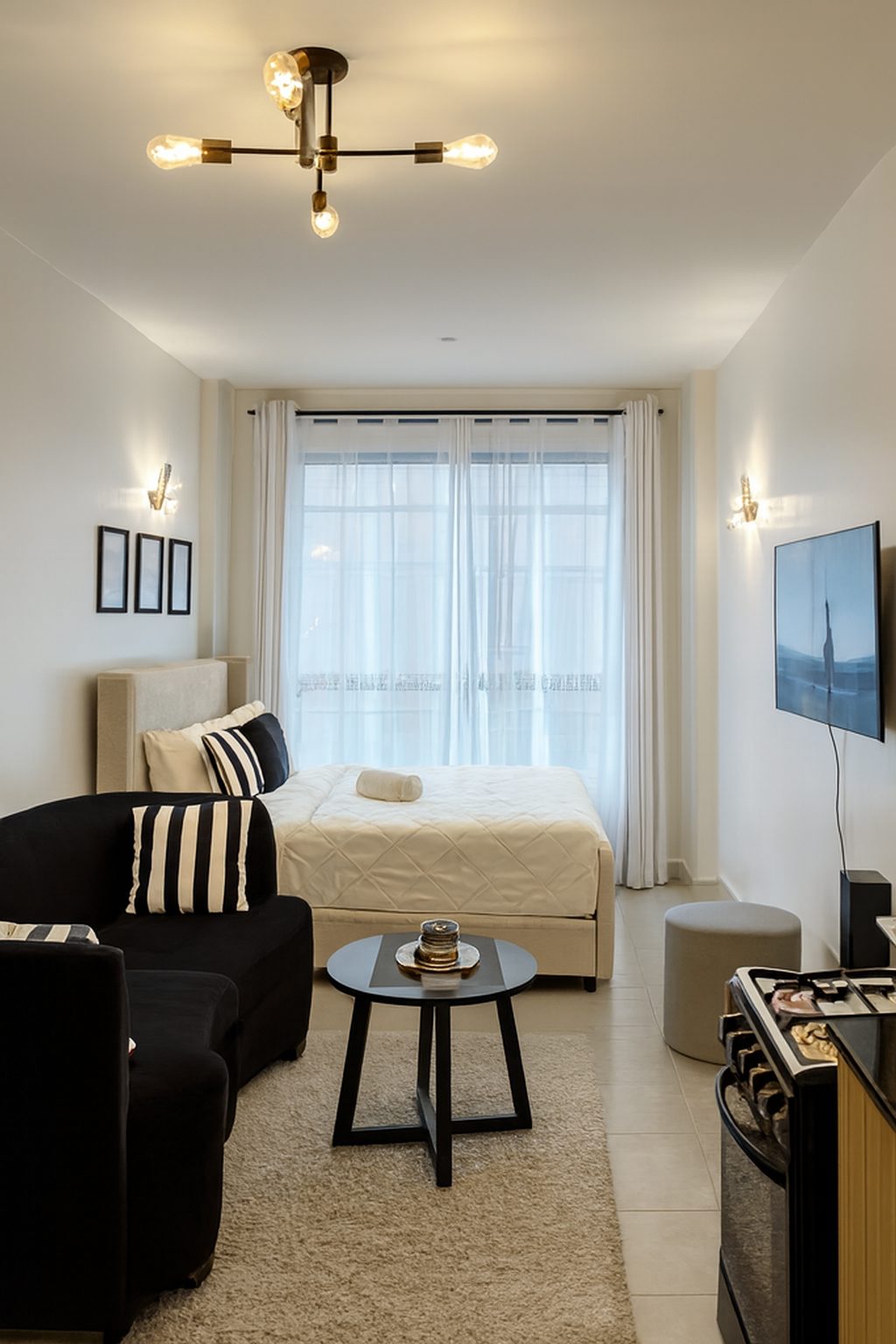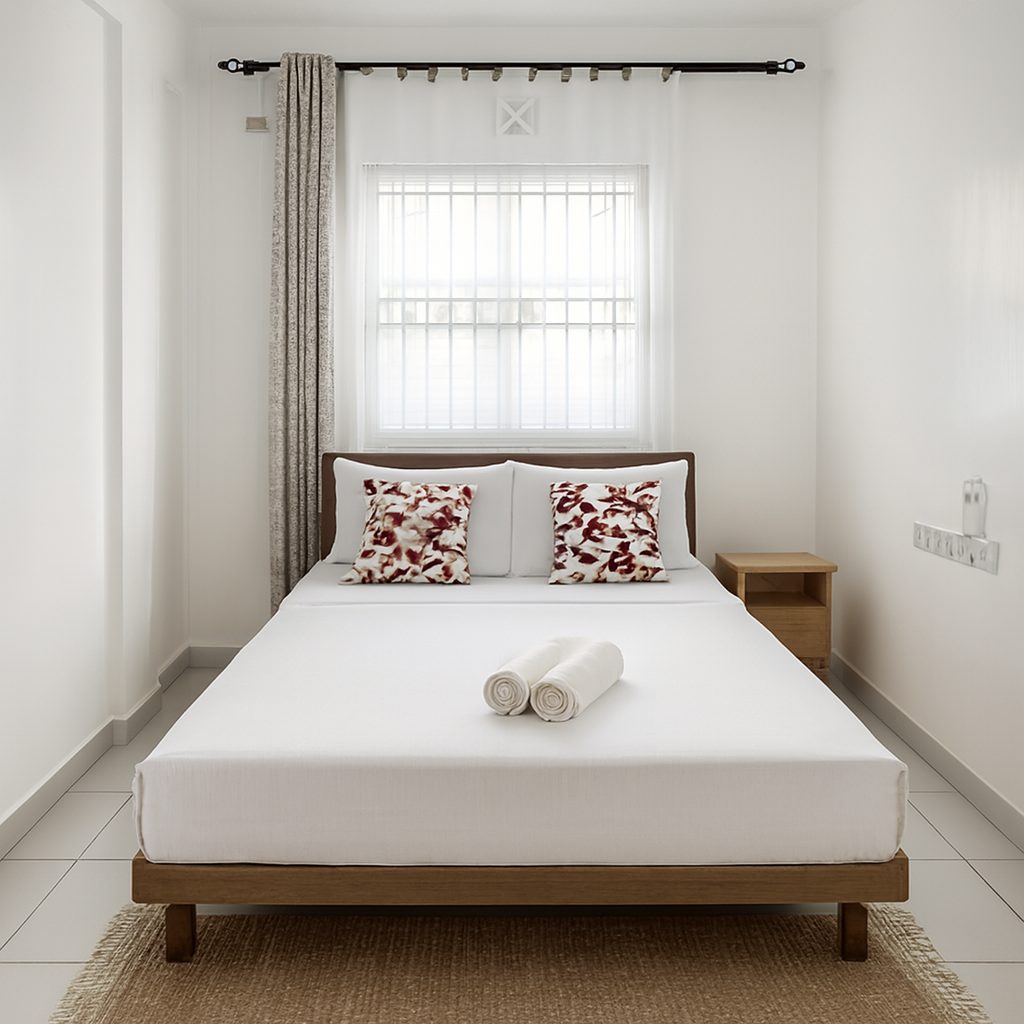
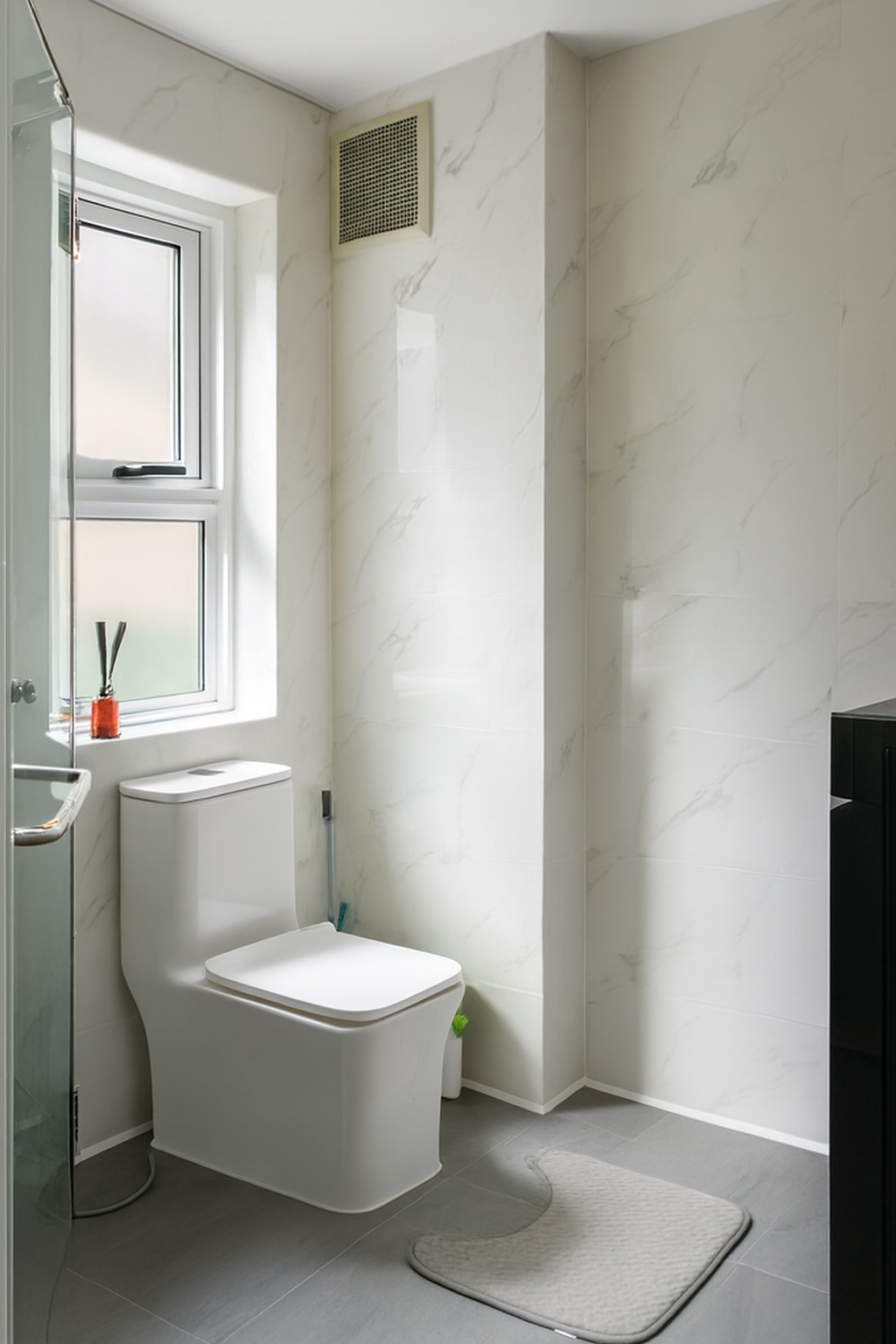
Where UK rentals are listed
Letting agents usually list on Rightmove and Zoopla. Private landlords often use OpenRent, which can also place adverts on major portals such as Rightmove through a paid upgrade, or SpareRoom for rooms and flatshares. Each site has its own photo rules, but they agree on the basics: real photos of the actual property, no overlays, and good quality.
Shooting UK rentals on a phone
A recent phone is enough for most rentals. Shoot in the brightest part of the day with curtains open and every light on, stand in a corner or doorway, hold the phone at chest height and keep it level so walls stay straight.
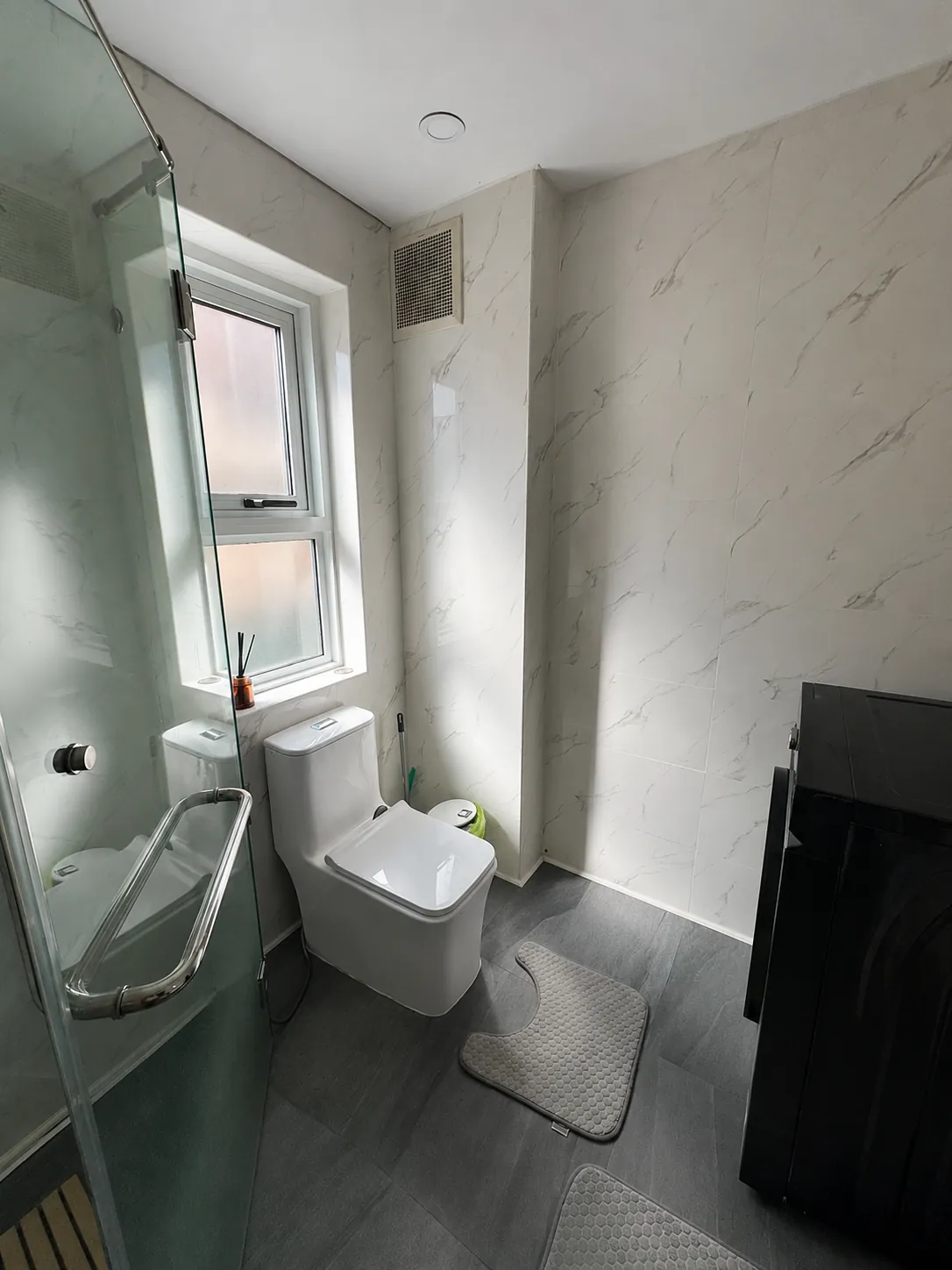
Cover every room renters will use, including the bathroom, the hallway and any outdoor space, and photograph the front of the building so people can recognise it at the viewing.
Fixing the usual problems
Dark rooms, yellow light and tilted walls are the most common problems in rental photos taken on a phone, especially in winter light. Most can be fixed from the original files without a reshoot.
Keep photos accurate
Renters view before they sign, so a photo that flatters a room beyond reality costs you wasted viewings. SpareRoom's code of practice for agents treats photos of a similar property as misleading, and the safest rule on every site is to show the actual property as it is.
ProLister corrects light, colour and straight lines, and nothing in the room is added, removed or changed.
For landlords and letting agents
ProLister has pages for both audiences, with examples and pricing:
Frequently asked questions
Can I take UK rental listing photos on my phone?
Yes. A recent phone is enough for most rentals if you shoot in daylight with the lights on, keep the phone level and cover every room.
Can I put my contact details on rental photos?
Not on OpenRent, which removes photos showing personal contact details, logos or watermarks. Keep contact details in the advert text where the site allows it.
How many photos does SpareRoom allow?
SpareRoom says all users can add up to 9 photos to an ad free of charge.
Will editing my photos cause problems?
Correcting light, colour and straight lines does not change the property. What causes problems is showing something different from what renters find at the viewing.
What changed, and what did not
This panel describes how ProLister's own enhancement behaves, based on our product testing on real listing photos. It is not independent industry research.
What changed in the photo
- Brightness and shadow detail in dark areas
- Colour temperature (orange or blue casts neutralised)
- Contrast and clarity
- Window exposure, so the view outside is visible
- Vertical alignment of walls and door frames
- Digital noise in darker rooms
What did not change
- The room's layout, dimensions and architecture
- Furniture, appliances and decor
- Wall, floor and worktop finishes and materials
- The view through the windows
- The property's condition, including wear and damage
- Anything the camera did not capture in the original frame
What AI can and cannot safely do to a listing photo
| Edit | Safe to publish? |
|---|---|
| Correct exposure, colour, contrast and verticals | Yes - standard photographic finishing |
| Recover blown-out windows and shadow detail | Yes - shows what a visitor's eye would see |
| Unify brightness and colour across a photo set | Yes - presentation only |
| Add or remove furniture, or restyle a room | Only as clearly labelled virtual staging |
| Erase damage, damp, cracks or wear | No - misrepresents the property's condition |
| Replace views, skies or seasons | No - changes what the property offers |
| Stretch or widen a room's apparent size | No - misrepresents the space |
The "safe" column reflects platform accuracy rules (see the sources below) and our editorial recommendation. Always check the current policy of each platform, MLS and local regulation you list on.
Sources and further reading
Other complete guides
- The Complete Guide to Real Estate Listing Photography
- The Complete Guide to AI Real Estate Photo Enhancement
- The Complete Guide to Getting More Leads From Real Estate Listings
- Real Estate Marketing for Agents: A Practical Guide
- The Complete Guide to Short-Term Rental Photos
- US Rental Listing Photos: The Guide for Landlords and Property Managers