Where US rentals are listed
Long-term rentals are usually listed on Zillow, often through Zillow Rental Manager, and on Apartments.com. Private landlords also post on Facebook Marketplace, and furnished stays of a month or more are often listed on Furnished Finder. Each site shows your photos before anything else, and they agree on the basics: real photos of the actual unit, clear and well lit.
Zillow and Apartments.com
Zillow's photo help page lists JPG, GIF, PNG or TIF files under 50 MB, at least 330 x 220 pixels, with 1536 x 1152 suggested for best quality. Zillow Rental Manager's own tips recommend at least 10 to 15 photos and warn against heavy editing that misrepresents a property.
Apartments.com lets property managers upload as many photos as they like, but how many renters see depends on the ad package, from 5 on a Basic listing upwards. You set the order by dragging photos within an album.
Facebook Marketplace
On Facebook Marketplace, most people meet your rental as one small photo in a feed on their phone. Lead with a bright, wide shot of the main living space, then walk renters through the home in the order they would see it on a viewing.
Shooting a rental on a phone
A recent phone is enough for most rentals. Shoot in the brightest part of the day with curtains open and every light on, stand in a corner or doorway, hold the phone sideways at chest height and keep it level so walls stay straight.
Cover every room renters will use, plus laundry, storage, parking or outdoor space if the rent includes them, and the front of the building in daylight. Upload the original files, not screenshots or copies sent through a messaging app.
Fixing the photos you already have
Dark rooms, yellow light and leaning walls are the most common problems with phone photos of rentals. They can be corrected without a reshoot, as long as the result still shows the unit as it is.
ProLister corrects exposure, colour and straight lines in seconds, and never adds, removes or changes anything in the room.
Frequently asked questions
How many photos should a US rental listing have?
Zillow Rental Manager recommends at least 10 to 15 high-quality photos. On Apartments.com, how many are shown depends on your ad package.
Can I use the same photos on Zillow, Apartments.com and Facebook Marketplace?
Yes. The same well-lit, accurate photos work on all of them. Keep the set current everywhere so renters see the same unit on every site.
Is it OK to edit rental listing photos?
Correcting light, colour and straightness is fine as long as the photo still shows the unit as it is. Do not add furniture, remove damage or change the view.
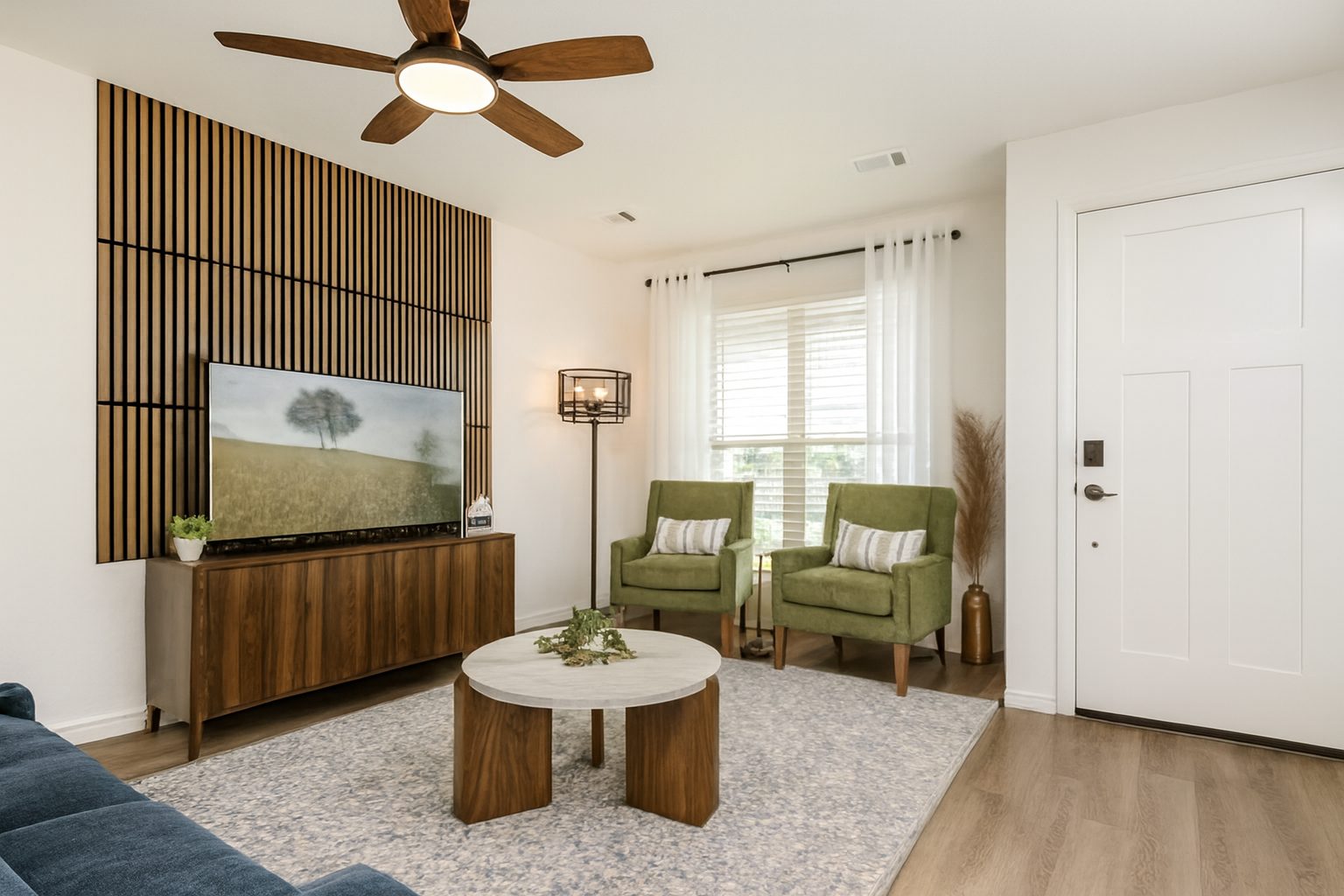
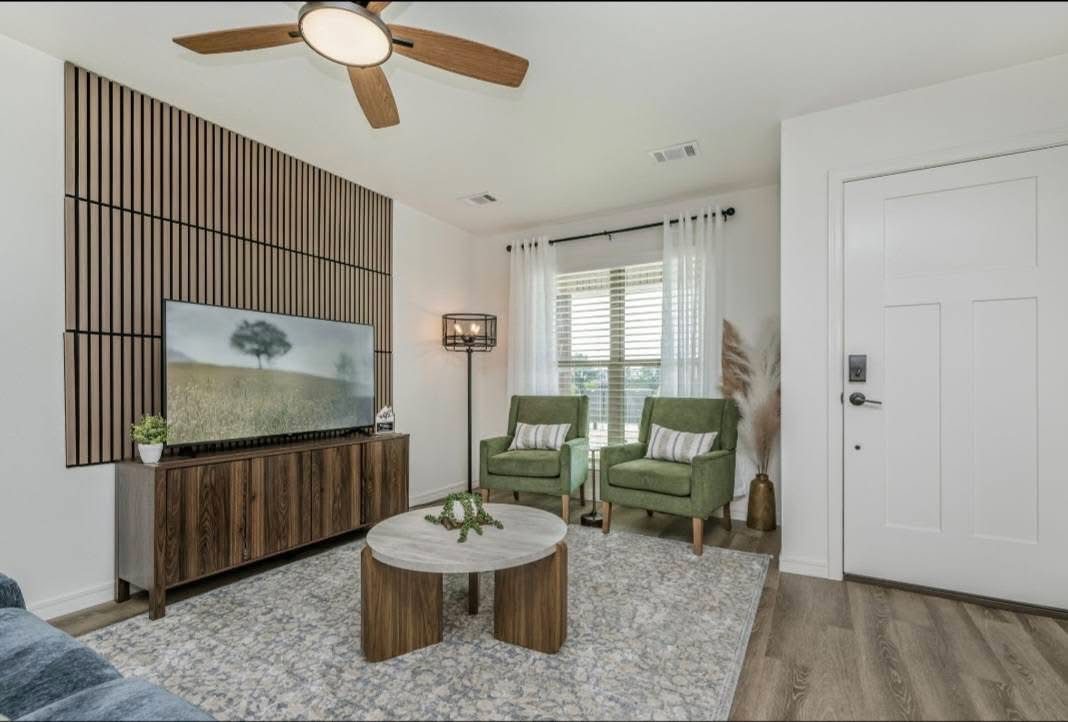
What changed, and what did not
This panel describes how ProLister's own enhancement behaves, based on our product testing on real listing photos. It is not independent industry research.
What changed in the photo
- Brightness and shadow detail in dark areas
- Colour temperature (orange or blue casts neutralised)
- Contrast and clarity
- Window exposure, so the view outside is visible
- Vertical alignment of walls and door frames
- Digital noise in darker rooms
What did not change
- The room's layout, dimensions and architecture
- Furniture, appliances and decor
- Wall, floor and worktop finishes and materials
- The view through the windows
- The property's condition, including wear and damage
- Anything the camera did not capture in the original frame
What AI can and cannot safely do to a listing photo
| Edit | Safe to publish? |
|---|---|
| Correct exposure, colour, contrast and verticals | Yes - standard photographic finishing |
| Recover blown-out windows and shadow detail | Yes - shows what a visitor's eye would see |
| Unify brightness and colour across a photo set | Yes - presentation only |
| Add or remove furniture, or restyle a room | Only as clearly labelled virtual staging |
| Erase damage, damp, cracks or wear | No - misrepresents the property's condition |
| Replace views, skies or seasons | No - changes what the property offers |
| Stretch or widen a room's apparent size | No - misrepresents the space |
The "safe" column reflects platform accuracy rules (see the sources below) and our editorial recommendation. Always check the current policy of each platform, MLS and local regulation you list on.
Sources and further reading
Other complete guides
- The Complete Guide to Real Estate Listing Photography
- The Complete Guide to AI Real Estate Photo Enhancement
- The Complete Guide to Getting More Leads From Real Estate Listings
- Real Estate Marketing for Agents: A Practical Guide
- The Complete Guide to Short-Term Rental Photos
- UK Rental Listing Photos: The Guide for Landlords and Letting Agents