What Zillow's help page says
Zillow's photo uploading help page lists these limits. It is written for listings on Zillow in general and does not give separate numbers for rentals, so treat it as the baseline.
| Item | What Zillow says |
|---|---|
| File types | JPG, GIF, PNG or TIF |
| Maximum file size | Under 50 MB |
| Minimum size | 330 x 220 pixels |
| Suggested size | 1536 x 1152 pixels for best quality |
Zillow Rental Manager's own photo tips
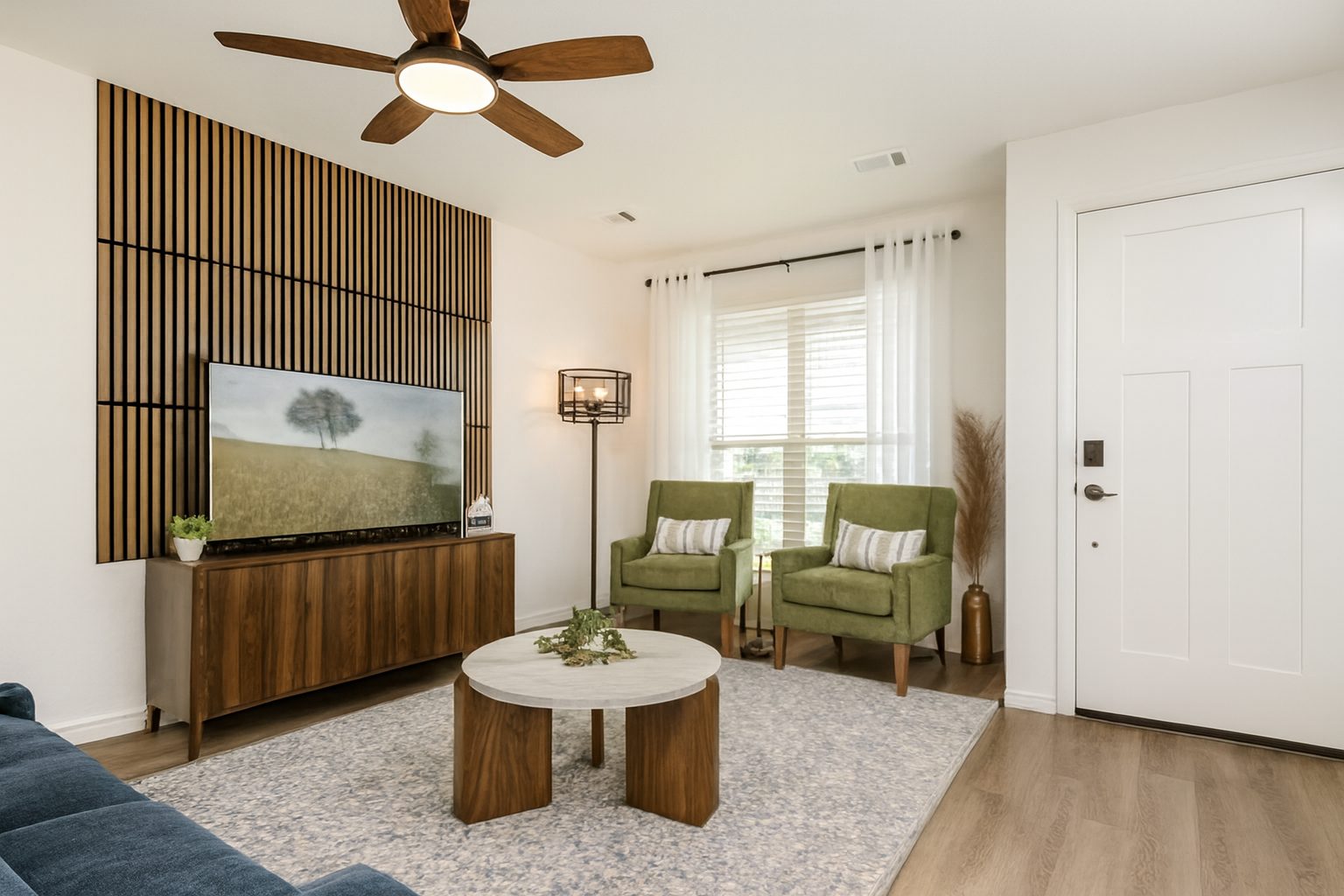
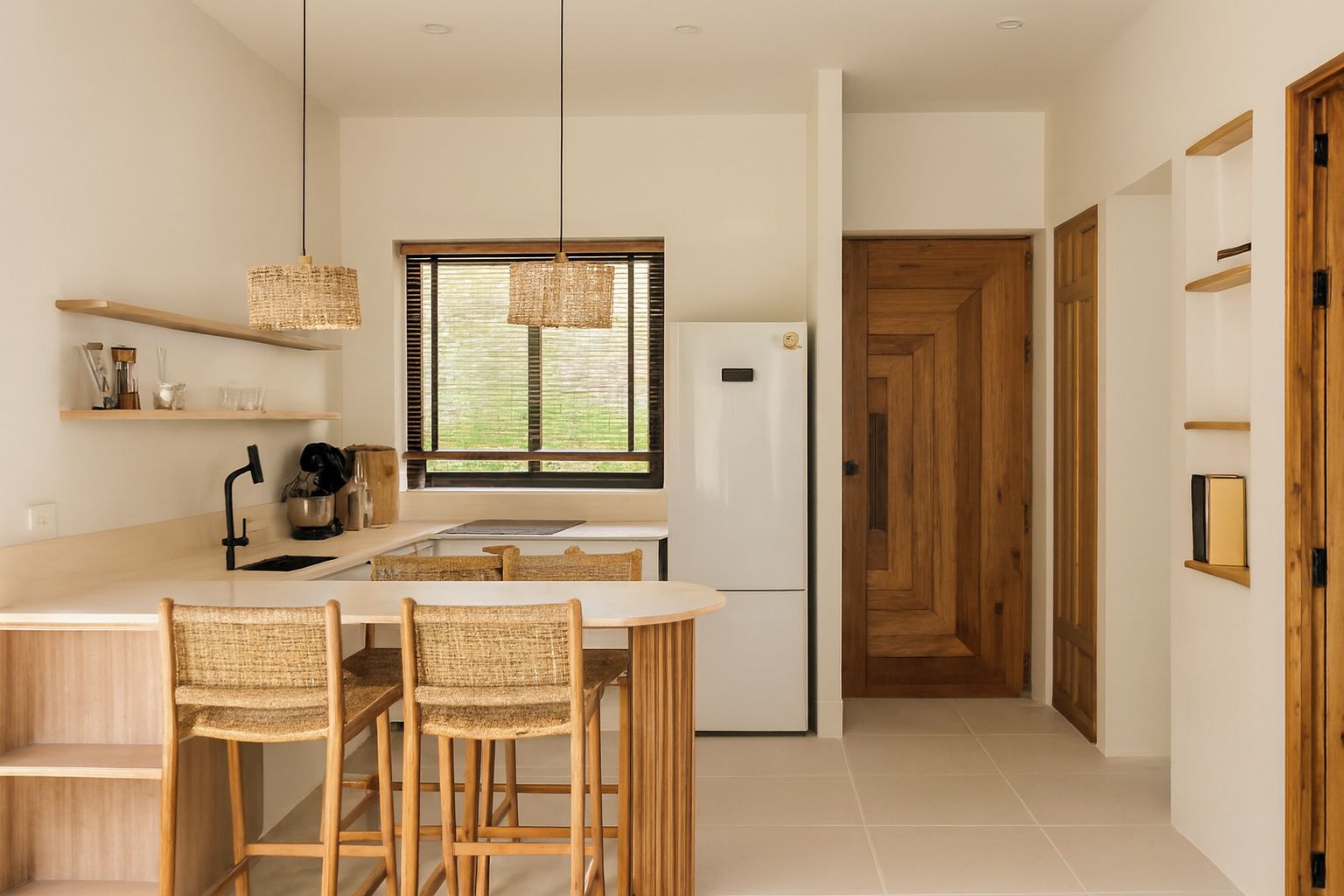
Zillow Rental Manager has published photo tips for landlords. They recommend at least 10 to 15 high-quality photos, shooting in daylight with blinds open and lights on, using wide shots to show each room, decluttering first, and including outdoor space.
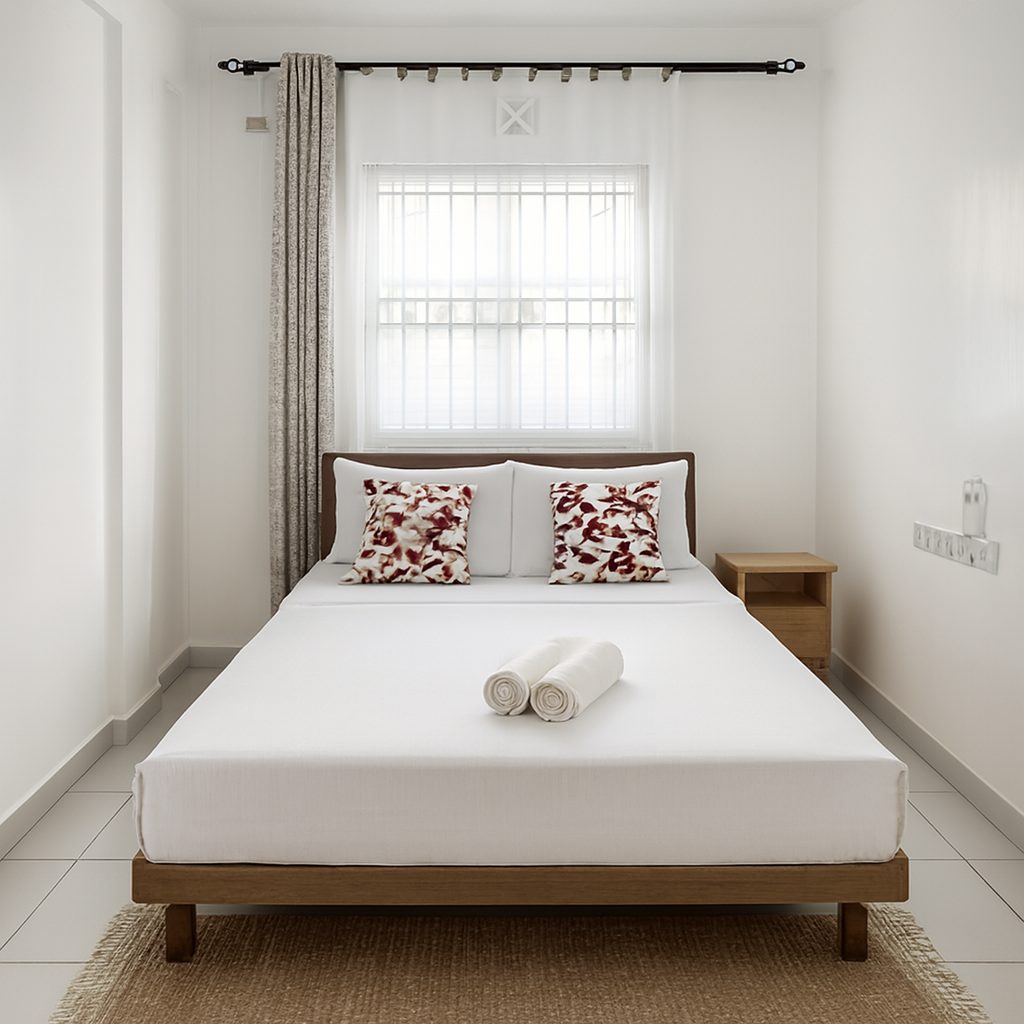
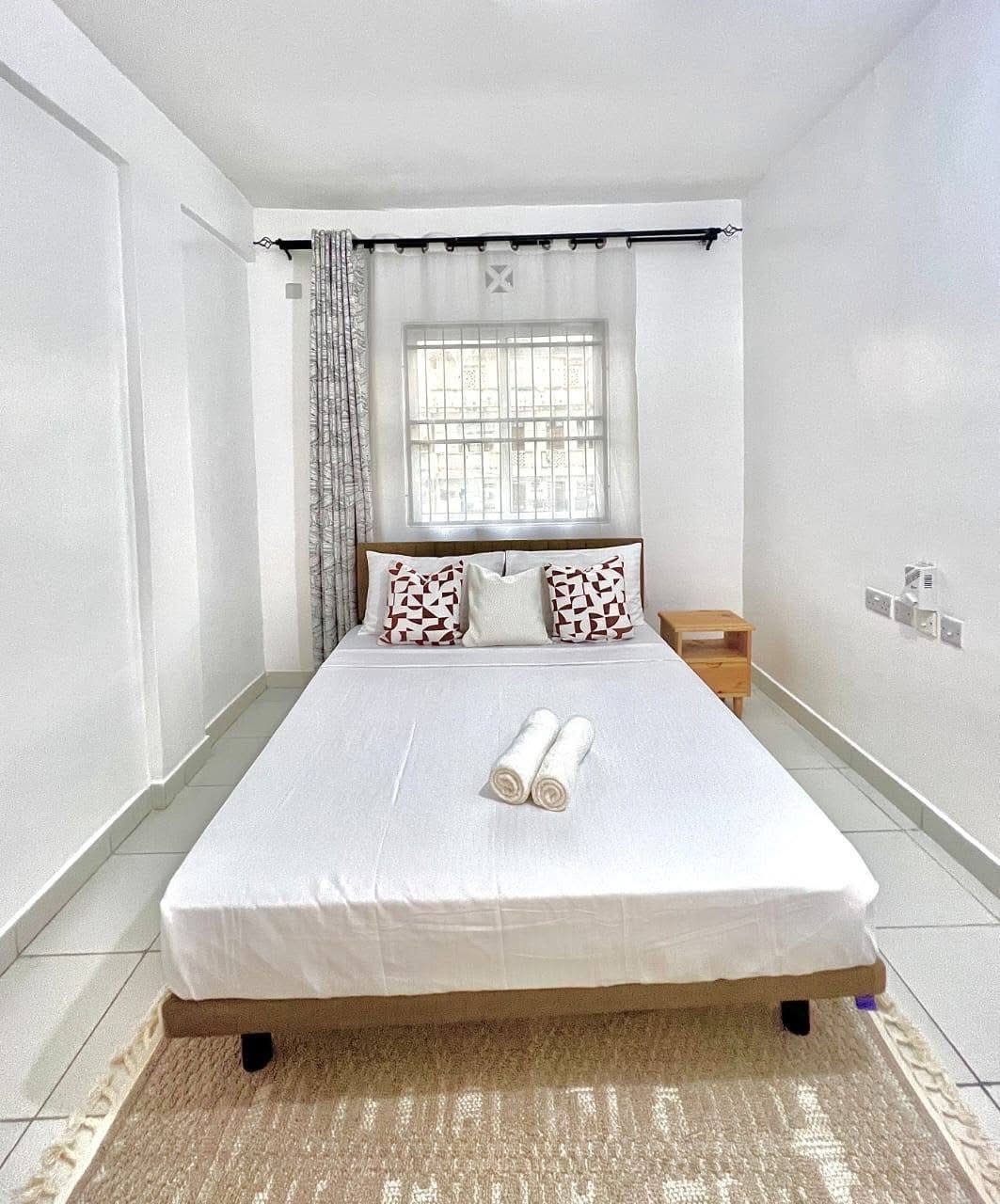
They also advise limiting editing, because heavy brightness or contrast changes can misrepresent a property. Correcting exposure, colour and straightness so the photo matches the room is different from changing the room.
What Apartments.com's help pages say
Apartments.com's help centre says there is no limit to how many photos property managers can upload to a unit or floor plan. How many renters see depends on the ad package: Basic listings show 5 photos, and higher packages show more, up to unlimited.
Photos must be placed in an album before they appear on the listing, and you set the order by dragging and dropping. The help pages we checked do not list file types or minimum sizes, so check the upload screen for current limits.
A shot list that works on both sites
If your package only shows the first few photos, put the brightest, widest rooms first.
- The main living space, from the corner that shows the most floor
- The kitchen, with worktops cleared
- Every bedroom, one wide shot each
- Each bathroom, from the doorway
- Laundry, storage, parking or outdoor space, if the rent includes them
- The front of the building in daylight
How to take the photos on your phone
- Shoot in daylight with curtains open and every light on
- Hold the phone sideways (landscape) at chest height
- Use the main 1x lens rather than the ultra-wide, which bends walls at the edges
- Keep the phone level so walls stay upright
- Send the original file, not a screenshot or a copy sent through a messaging app, which can be much smaller
Make them clear, keep them accurate
Renters who arrive at a unit that looks worse than its photos walk away, and that costs you time on every viewing.
ProLister corrects dark exposure, colour casts and tilted lines in phone photos, and never adds, removes or changes anything in the room.
Frequently asked questions
What size should Zillow rental photos be?
Zillow's help page suggests 1536 x 1152 pixels for best quality, with a minimum of 330 x 220 pixels and files under 50 MB. A recent phone photo is usually larger than that already.
How many photos should a Zillow rental listing have?
Zillow Rental Manager's photo tips recommend at least 10 to 15 high-quality photos.
How many photos show on Apartments.com?
It depends on your ad package. Apartments.com says you can upload as many as you like, but a Basic listing shows 5 photos and higher packages show more.
Can I use the same photos on Zillow and Apartments.com?
Yes. The same well-lit, accurate photos work on both. Keep the set current on every site so renters see the same unit everywhere.