Tip 1: Treat the lead photo as your storefront
On Airbnb, Vrbo and Booking.com, the first image is the entire storefront. It appears in search results next to a dozen competitors, and it alone decides whether anyone sees the other twenty photos.
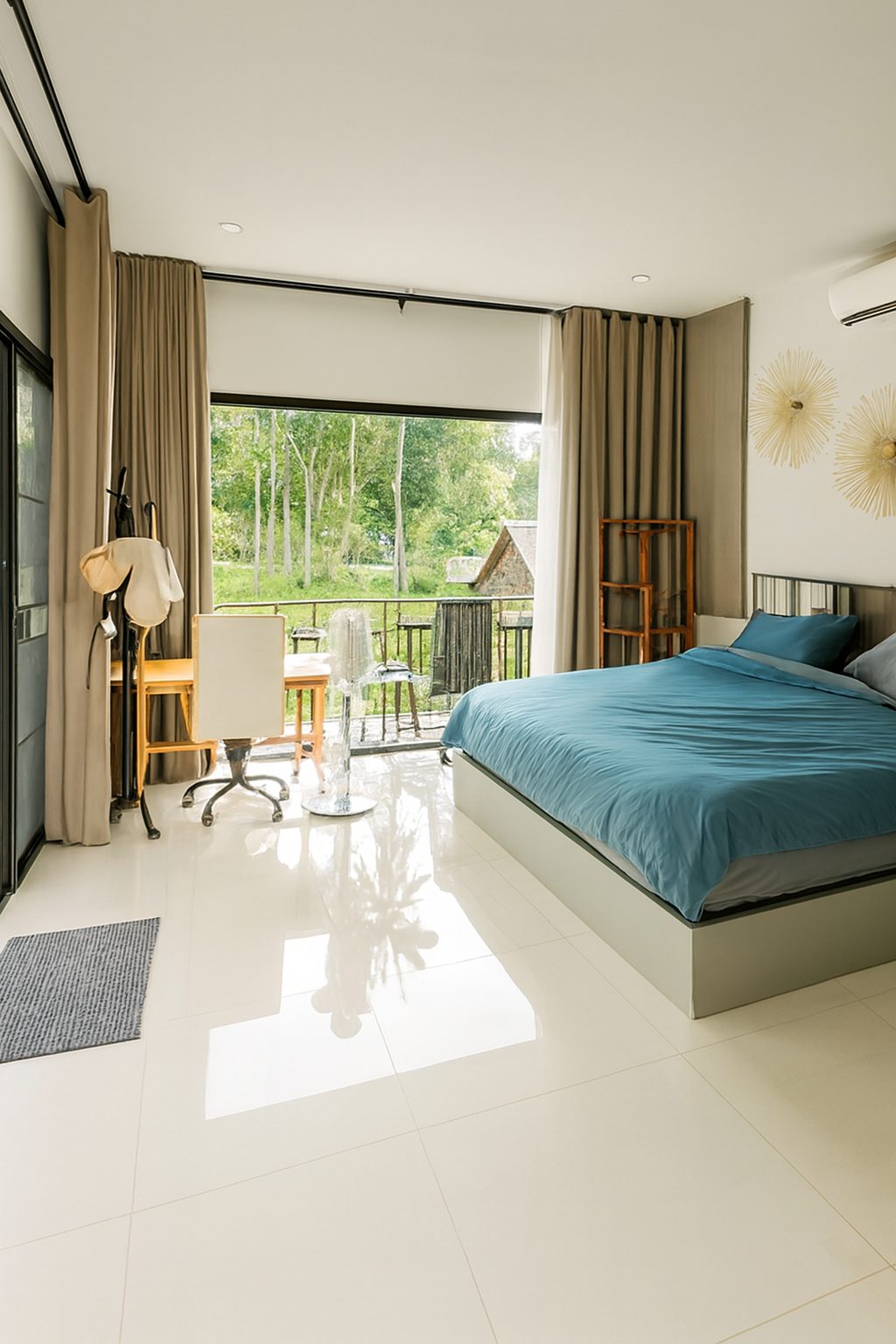
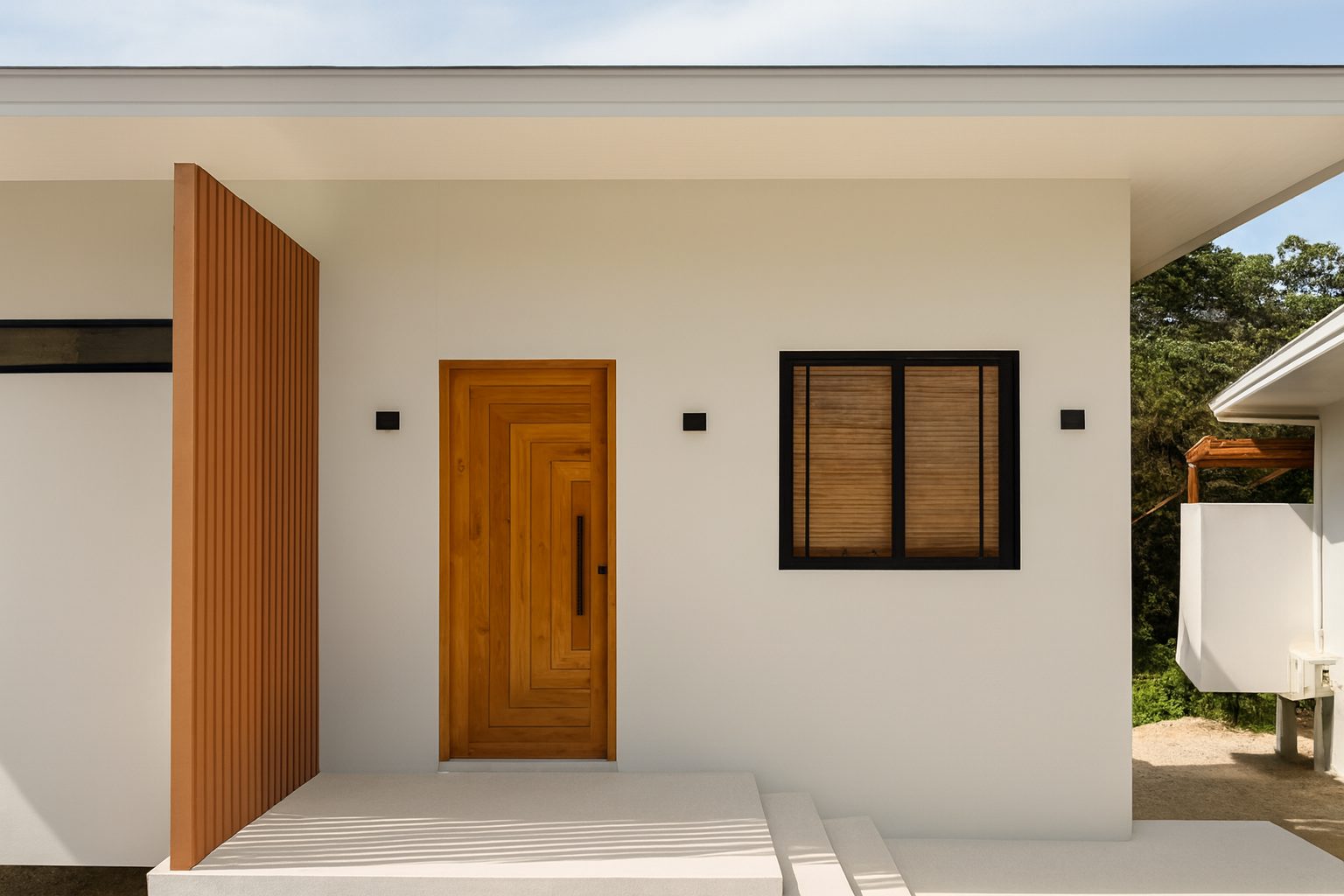
Your lead should be the brightest, most spacious, most distinctive shot you have - usually the main living area or the view, not the front door. Test it by shrinking it to thumbnail size: if it still reads clearly, it will earn clicks.
Tip 2: Shoot with one kind of light
Mixed lighting - warm lamps fighting cool daylight - is the number one cause of amateur-looking vacation rental photos. Open every curtain and switch the lamps off, or close the sheers and switch everything on. Never both.
Soft daylight wins for interiors. Mid-morning and late afternoon give you bright rooms without hard sun patches on the floor.
Tip 3: Declutter like a guest is arriving in ten minutes
Cables, bins, fridge magnets, toiletries and personal photographs shrink a room and distract the eye. Clearing surfaces improves a photo more than any camera or editing step - and it is free.
Style lightly after clearing: aligned cushions, a folded throw, a simple table setting. The goal is 'ready to move into', not 'styled for a magazine'.
Tip 4: Cover every space a guest pays for
Guests scroll looking for gaps. If the bathroom is missing, they assume the bathroom is the problem. Photograph every room, plus the entrance, outdoor space, parking and any shared amenity they can use.
Fifteen to twenty-five photos is the sweet spot for a full property - enough to build trust, few enough that every image stays strong.
Tip 5: Shoot corners, not walls
Stand in a corner and shoot toward the opposite corner. Two walls in frame gives the eye depth and a true sense of room size; a flat shot of one wall tells the viewer nothing.
Hold the camera at chest height and perfectly vertical. Walls that lean inward are the fastest way to make a nice rental look like a snapshot.
Tip 6: Order the gallery like a walkthrough
After the lead photo, arrange images in the order a guest would move through the property: living area, kitchen, bedrooms, bathrooms, outdoor space, details. A logical sequence lets viewers build a mental map - and a mental map is what turns browsing into imagining a stay.
Tip 7: Sell the experience, not just the rooms
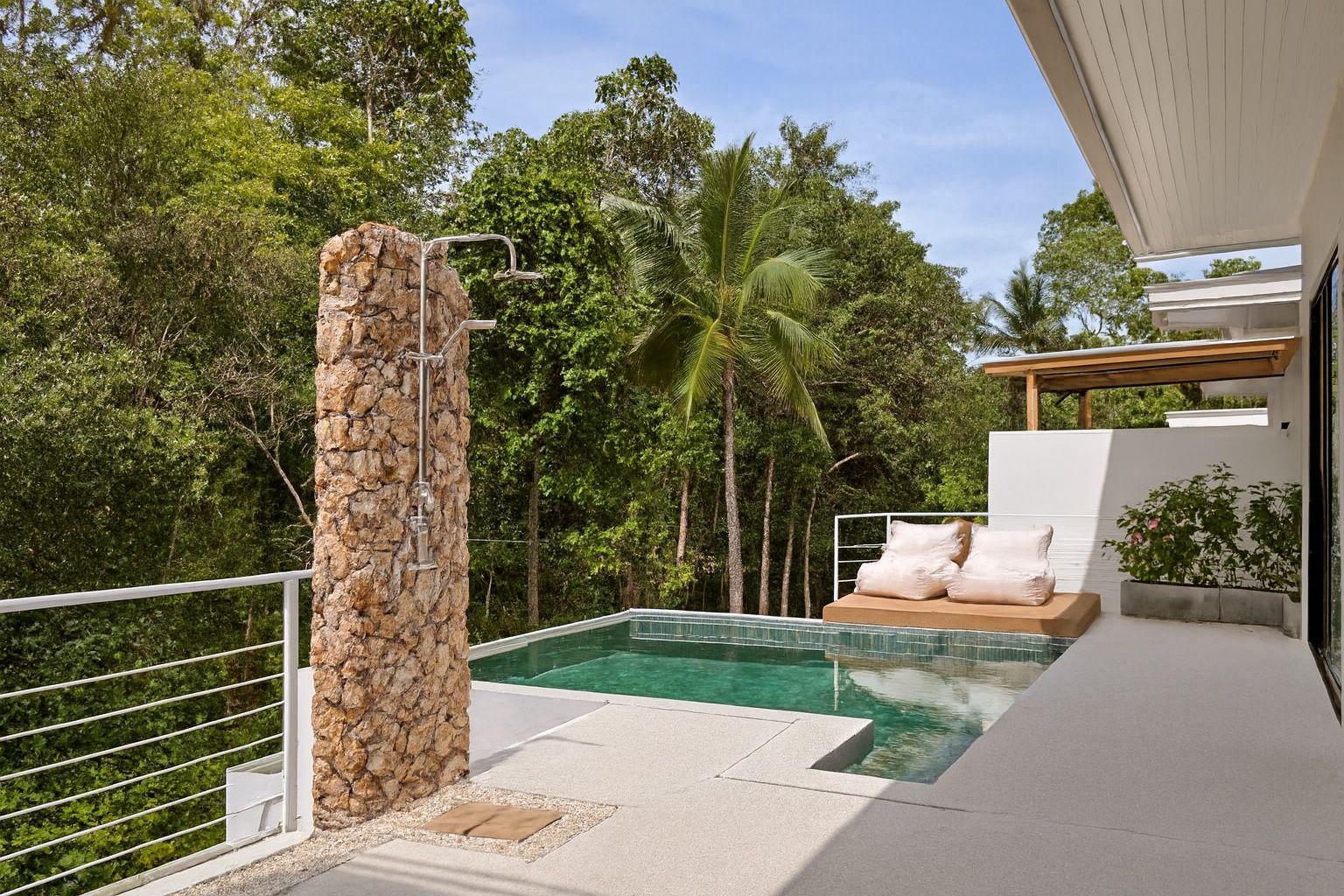
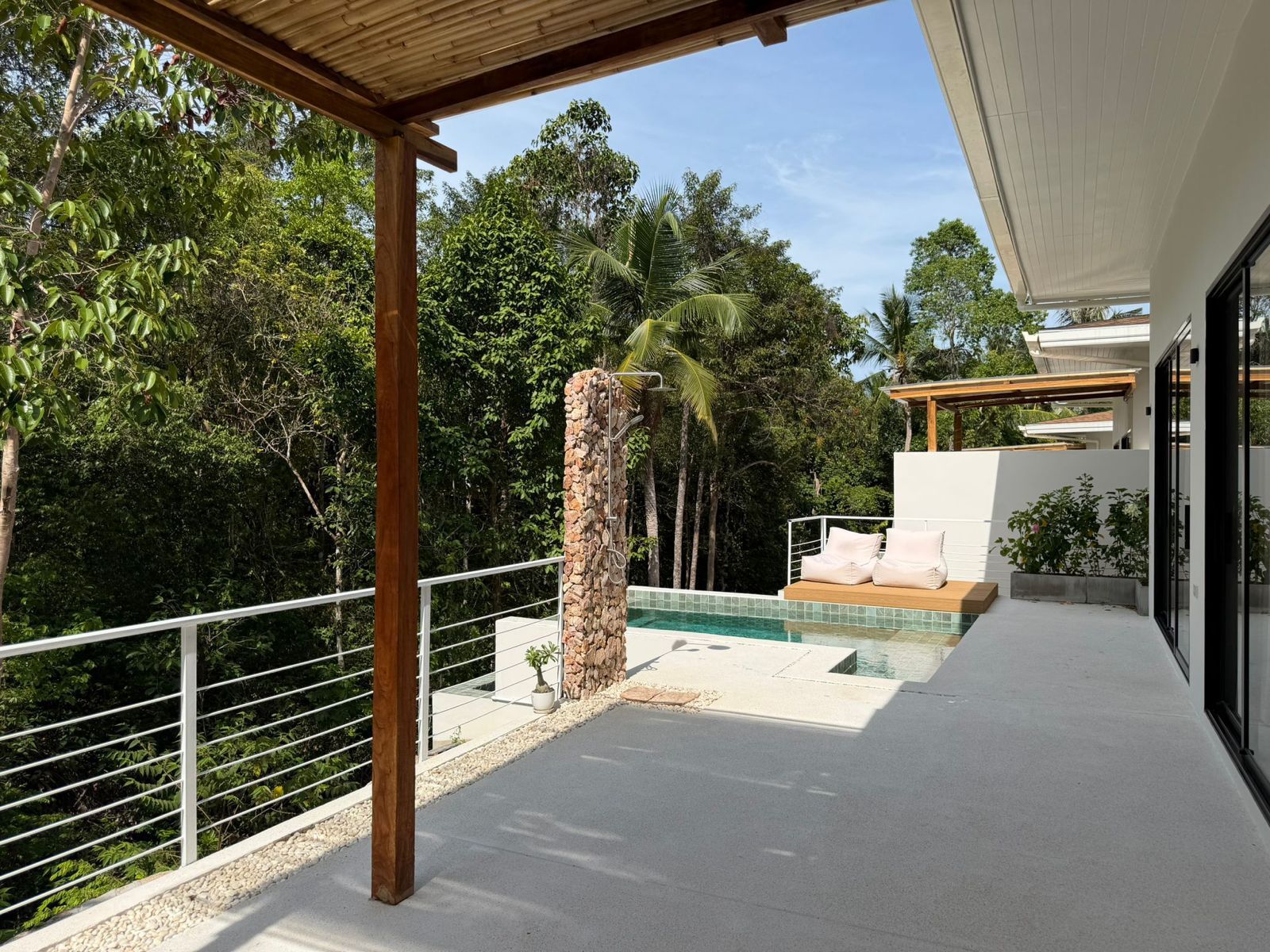
Vacation rentals are bought on feeling. Include the shots that carry the holiday promise: the terrace at coffee time, the reading corner, the view from the bed, the pool in good light.
Keep these honest - stage them with what the property actually offers. A coffee tray on the balcony table is fair game; a sunset that is not visible from the property is not.
Tip 8: Add two or three detail shots
Close-ups of the espresso machine, quality linens or a welcome basket answer the question 'is this place cared for?' without a single word. Two or three details per listing is plenty - they season the set, they should not dominate it.
Tip 9: Make the whole set match
Photos taken at different times with different light produce a chaotic gallery even when each image is fine on its own. Brightness, contrast and colour temperature should feel identical across all twenty photos.
This is the hardest tip to do manually and the easiest to automate - a consistent finishing pass is exactly what AI enhancement applies across an entire set.
Tip 10: Never publish an unfinished photo
Every professional property photo you have ever admired was edited: exposure balanced, colour neutralised, verticals straightened. Publishing raw phone photos puts your listing next to finished ones - and the comparison is not kind.
ProLister applies that finishing pass in seconds per image: the room stays exactly as it is, only the technical quality is corrected to the standard guests expect from top listings. Run your existing gallery through it and the set you already shot usually becomes the set you needed.
Bonus: Stay honest to protect reviews
Enhancement should make the property look like its best real day, not like a different property. Do not remove permanent fixtures, hide damage or add furniture that is not there. Guests who arrive to a space that matches the photos leave better reviews.
Bonus: Test your lead photo like an ad
Open your listing on a phone and look at it in search results next to nearby competitors. If your thumbnail does not stop the scroll, nothing else in the listing will. The lead photo is your ad creative - treat it accordingly.
Frequently asked questions
How many photos should a vacation rental have?
There is no official ideal number; Airbnb asks for at least five photos to get started. Our practical recommendation for most properties is roughly 15 to 30. Include every room, key amenities and outdoor spaces, sequenced as a guest would walk through.
Can I use AI to enhance vacation rental photos?
Yes. AI enhancement corrects light, colour and geometry quickly, making a whole gallery look professionally edited without changing the property itself.
Which photo should be first on my vacation rental listing?
The brightest, most spacious and most distinctive shot you have - usually the main living area or the standout view. It appears in search results, so it must earn the click on its own.
Is it worth hiring a professional photographer for a vacation rental?
For premium properties, often yes - presentation matters more where guests compare closely. For most rentals, carefully shot phone photos plus a proper enhancement pass reach a very similar standard at a fraction of the price.
How often should I update my listing photos?
Whenever the property changes - new furniture, fresh paint, seasonal outdoor spaces - and at least once a year. Fresh, accurate photos also help guests know exactly what to expect.
Do enhanced photos break Airbnb or Vrbo rules?
No. Correcting light, colour and clarity is standard practice and fully allowed on every major platform, as long as the photos still represent the real space accurately.