Camera settings to turn on first
Open Settings, then Camera. Two switches help most with interior photos.
- Grid: overlays lines on the viewfinder so you can keep door frames and walls upright
- Level: on recent versions of iOS, shows a line that turns yellow when the phone is held level
- Flash: leave it off for room photos; it creates harsh shadows and reflections
Which lens to use
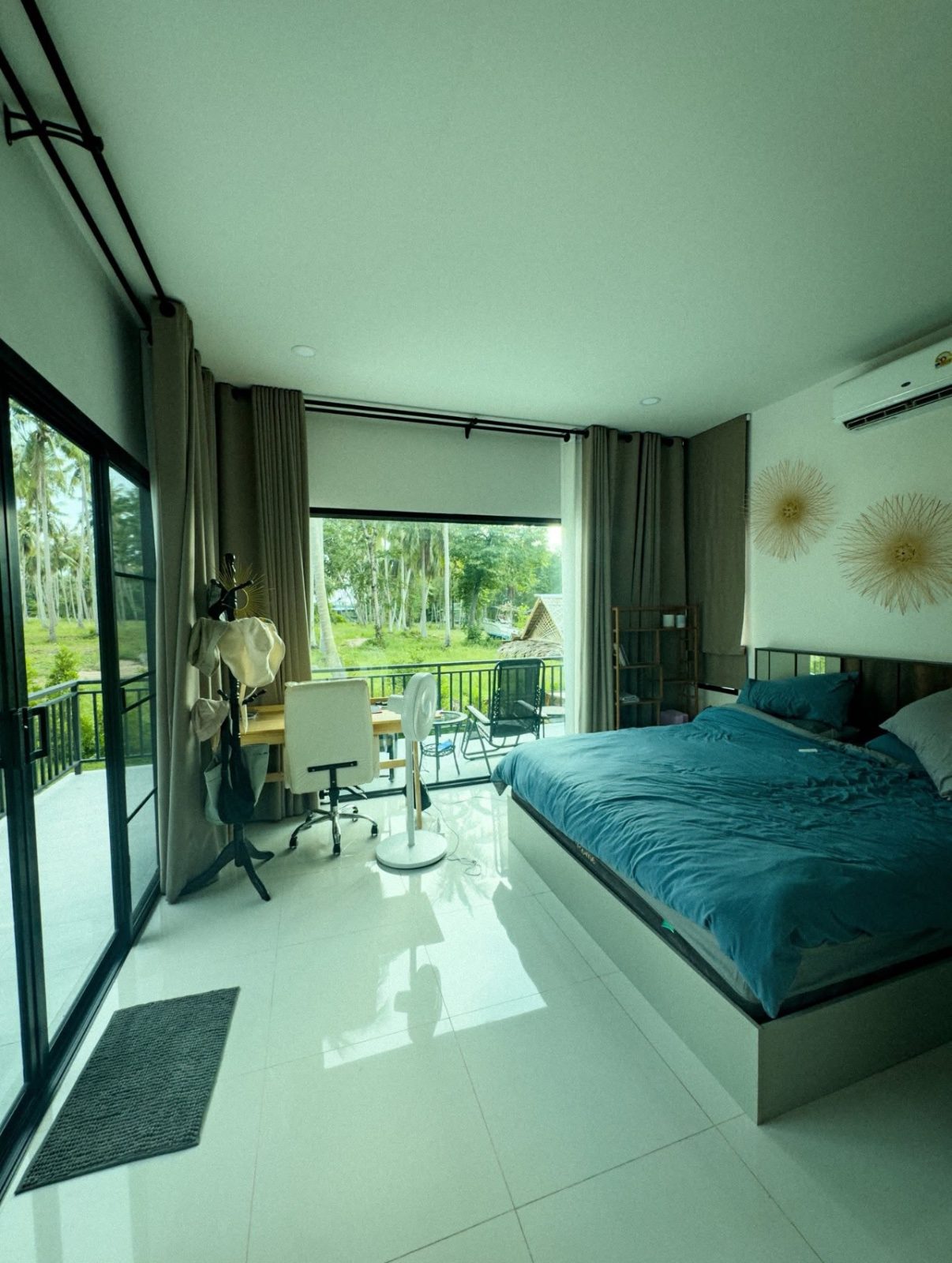
Use the main 1x lens for most rooms. The ultra-wide 0.5x lens fits more in, but it bends the edges of the frame and makes rooms look bigger than they are, which can disappoint guests when they arrive.
If a room is too small to show with the 1x lens, step back into the doorway or shoot from the corner rather than switching lenses.
How to hold and frame the phone
- Hold the phone sideways (landscape): Airbnb and Vrbo display listing photos wider than they are tall
- Shoot from chest height, roughly level with door handles
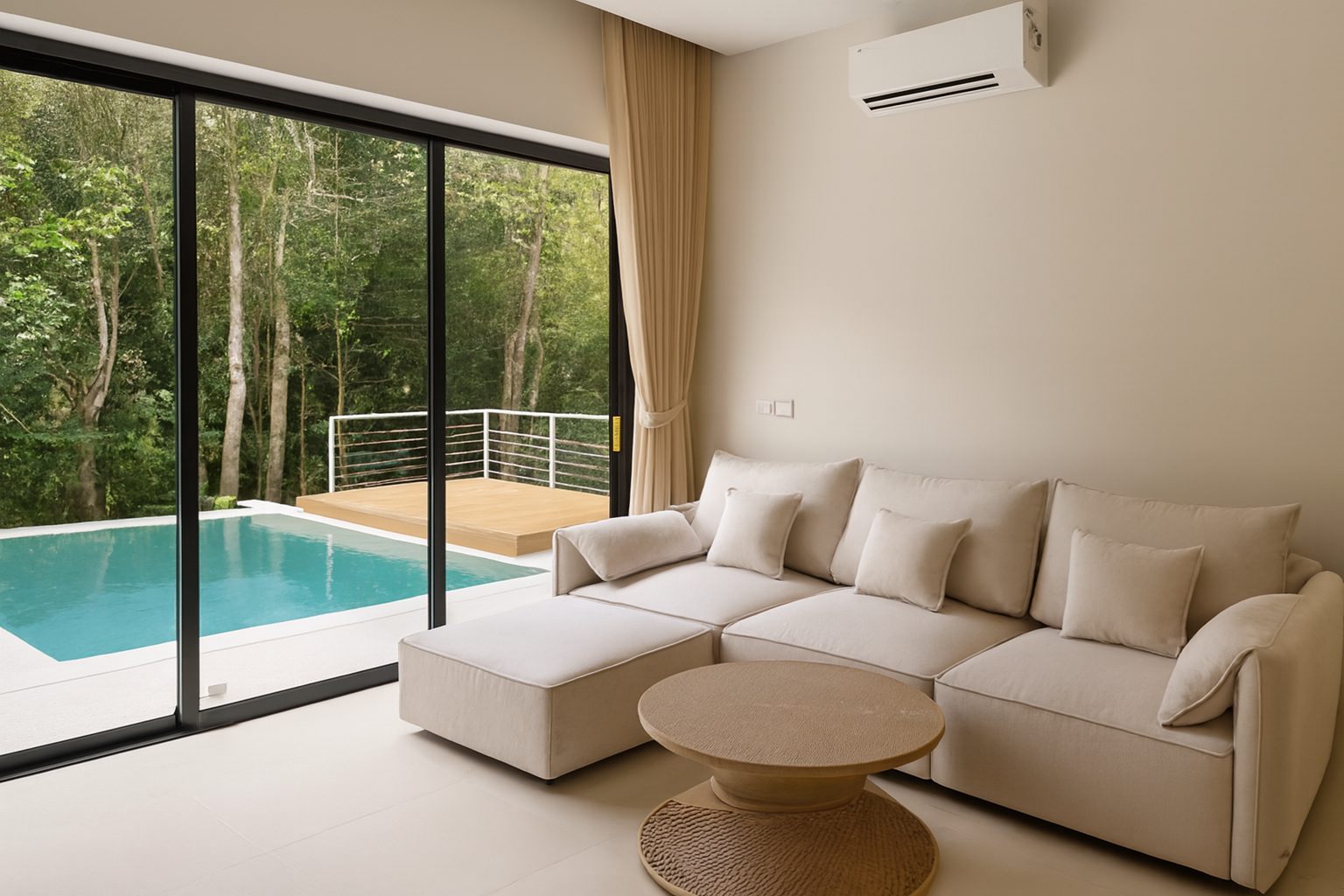
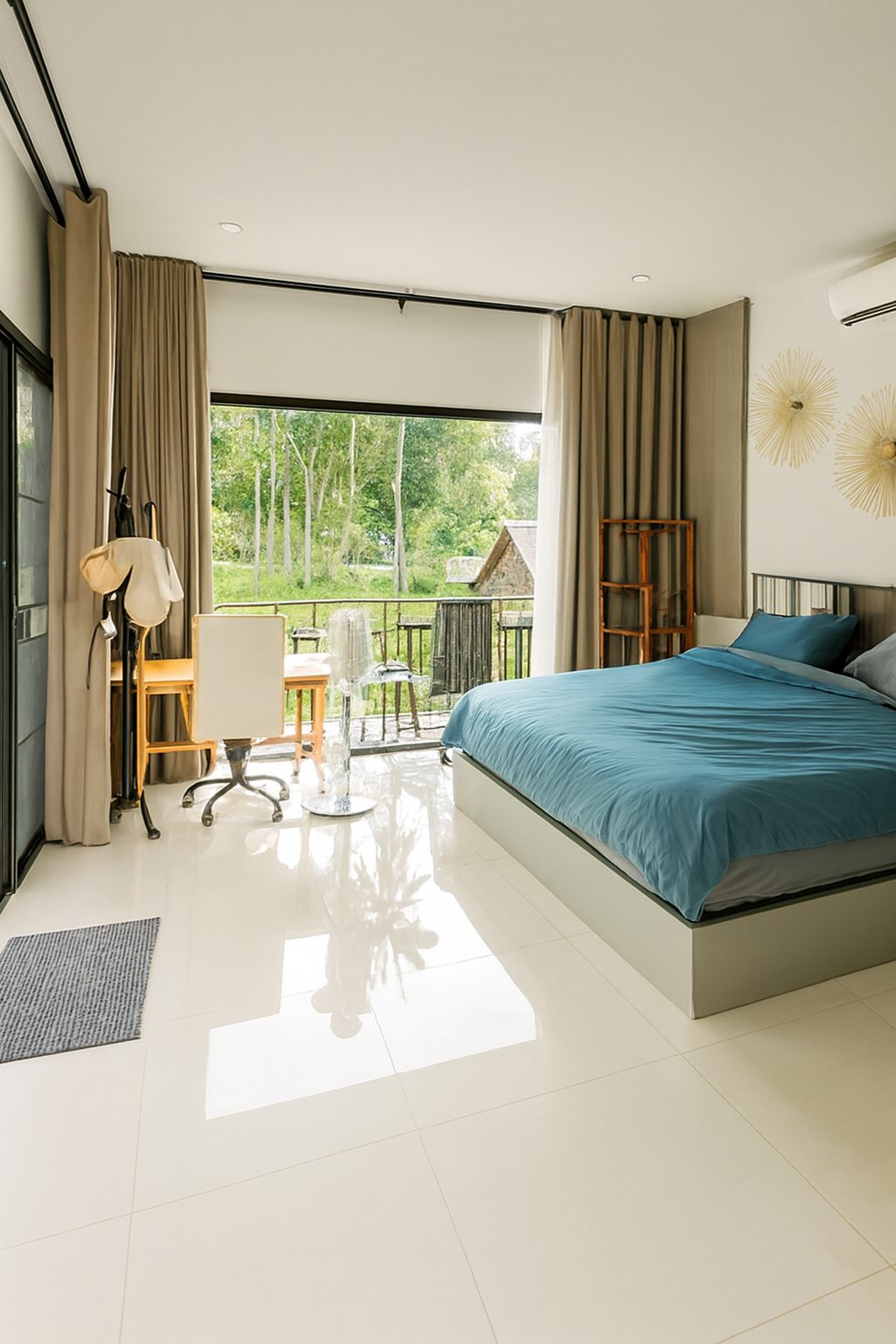
- Stand in a corner so the shot shows two walls and as much floor as possible
- Keep the phone straight up and down so walls do not lean
- Take a few versions of each shot and pick the best later
Exposure: stop the window turning white
Touch and hold on the screen over a mid-tone part of the room, such as a wall or the sofa, to lock focus and exposure. Then drag the sun icon up or down to brighten or darken the shot before you take it.
Avoid tapping on the window itself. The iPhone will expose for the bright outdoors and the room will come out dark.
Light and timing
- Shoot in daylight, when the room gets its best natural light
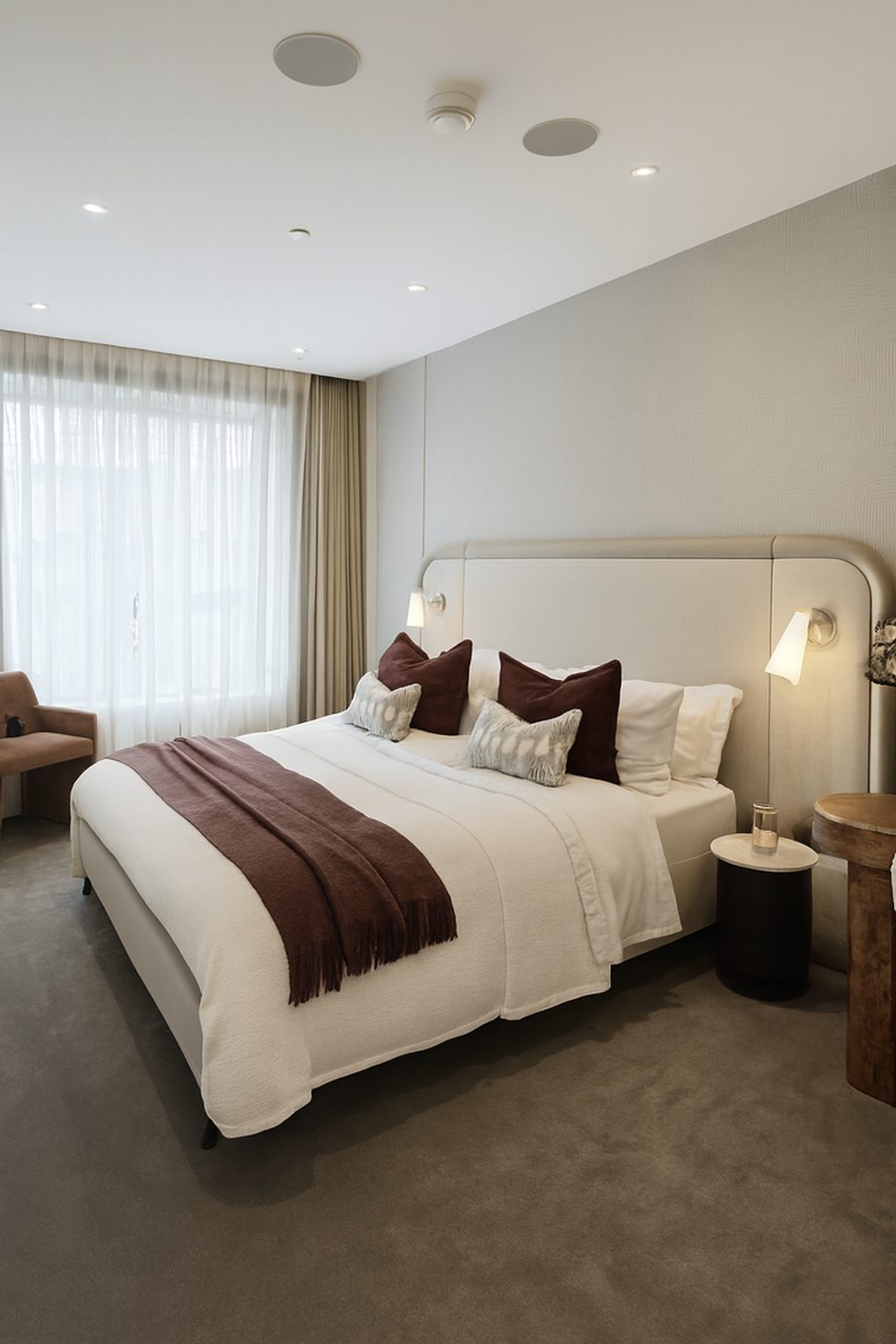
- Open curtains and blinds fully and switch on every lamp and ceiling light
- Avoid times when direct sun falls in hard patches across the floor or bed
Fix light and lines afterwards
Even careful iPhone photos of rooms often come out with dim corners, a yellow cast from lamps or walls that lean slightly. ProLister corrects exposure, colour and verticals in seconds, and never adds, removes or changes anything in the room.
Frequently asked questions
Do I need the latest iPhone for listing photos?
No. Any recent iPhone with a decent main camera is enough. Light, framing and keeping the phone level matter more than the model.
Should I use the 0.5x ultra-wide lens for small rooms?
Usually not. It makes rooms look larger than they are and bends the edges. Use the 1x lens and shoot from a corner or the doorway instead.
Should I use Portrait mode or filters?
No. Portrait mode blurs parts of the room and filters change the colours. Guests want to see the room as it is.
Can ProLister fix photos I have already taken?
Yes. Upload the photos you already have. ProLister corrects light, colour, perspective and clarity without changing what is in the room.