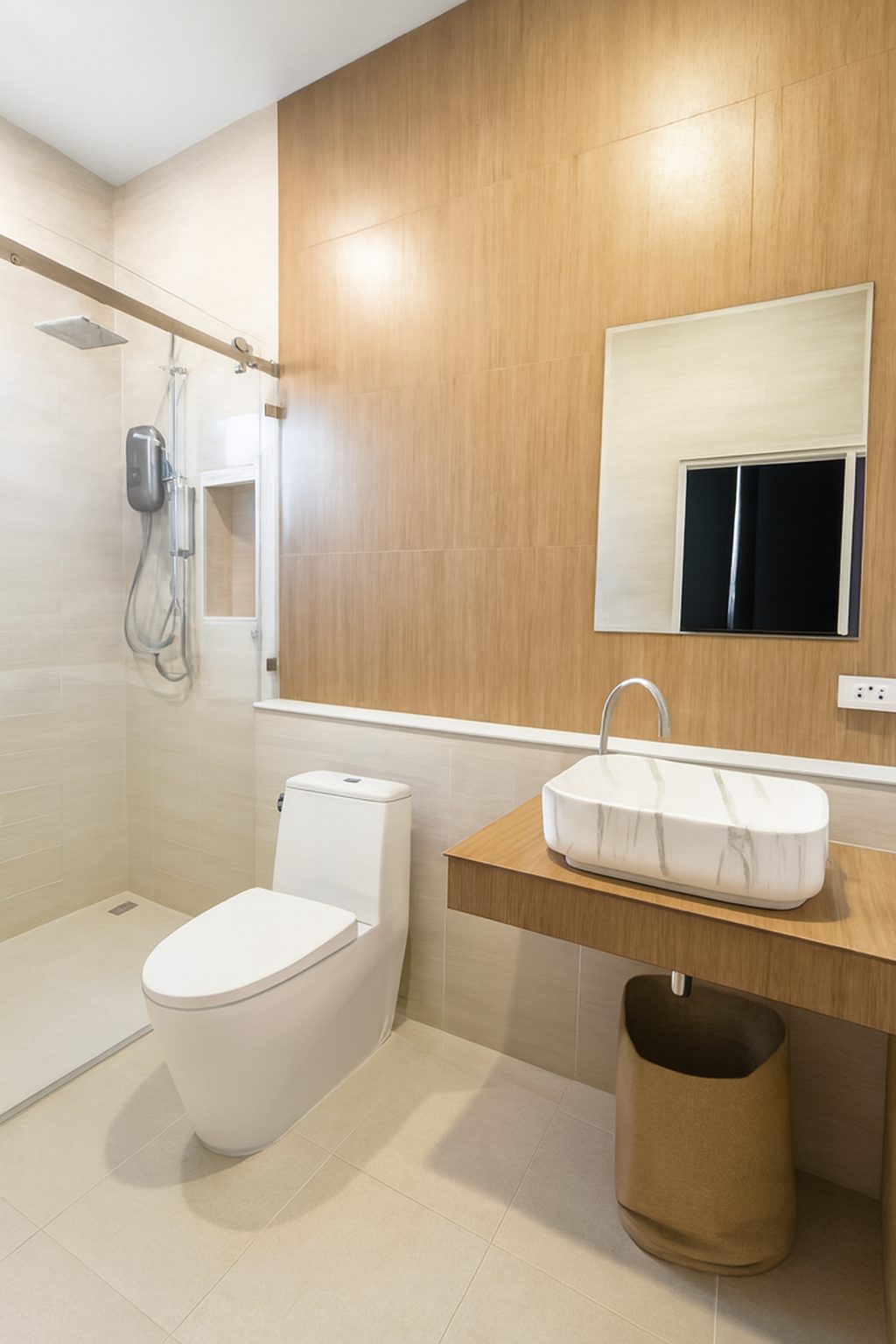
Set up the room before you shoot
- Open curtains and blinds fully and switch on every light and lamp
- Clear coffee tables, side tables and floors of everyday items
- Straighten cushions and throws, and hide cables where you can
- Make the bed with smooth, plain bedding and matching pillows
- Close wardrobe doors and remove anything on the floor
Living room: where to stand
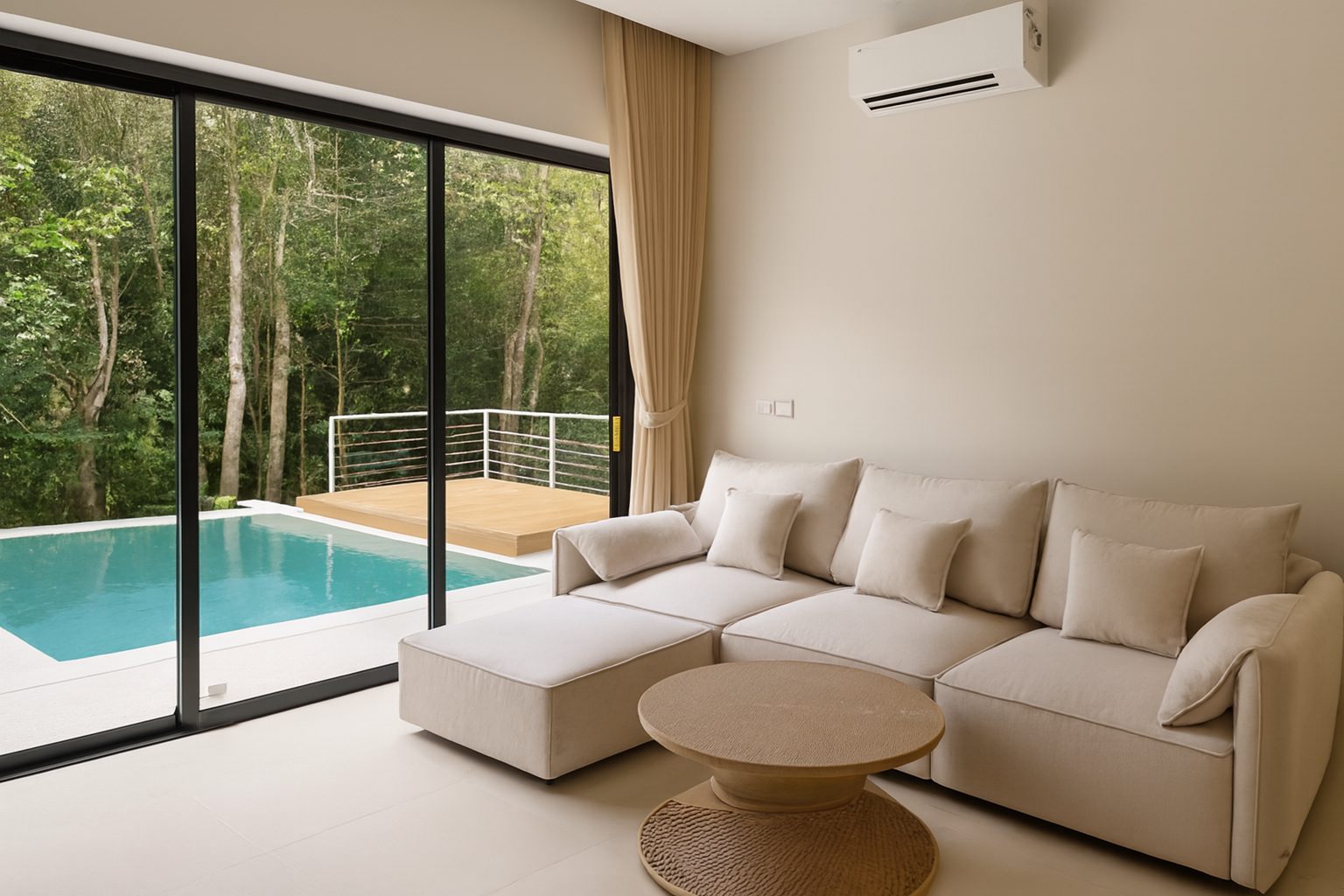
Stand in the corner that shows the most floor and the main seating, usually with your back to the wall opposite the sofa. If the room opens into a kitchen or dining area, include a glimpse of it so people understand the layout.
Take a second photo from the opposite corner. Two angles of a living room are usually enough.
Bedroom: where to stand
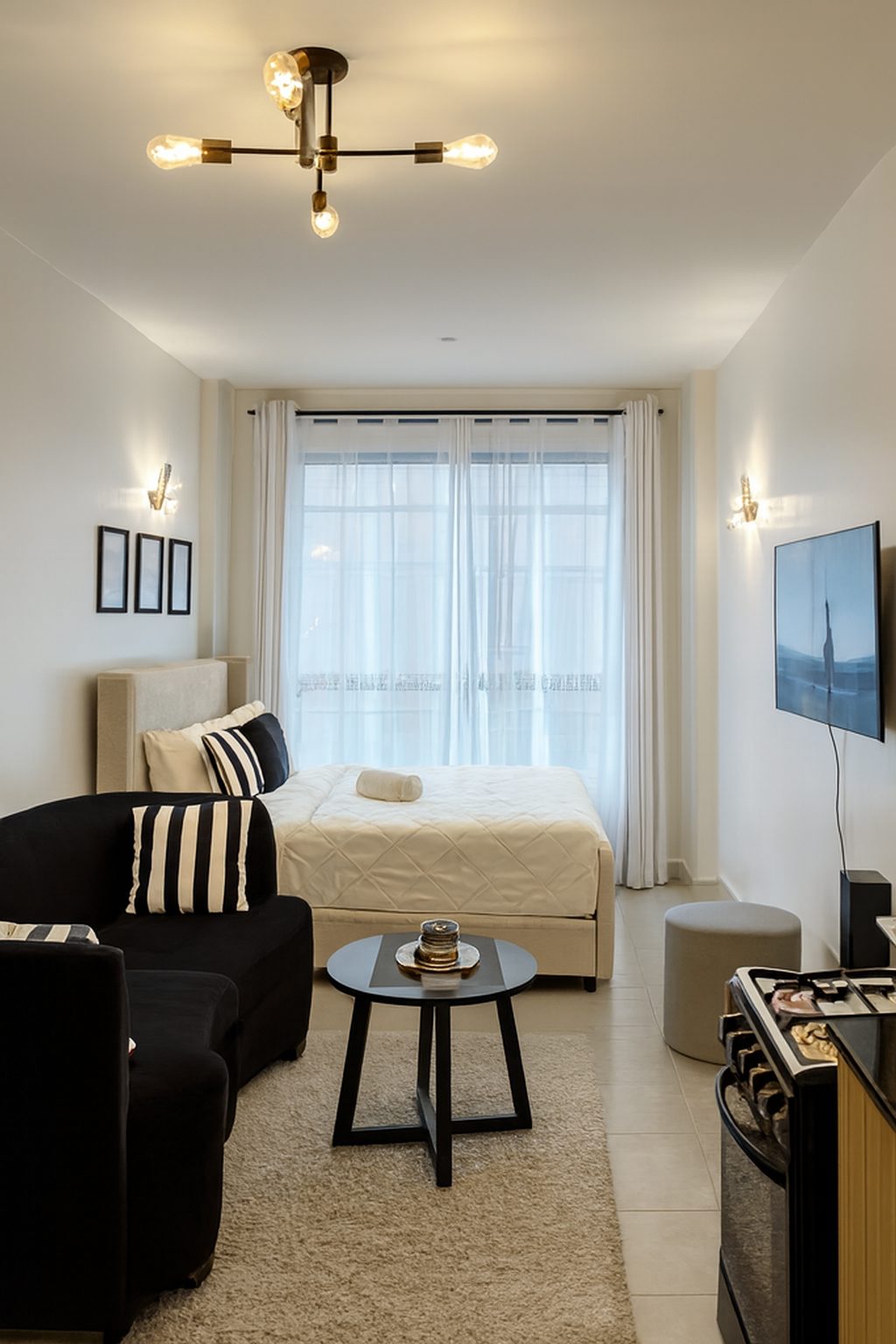
Shoot from the corner opposite the bed, so the bed sits at a slight angle and both sides are visible. A straight-on shot of the end of the bed makes most bedrooms look narrow.
If there is a window with a view, include it, but do not shoot straight into it. Stand so the window sits to one side of the frame.
Phone settings and height
- Hold the phone at chest height, roughly level with door handles
- Hold it sideways (landscape) and keep it level so walls stay upright
- Use the main lens: the ultra-wide makes rooms look bigger than they are and bends the edges
- Tap the screen on a mid-tone area to set exposure, not on the window
- Turn off the flash
Fix light and lines afterwards
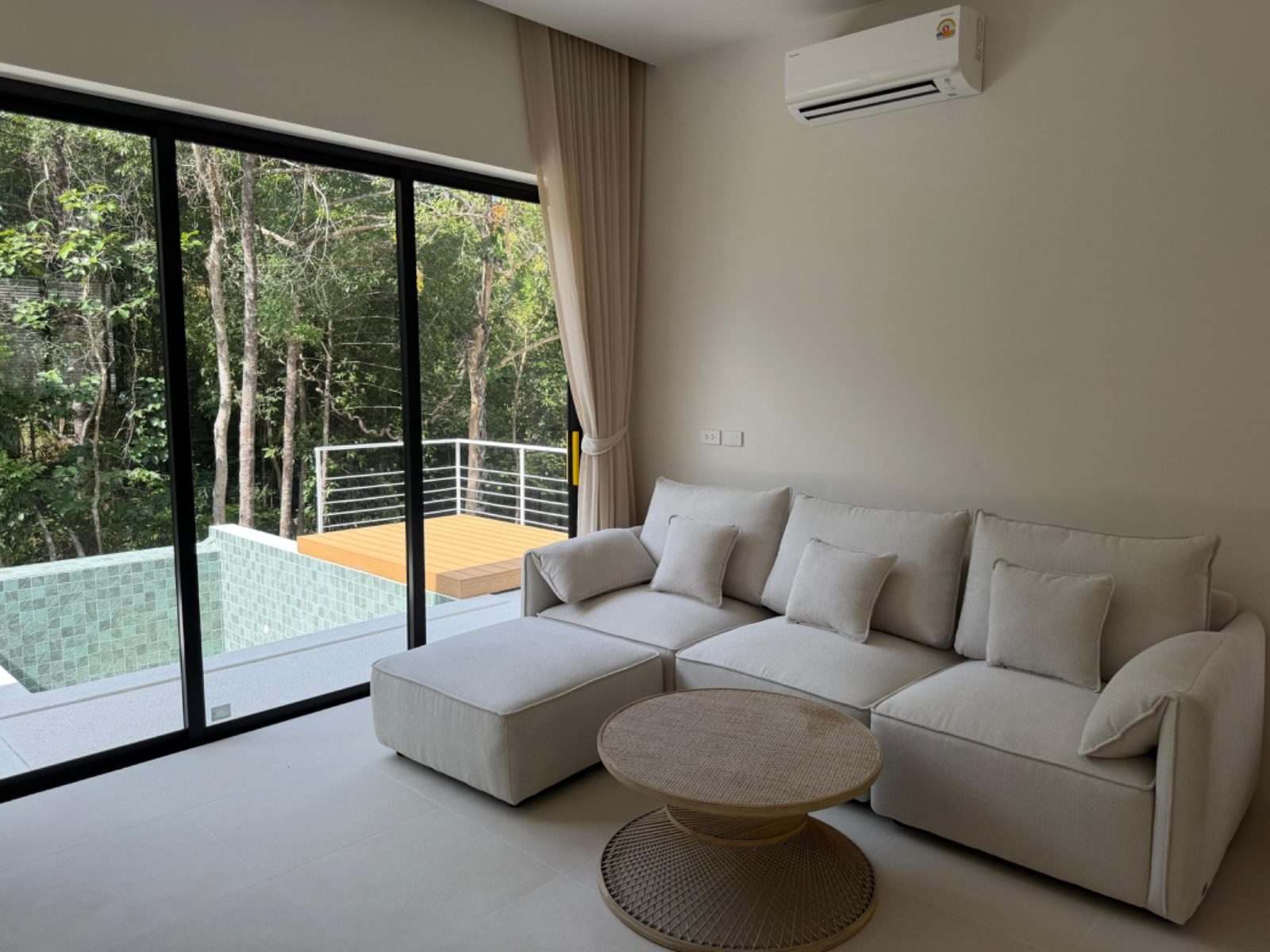
Even careful phone photos of living rooms and bedrooms often come out dim, with a yellow cast from lamps and walls that lean slightly. ProLister corrects exposure, colour and verticals in seconds, and never adds, removes or changes anything in the room.
Frequently asked questions
What time of day is best for living room photos?
When daylight is strongest in that room, usually late morning or early afternoon. Avoid times when direct sun falls in hard patches across the floor or furniture.
Should I turn the lights on in daytime photos?
Yes. Lamps and ceiling lights fill in dark corners and make rooms feel welcoming. Turn on every light in the shot.
How many bedroom photos do I need?
Usually one wide shot per bedroom, plus a second angle for the main bedroom if it has a feature such as a view, a desk or an en suite.
Will ProLister make my room look bigger?
No. It does not stretch or reshape the room. It corrects light, colour and straightness so the room looks the size it really is.