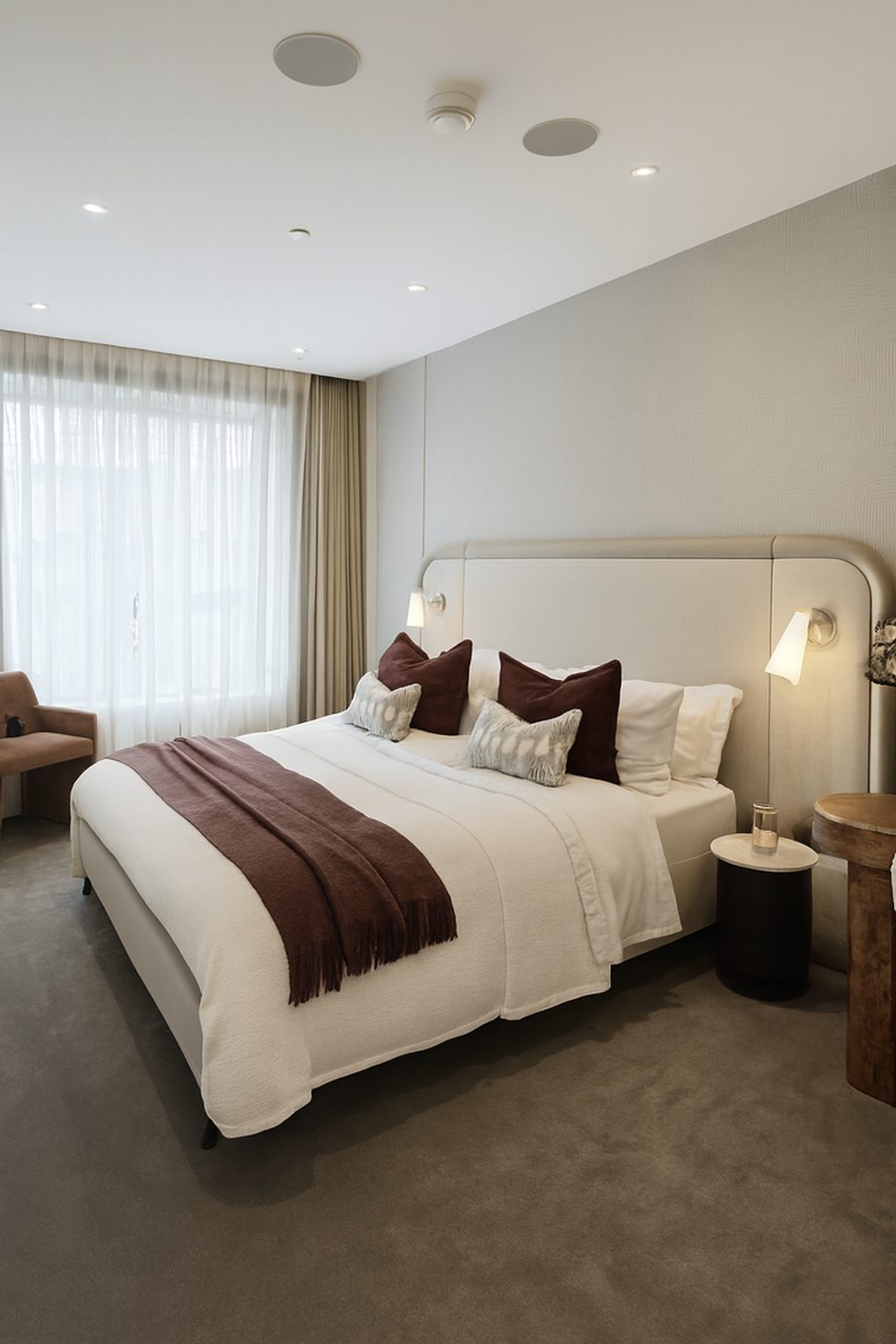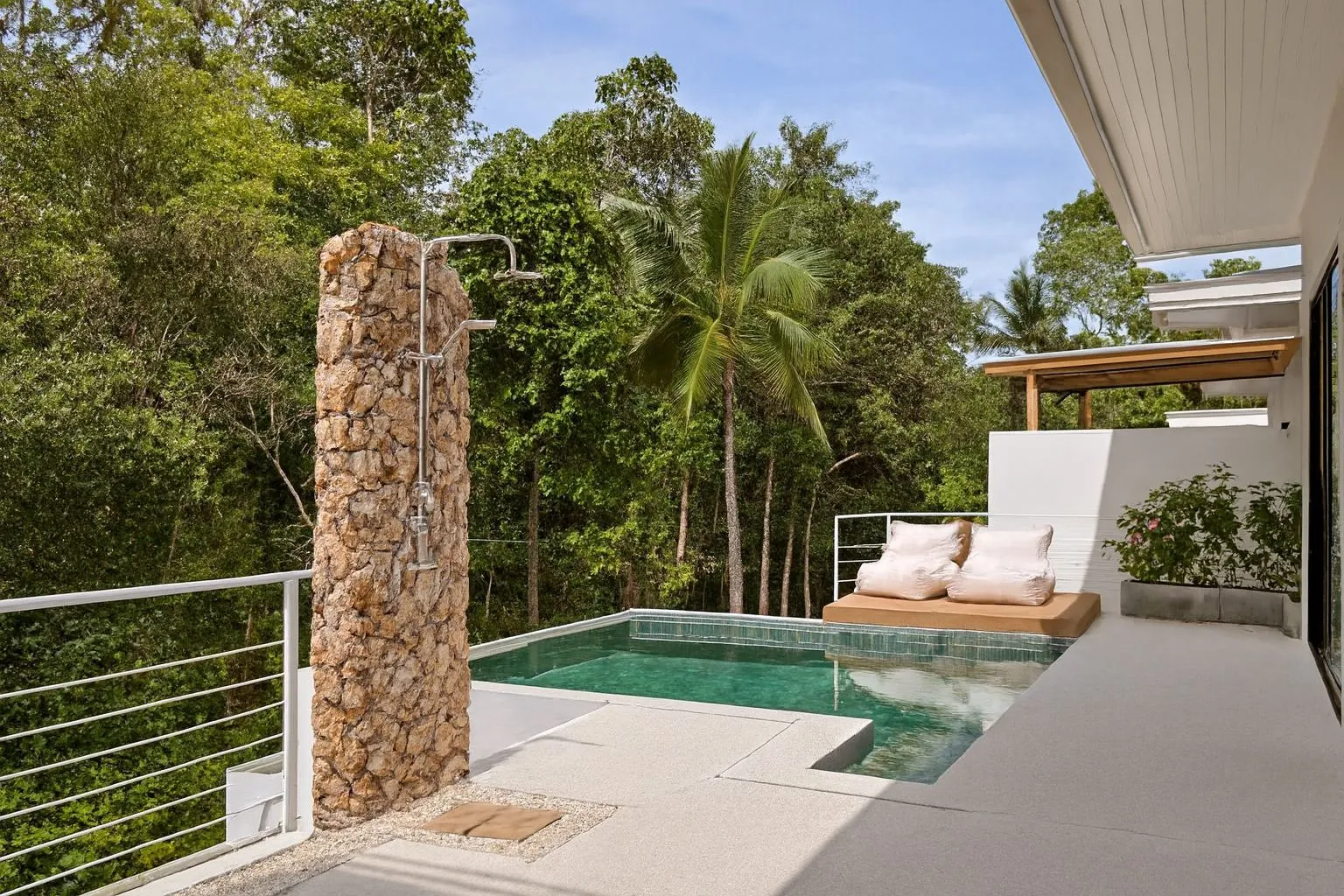
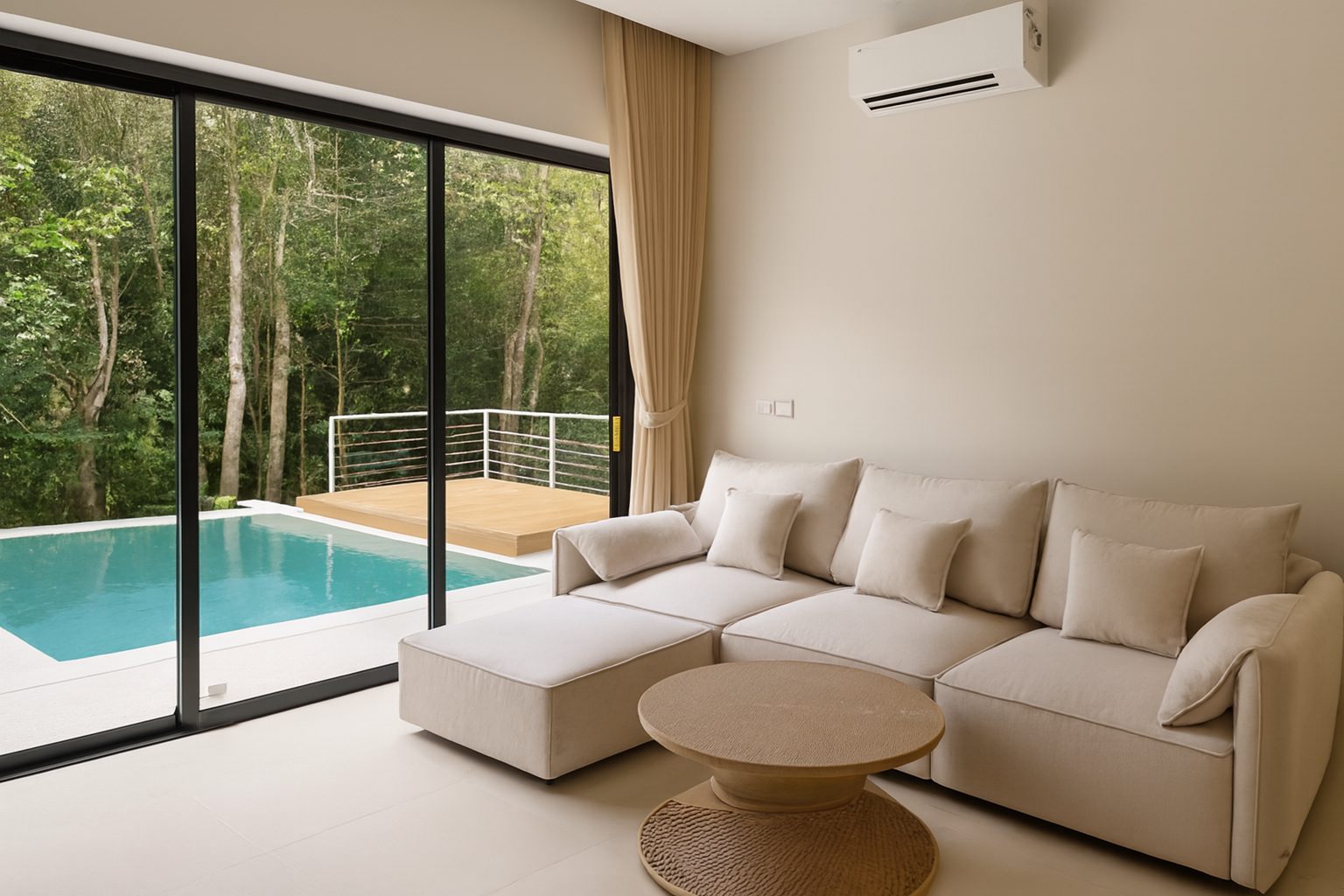
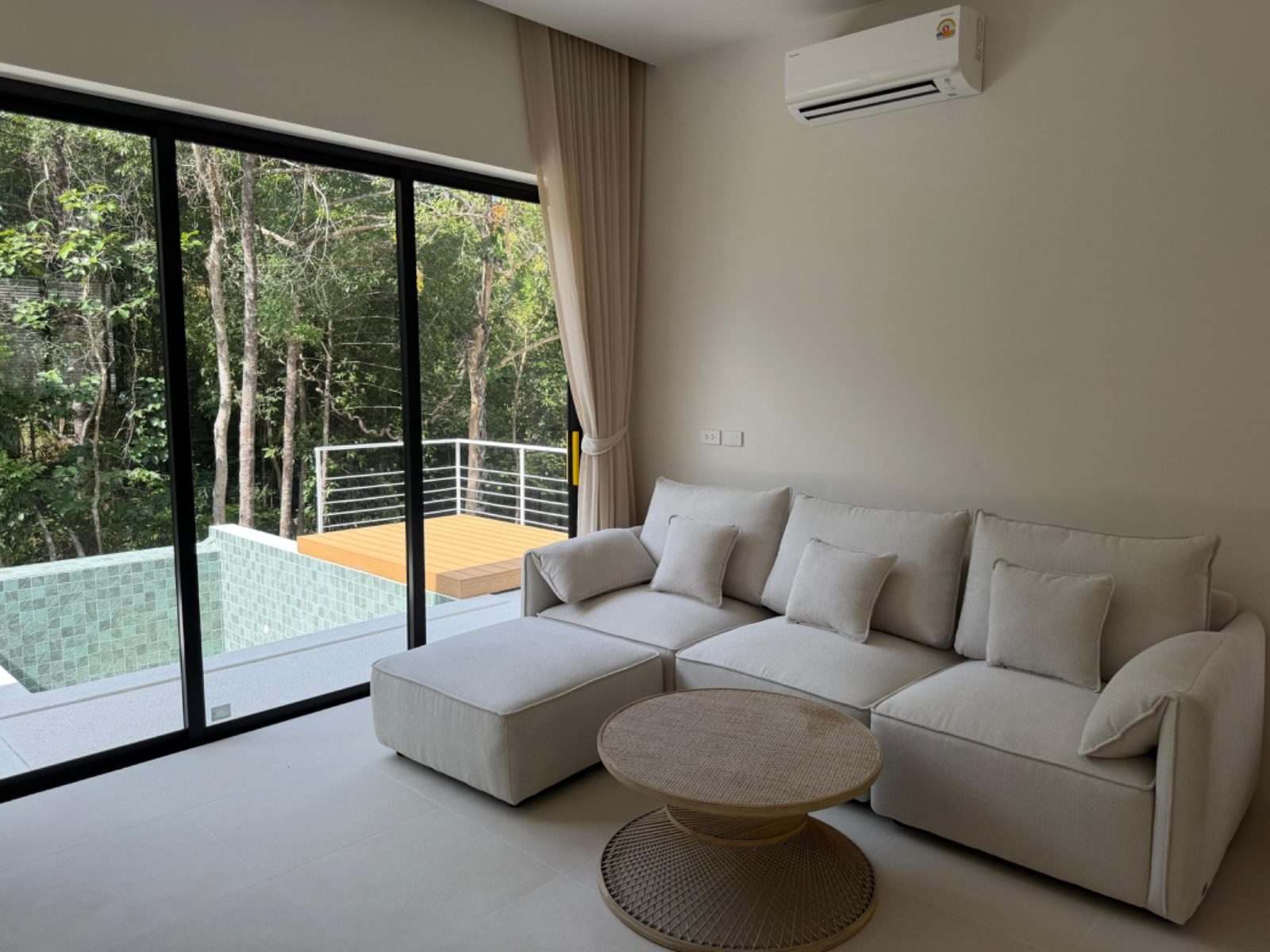
Vrbo photo requirements at a glance
These are the points Vrbo states on its own help pages, plus the Expedia Group content policy that applies to Vrbo. Links to each page are in the sources at the end.
| Topic | What Vrbo says | Where |
|---|---|---|
| Minimum size | At least 1024 x 683 pixels | Help: Vrbo photo guidelines |
| Recommended size | 3840 x 2160 pixels or higher | Help: Vrbo photo guidelines |
| File formats | JPEG, PNG, WebP, AVIF or SVG | Help: Vrbo photo guidelines |
| Minimum photos | At least 6 unique photos; duplicates are removed and not counted | Help: Vrbo photo guidelines |
| Orientation | Horizontal displays best; vertical is accepted | Help: Vrbo photo guidelines |
| Cover photo | Your first photo is the one travellers see in search results | Help: Manage your listing photos in the owner mobile app |
| Accuracy and AI | AI-generated or AI-edited content must not misrepresent a property | Expedia Group Partner Provided Content Policy |
Photo size and format
Vrbo's minimum is 1024 x 683 pixels, and it recommends 3840 x 2160 pixels or higher. Most recent phones shoot above that in their standard photo mode, so size is rarely the problem.
Quality is usually lost after the shot: photos forwarded through messaging apps, screenshots, or heavy crops of a wide photo. Upload the original files or full-resolution exports. Vrbo also advises against Portrait Mode, because it adds blur.
At least 6 unique photos
Every Vrbo listing needs at least 6 unique photos, and duplicates are removed and not counted. Vrbo's help page warns that having fewer than 6 photos for more than 30 days can lead to an indefinite suspension.
The pages we checked do not set a maximum, and do not say that more photos rank higher. A practical approach is to cover every space guests can use, then add second angles only where they help.
Multi-unit properties have their own minimum: one building exterior photo, one interior or lobby photo, three guest room photos and one bathroom photo.
Orientation, cover photo and order
Vrbo says horizontal photos display best, although vertical photos are accepted. Turn the phone sideways for every room shot.
Your first photo is the one travellers see in search results. Vrbo also uses an AI-powered tool to choose the hero image and the order of your photos; its help page explains how to opt out if you want to keep your own order.
Photos Vrbo can reject
Vrbo's photo guidelines list the kinds of photos that can be rejected:
- Text overlays, such as URLs or contact information
- Graphic overlays, such as watermarks with logos or borders
- Collages or montages of several photos or listings
- Black-and-white or sepia photos
- Blurry or pixelated photos
- Close-ups
- Things that are not photos, such as documents, certificates, illustrations or posters (floor plans and property maps are allowed; area maps are not)
Editing, AI and accuracy
Vrbo's guidelines ask for sharp, well-lit, high-resolution photos. The pages we checked do not list which basic edits are allowed, such as brightness or colour correction, and do not mention virtual staging by name.
The line on misrepresentation is clear. Expedia Group's Partner Provided Content Policy, which applies to Vrbo, bans content that uses generative AI or AI editing tools to mislead or misrepresent a property, and content that exaggerates or omits material details. The same policy bans identifiable photos of children or other people without consent, and photos that show door codes.
ProLister works inside that line. It corrects light, colour and straight lines, and nothing in the room is added, removed or changed, so the photo shows the home guests will arrive at.
Check your photos before you upload
Run your gallery through the free Listing Photo Checker to catch dark rooms, tilted lines and missing spaces, then fix what you can before you publish.
Frequently asked questions
What size should Vrbo photos be?
At least 1024 x 683 pixels, and Vrbo recommends 3840 x 2160 pixels or higher. Any recent phone meets this if you upload the original file rather than a compressed copy.
How many photos does Vrbo require?
At least 6 unique photos. Duplicates are not counted, and Vrbo warns that a listing with fewer than 6 photos for more than 30 days can be suspended.
Can I put my logo or website on Vrbo photos?
No. Vrbo can reject photos with text overlays such as URLs or contact information, and graphic overlays such as watermarks with logos or borders.
Can I use AI to edit Vrbo photos?
Expedia Group's content policy, which covers Vrbo, bans AI-generated or AI-edited content that misrepresents a property. The pages we checked do not list approved edits, so keep every photo true to the property: correct light, colour and straight lines, and never add or remove features.
Does Vrbo choose my cover photo?
Vrbo uses an AI-powered tool to choose the hero image and photo order, and its help page explains how to opt out. Your first photo is the one travellers see in search results.
What changed, and what did not
This panel describes how ProLister's own enhancement behaves, based on our product testing on real listing photos. It is not independent industry research.
What changed in the photo
- Brightness and shadow detail in dark areas
- Colour temperature (orange or blue casts neutralised)
- Contrast and clarity
- Window exposure, so the view outside is visible
- Vertical alignment of walls and door frames
- Digital noise in darker rooms
What did not change
- The room's layout, dimensions and architecture
- Furniture, appliances and decor
- Wall, floor and worktop finishes and materials
- The view through the windows
- The property's condition, including wear and damage
- Anything the camera did not capture in the original frame
What AI can and cannot safely do to a listing photo
| Edit | Safe to publish? |
|---|---|
| Correct exposure, colour, contrast and verticals | Yes - standard photographic finishing |
| Recover blown-out windows and shadow detail | Yes - shows what a visitor's eye would see |
| Unify brightness and colour across a photo set | Yes - presentation only |
| Add or remove furniture, or restyle a room | Only as clearly labelled virtual staging |
| Erase damage, damp, cracks or wear | No - misrepresents the property's condition |
| Replace views, skies or seasons | No - changes what the property offers |
| Stretch or widen a room's apparent size | No - misrepresents the space |
The "safe" column reflects platform accuracy rules (see the sources below) and our editorial recommendation. Always check the current policy of each platform, MLS and local regulation you list on.